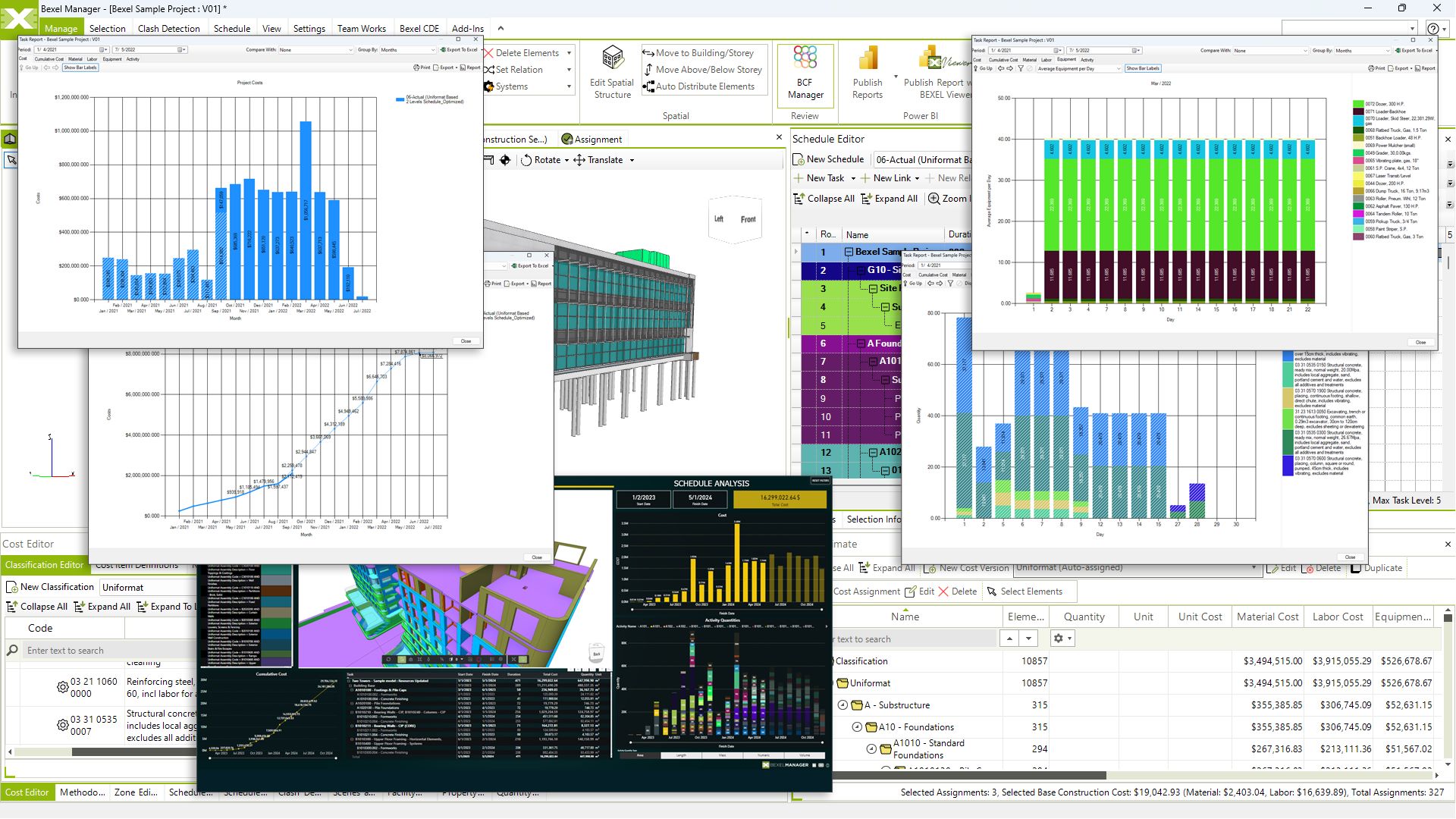
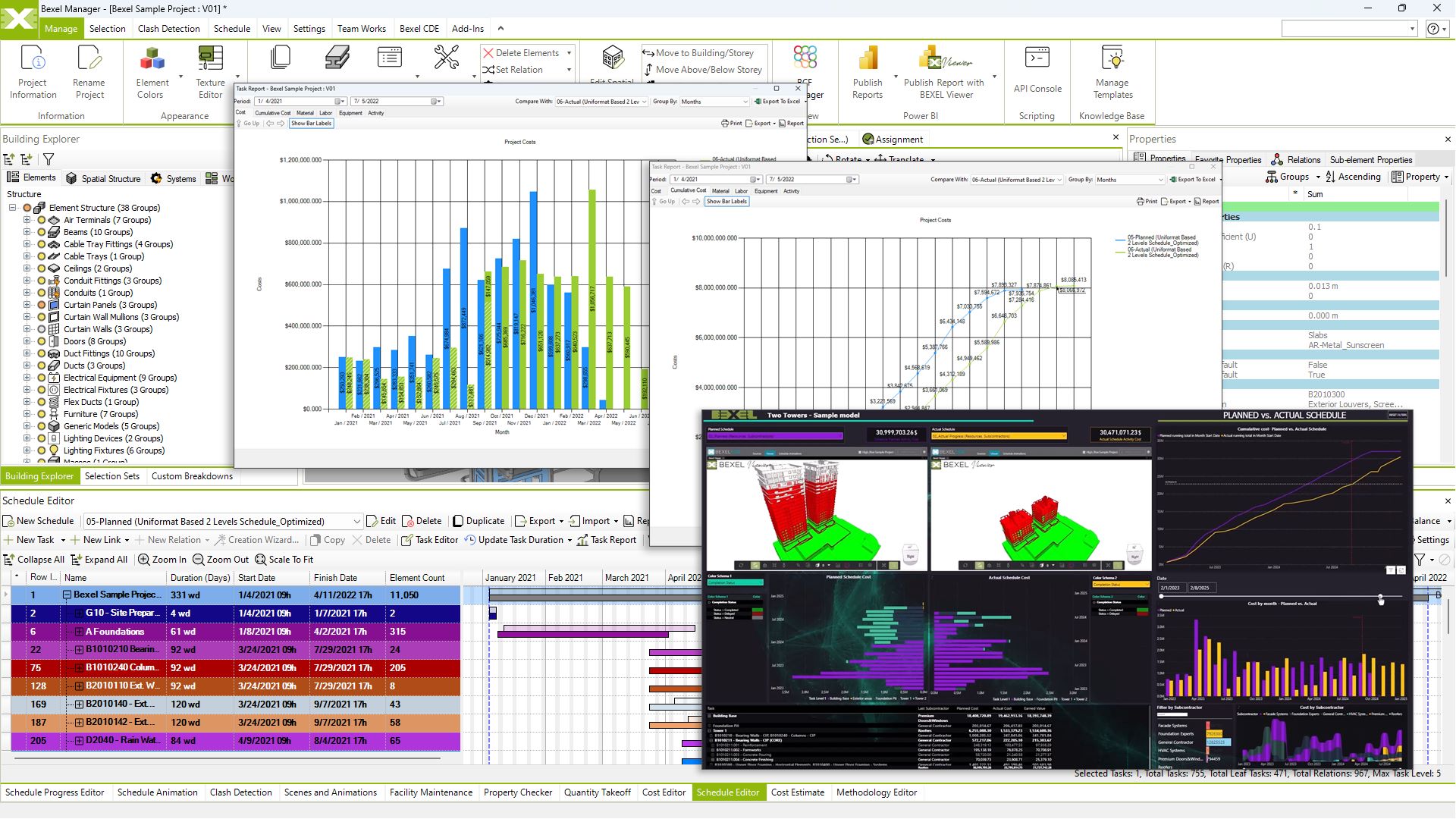
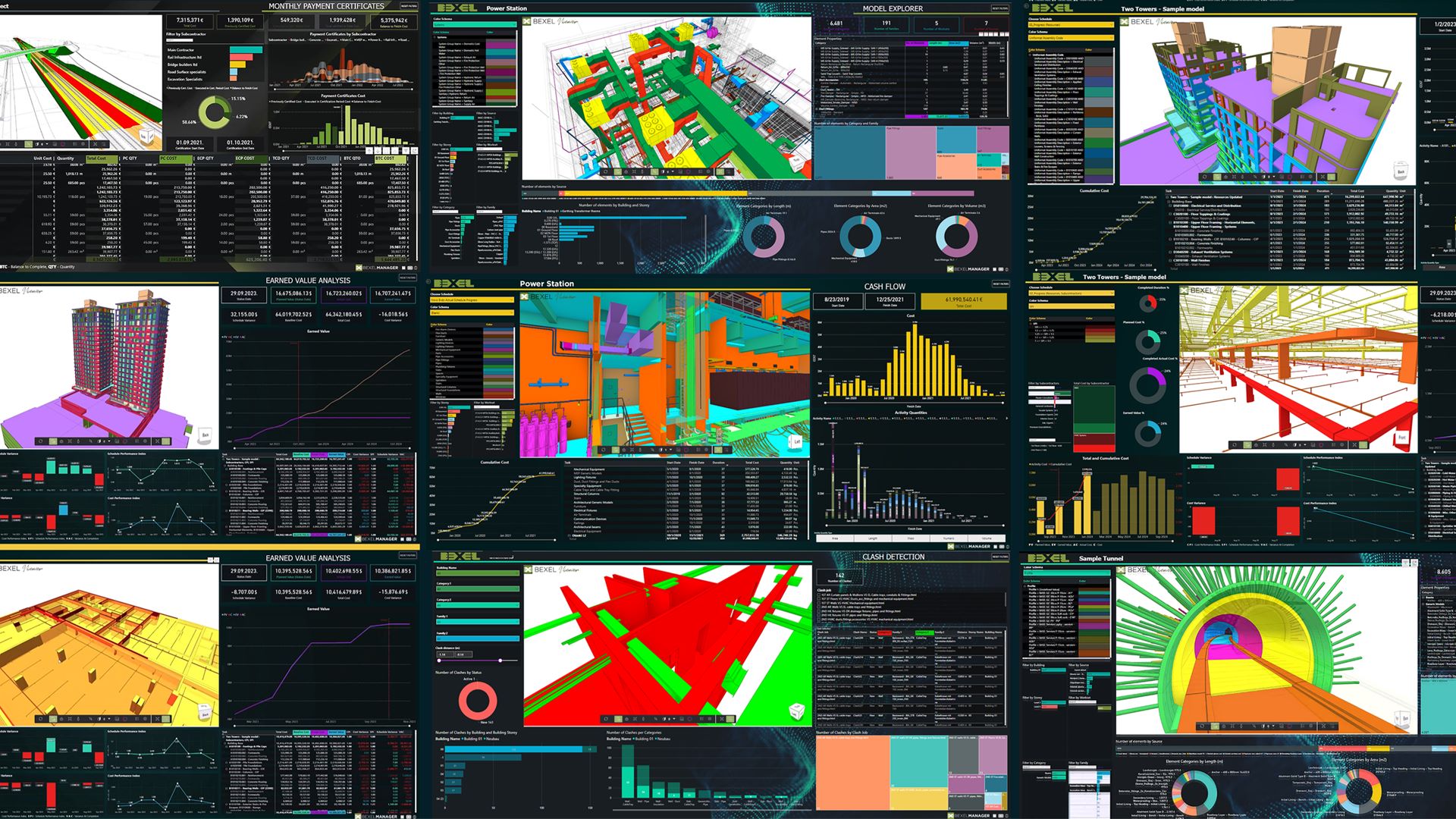
The most Powerful BIM Project Management Solution

for Smarter Construction Management

Where planning, cost, progress, and collaboration come together in one connected platform.

Design Review

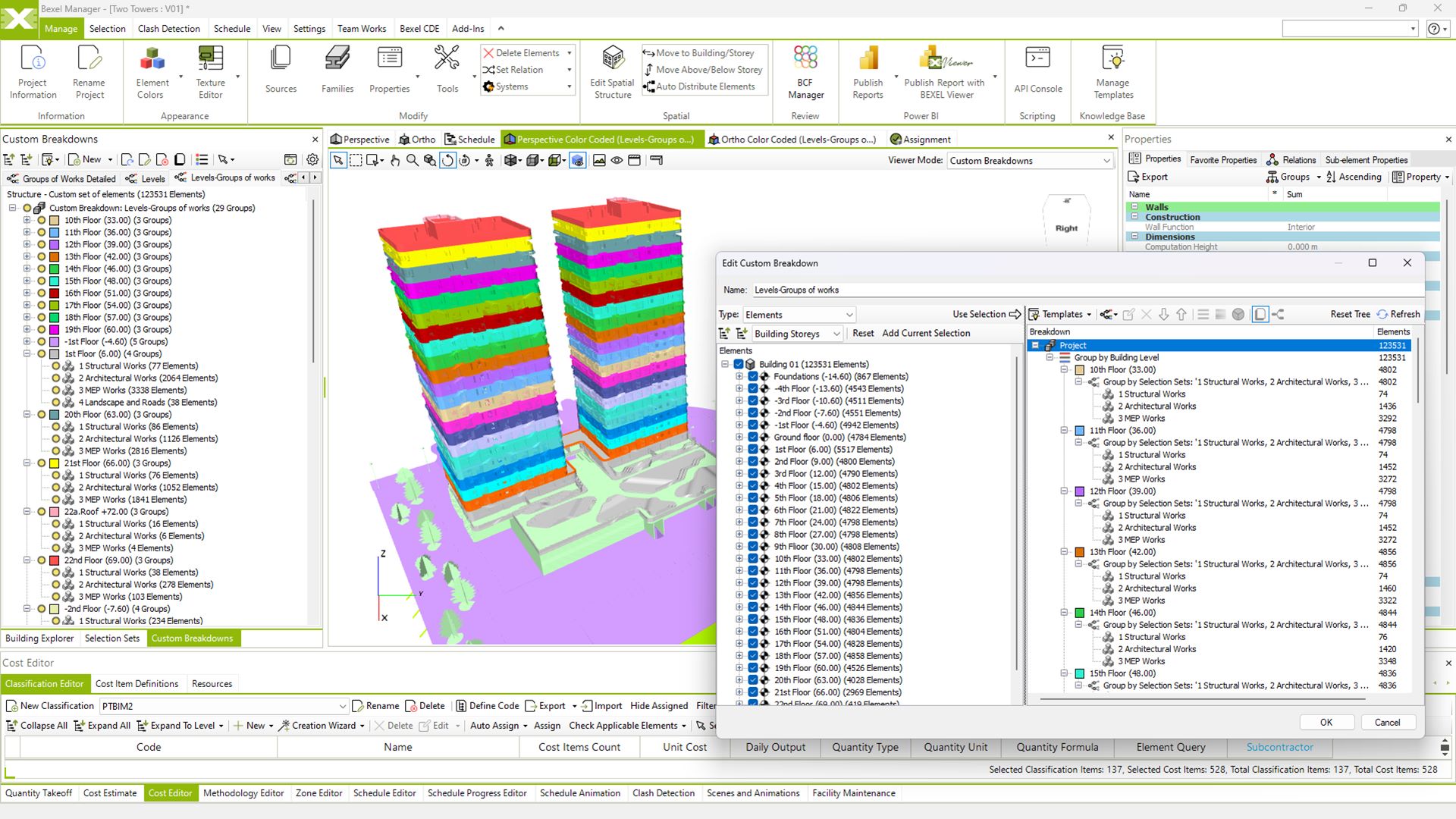
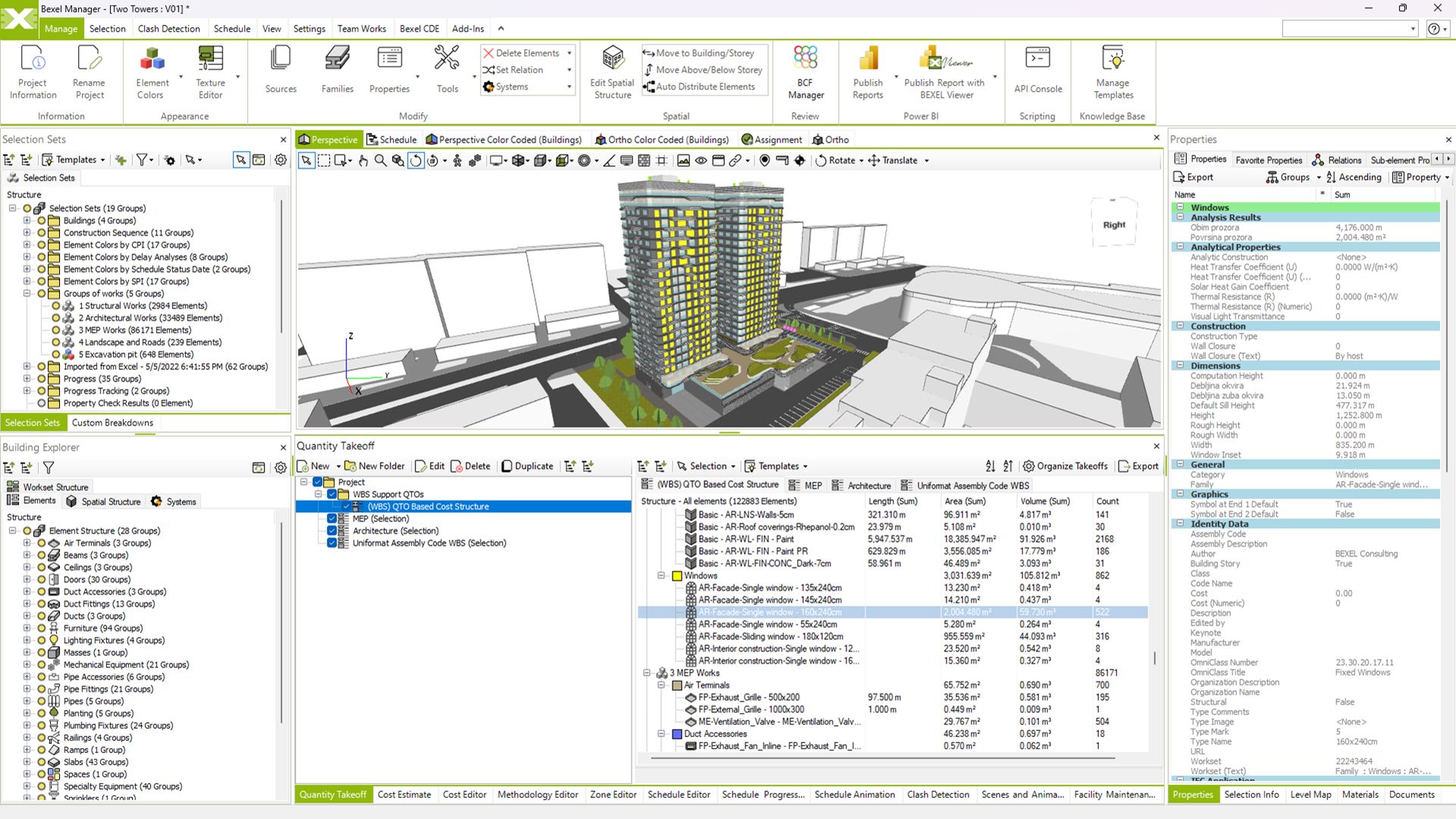
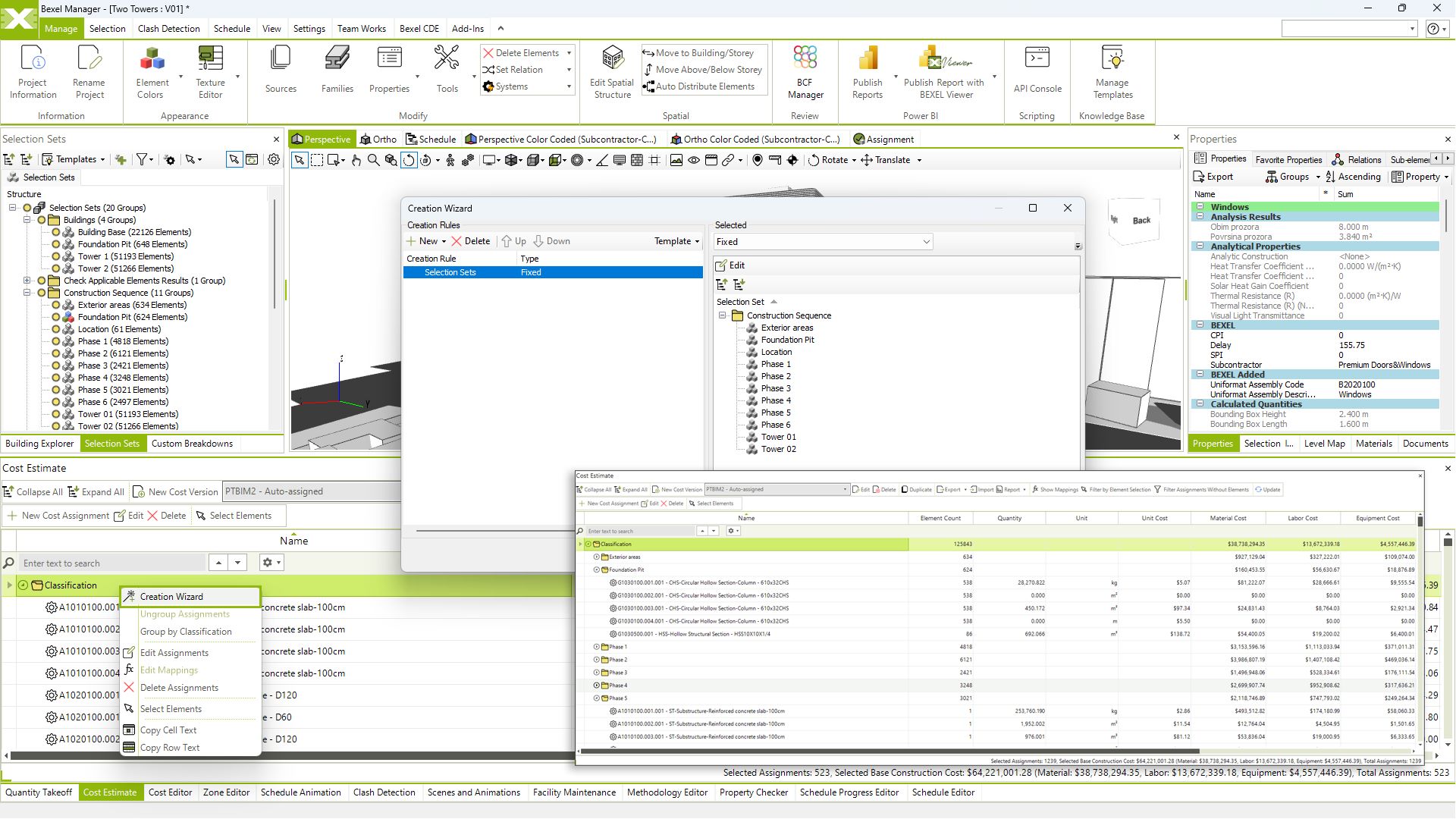
A high-quality BIM model leads to a smooth construction process. With advanced 3D BIM features, BEXEL ensures minimized conflicts in later stages and straightforward quantifications with instant BIM-based visual QTO reports. Automated IDS verification based on predefined check rules and custom data enrichments enhances BIM model quality and establishes a solid foundation for analyses, simulations, and management tasks, greatly improving overall project quality and efficiency.

VISUALISATION
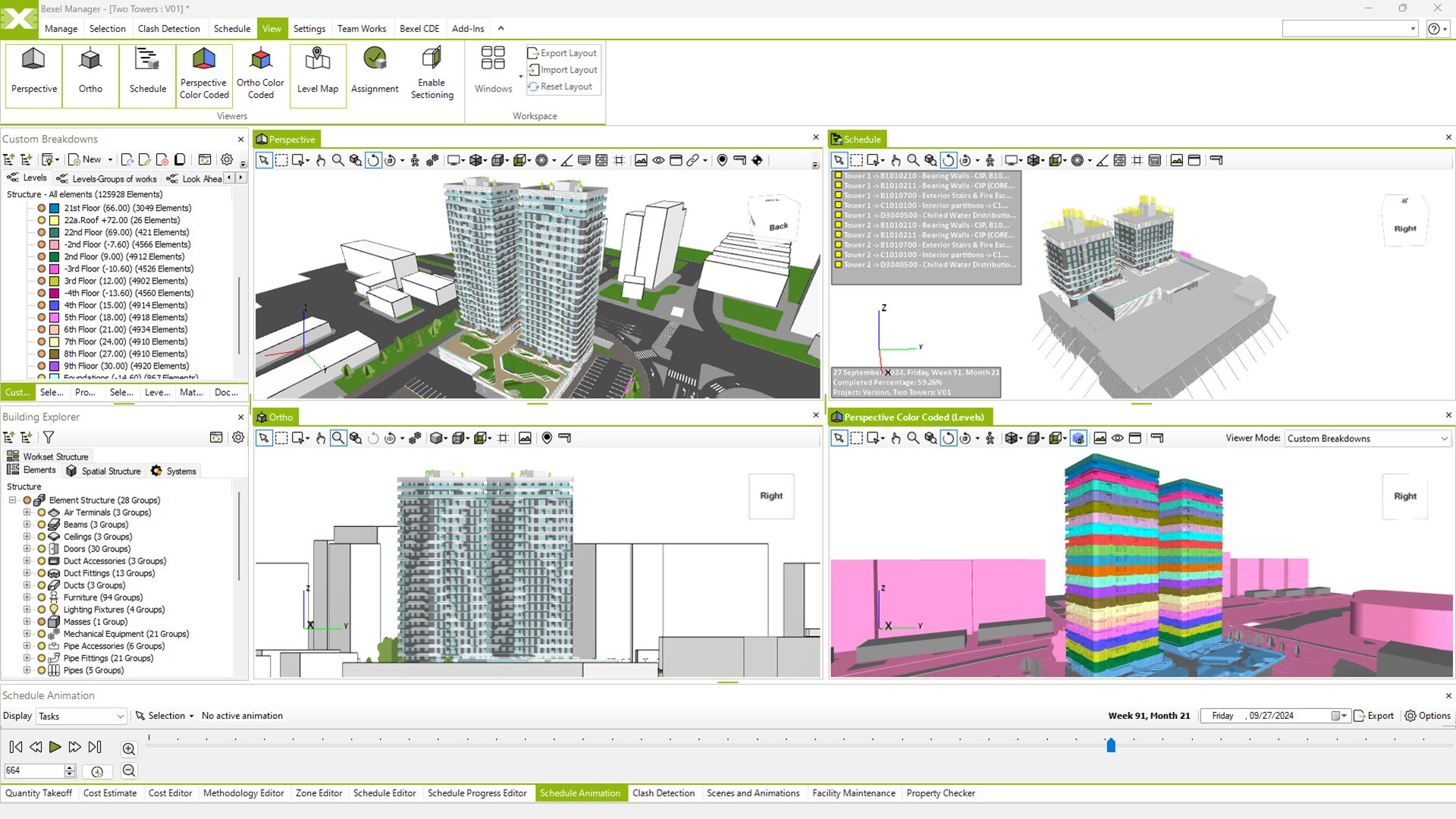
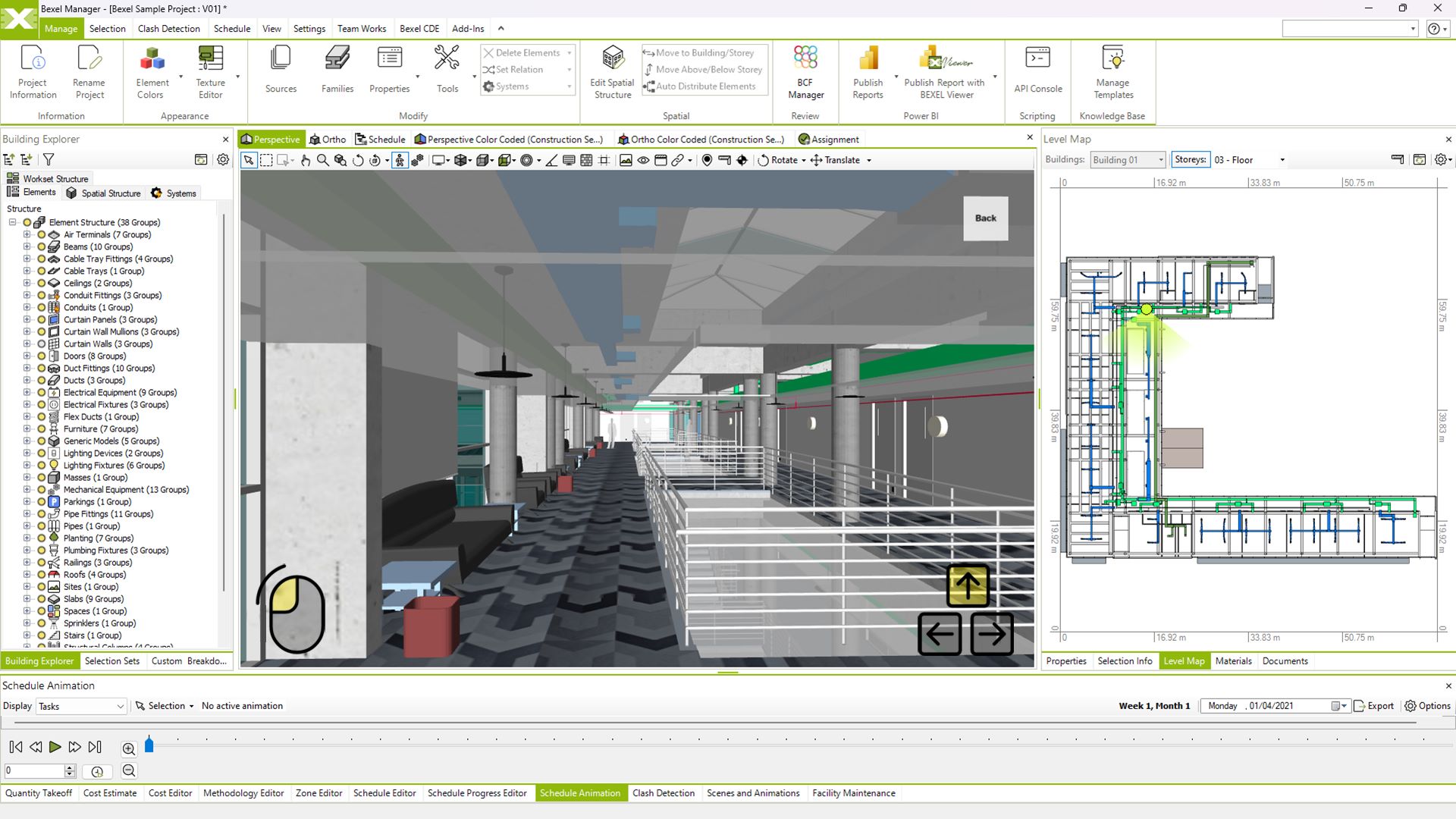
Explore Complex Models

A dynamic and immersive experience for exploring and understanding complex project details with clarity and precision

Real-time model navigation

Walk mode

Advanced visualization

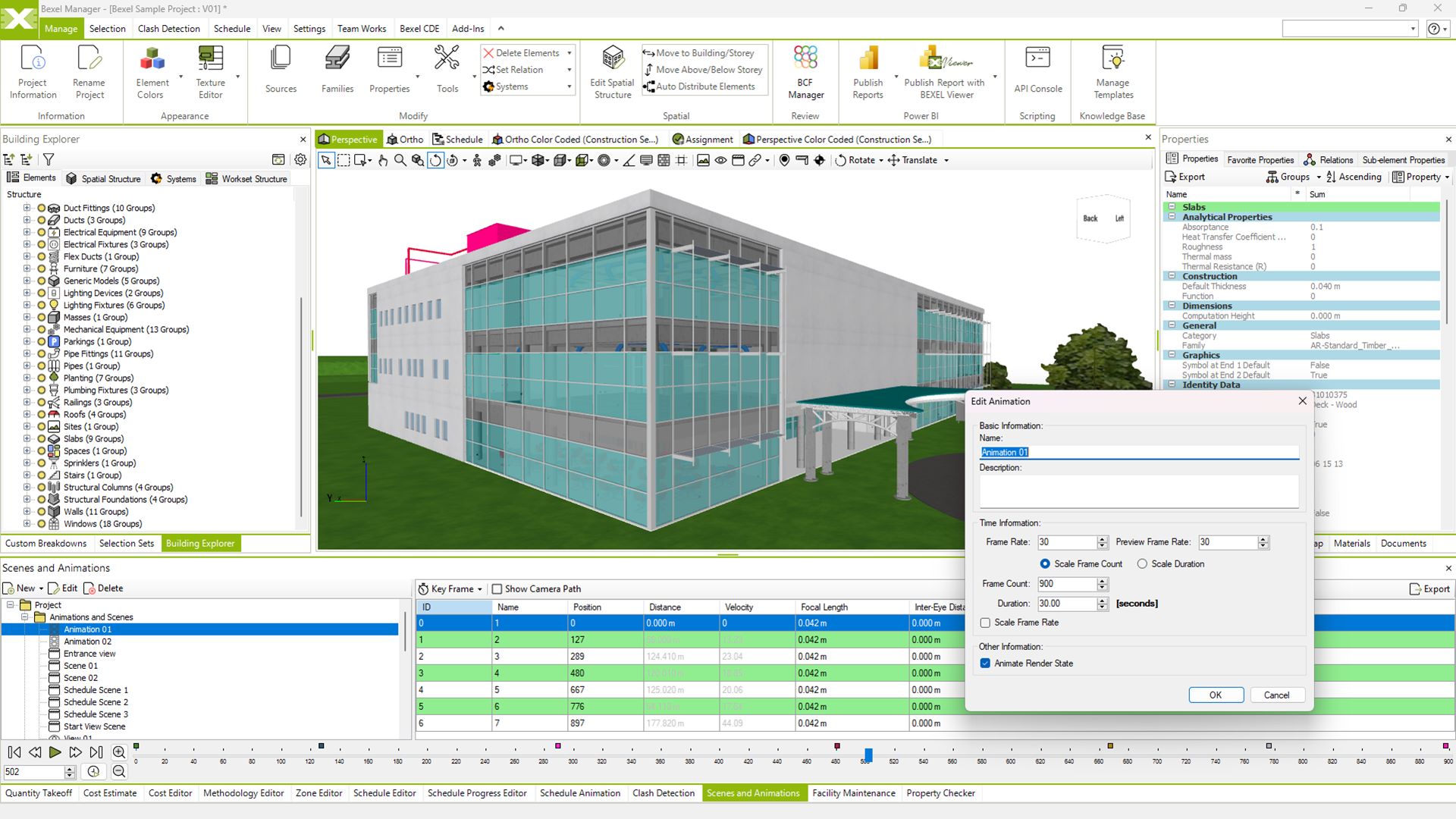
Scenes and animations

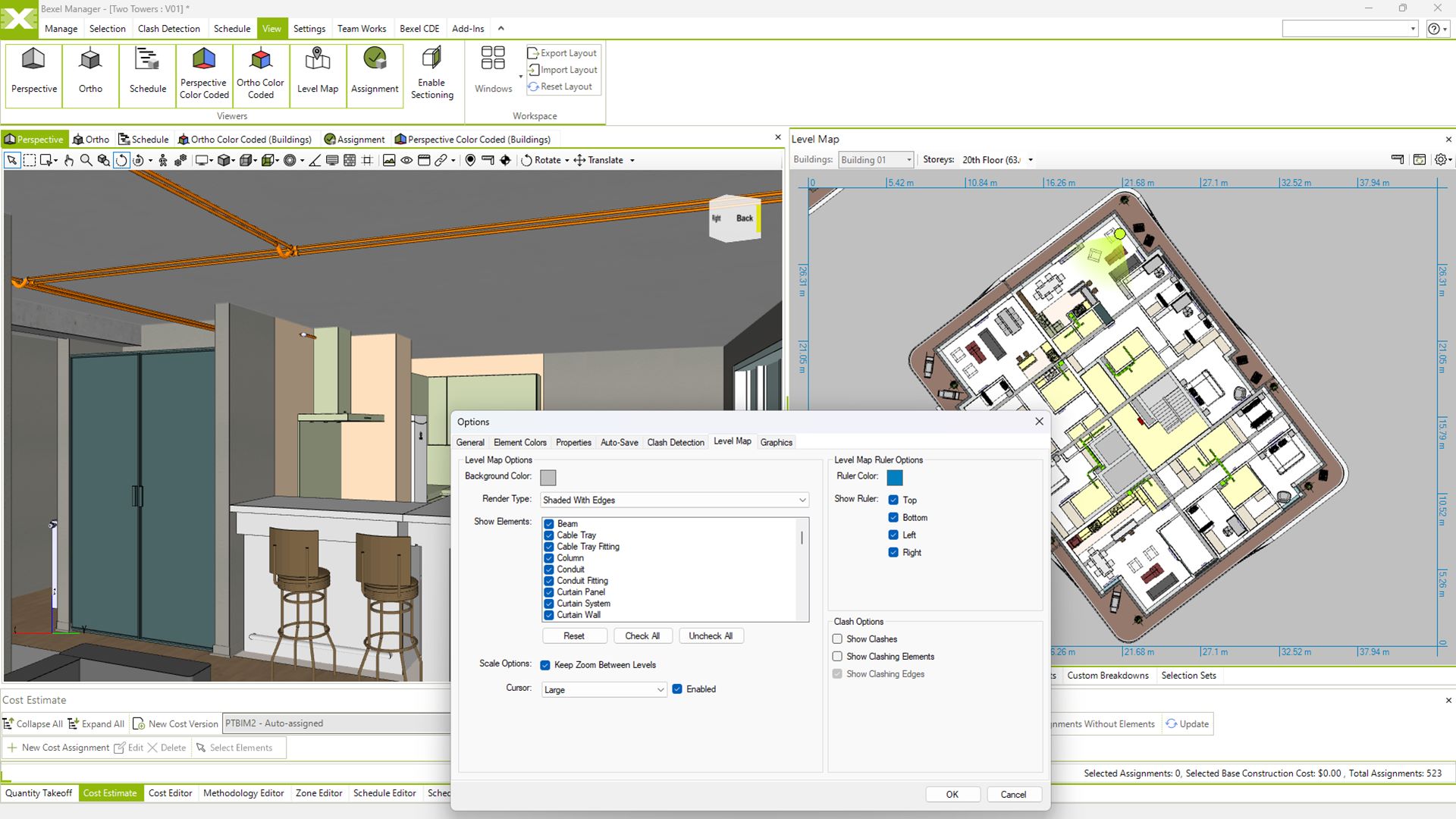
Level map

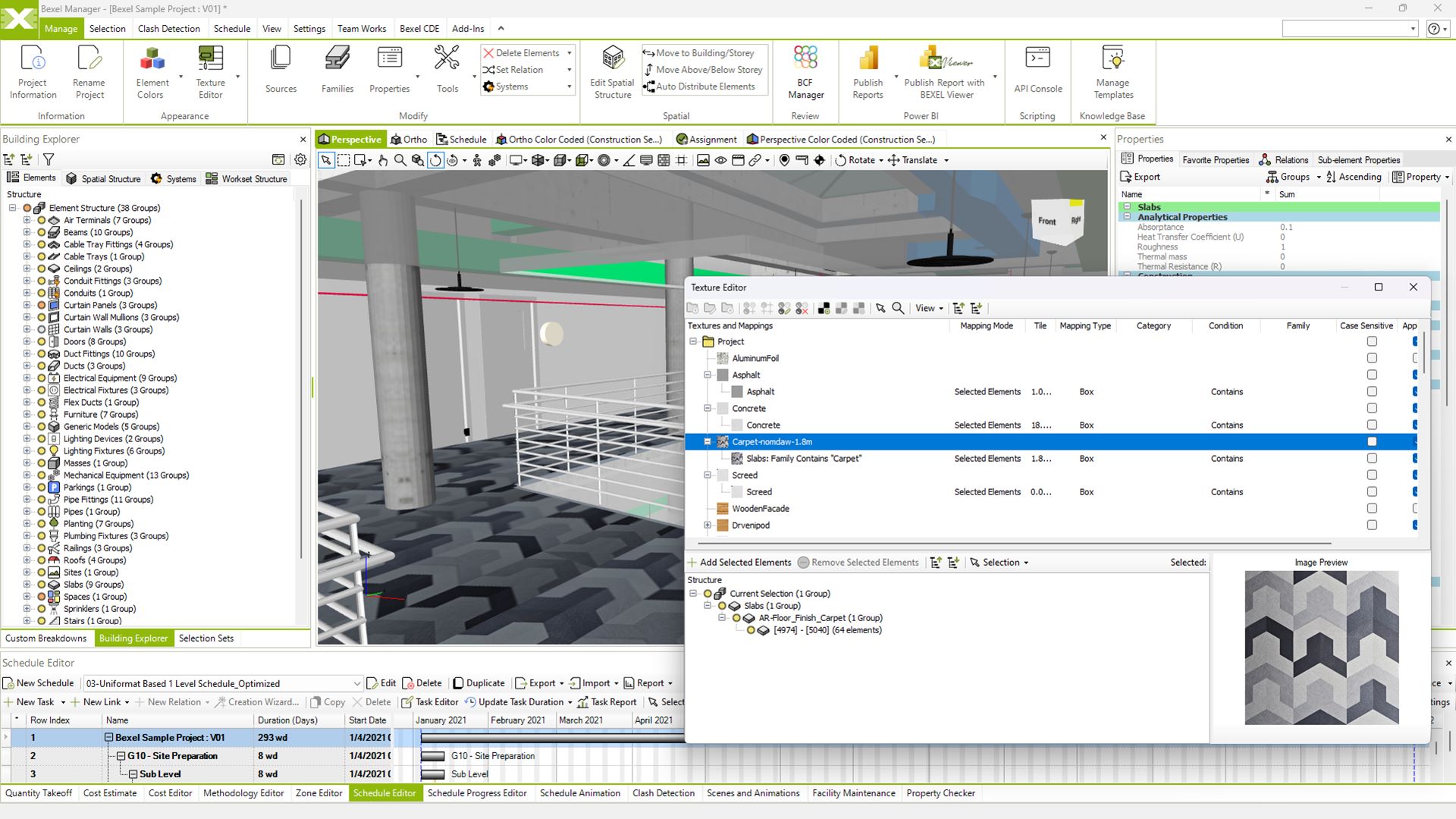
Textures and mapping

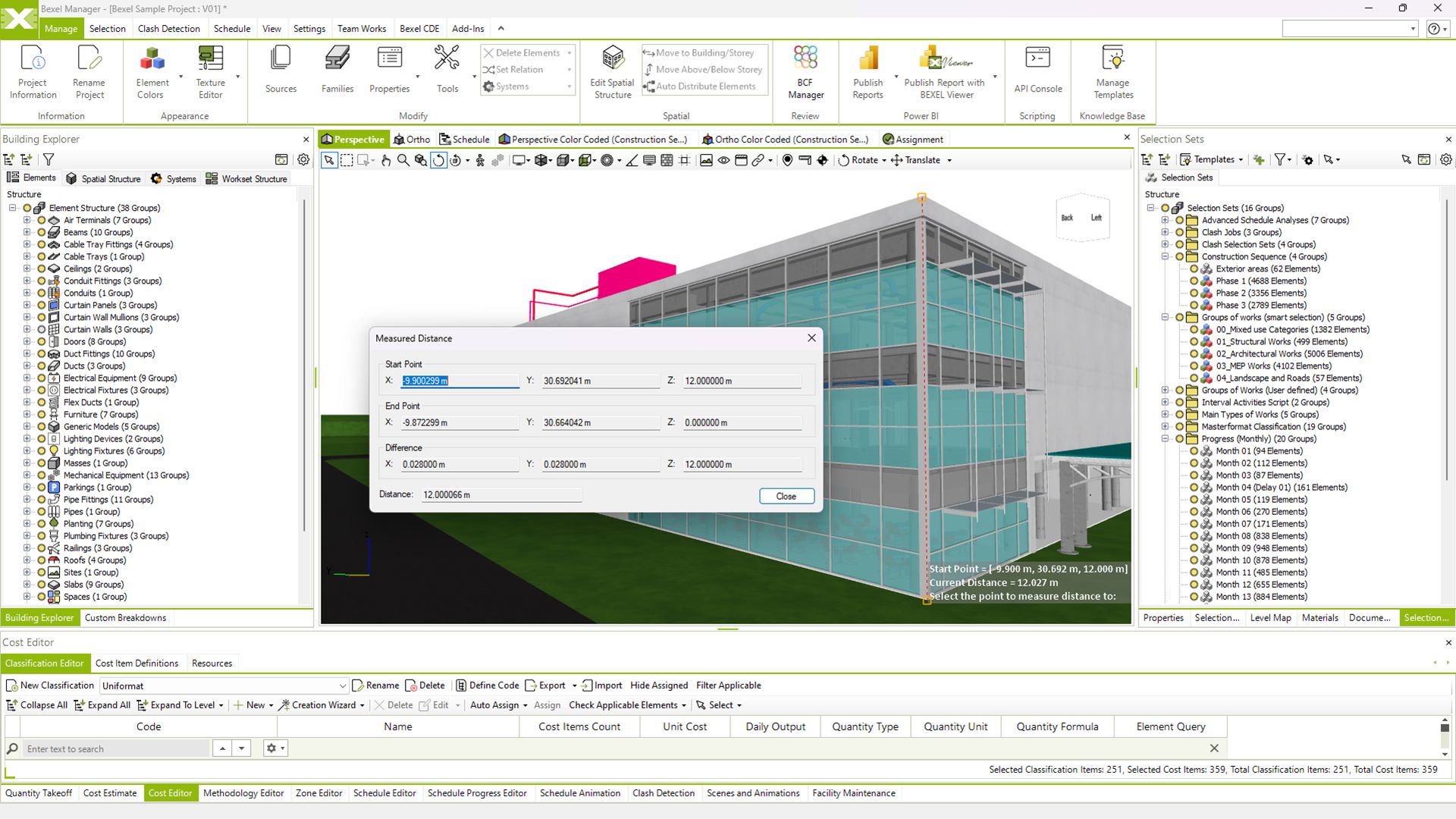
Measure distance tool

MODEL DATA MANAGEMENT
Organize and Control Project Data

Systematically identify and address any inconsistencies to ensure a well-planned and controlled design process

Advanced data and meta-data management

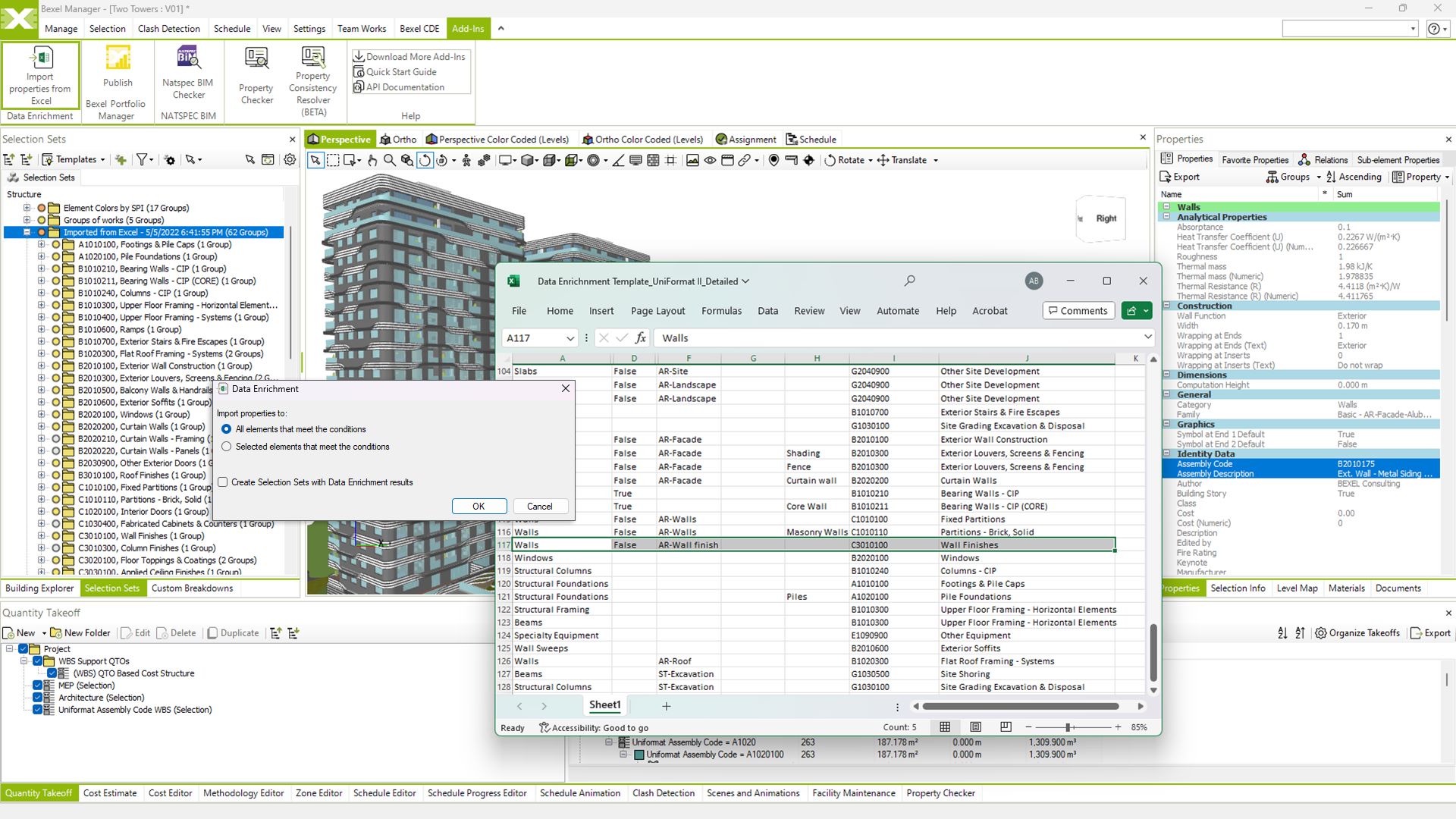
Automated data enrichment

View video

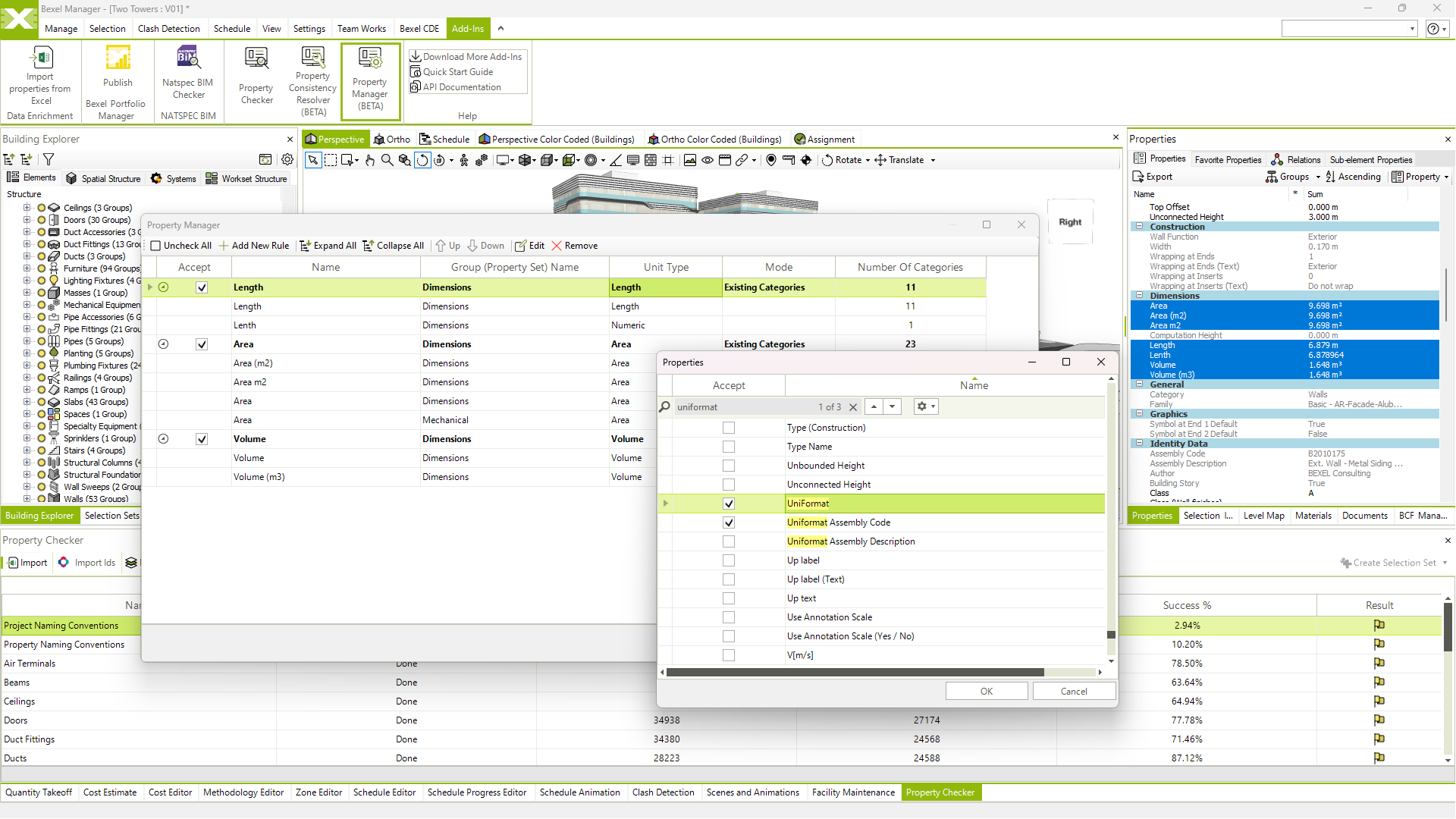
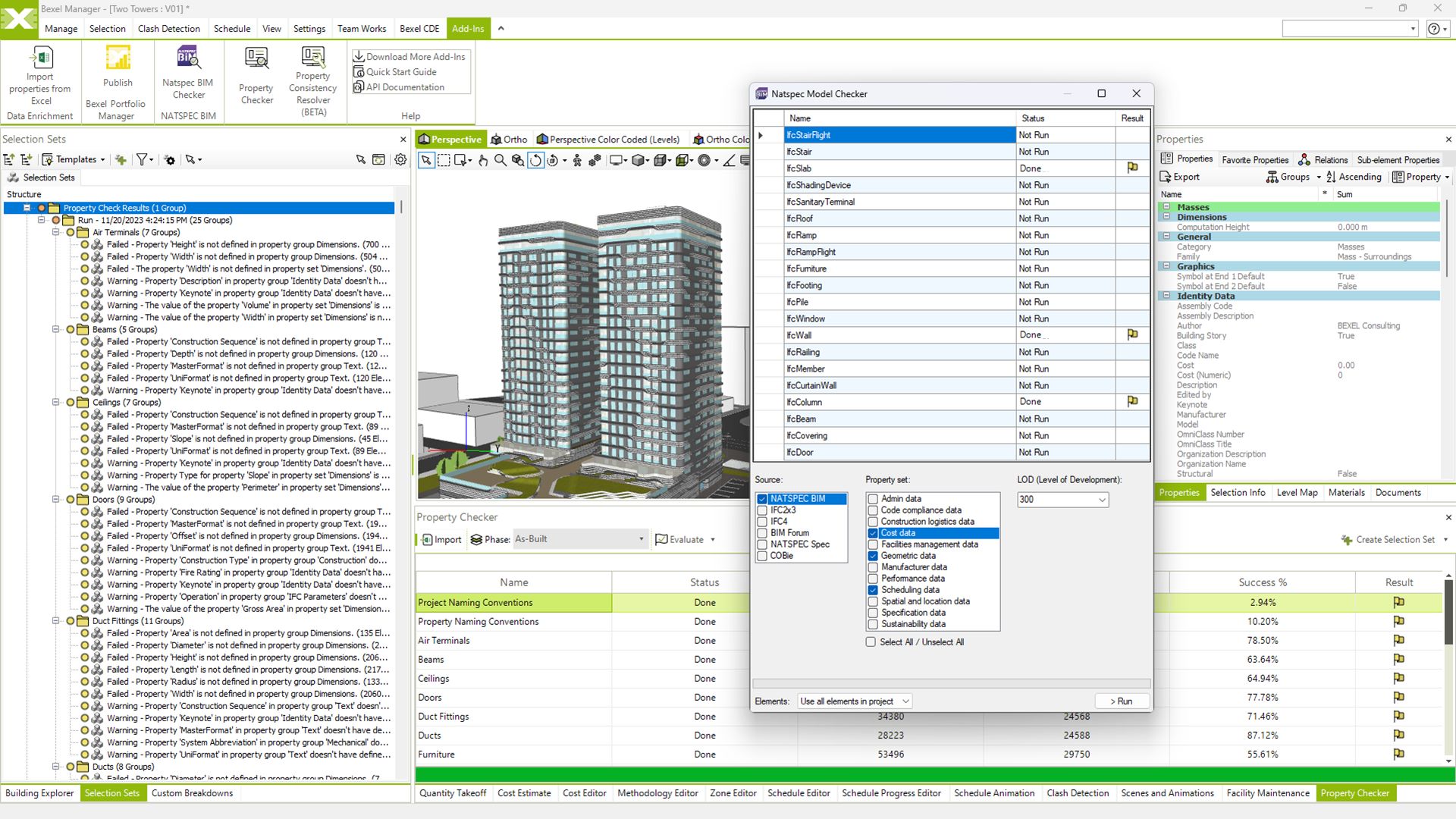
Property checker (IDS support)

View video

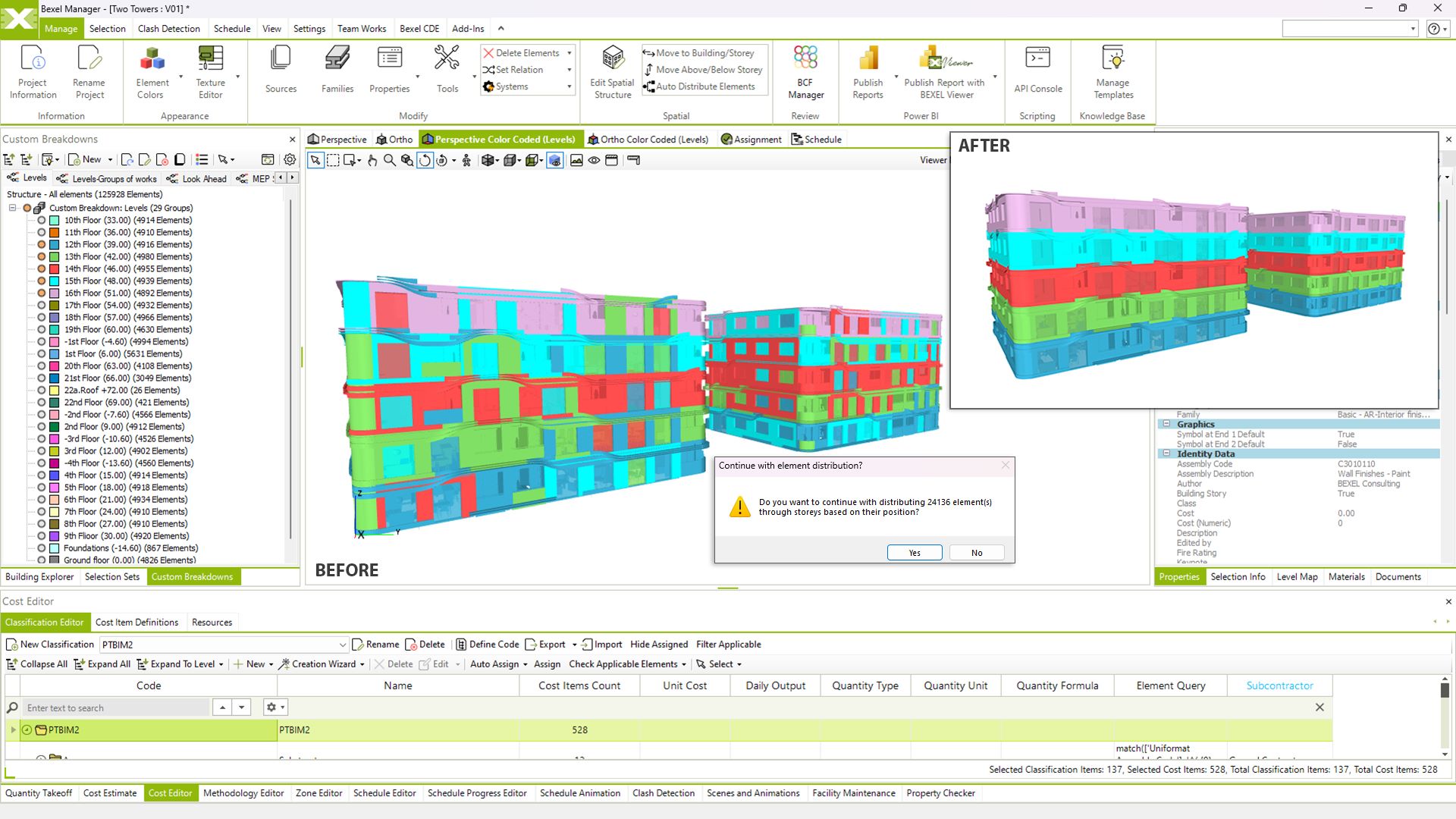
Color coded element breakdowns

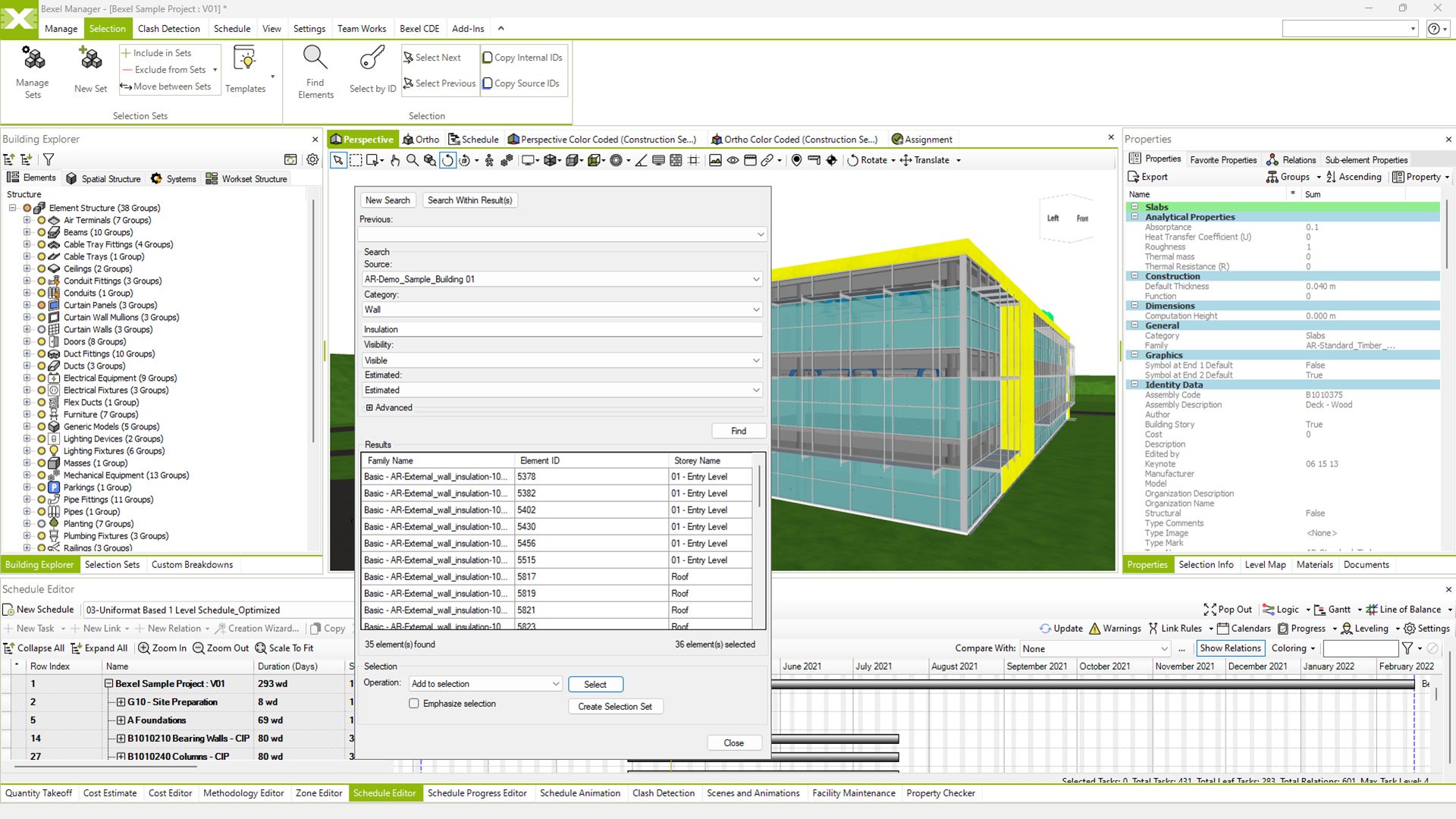
Advanced element search and filtering

Auto distribute elements

View video

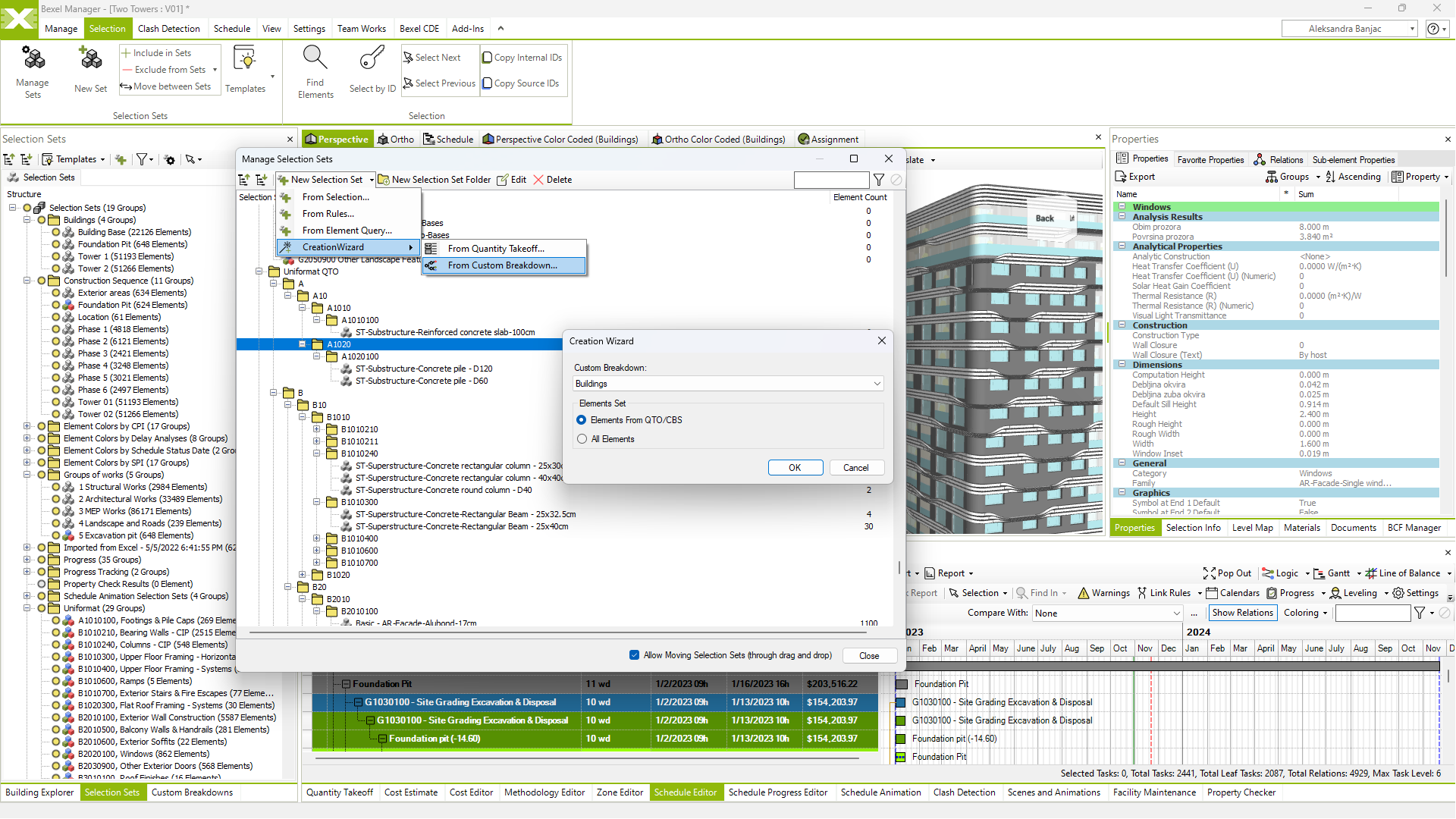
Selection sets management

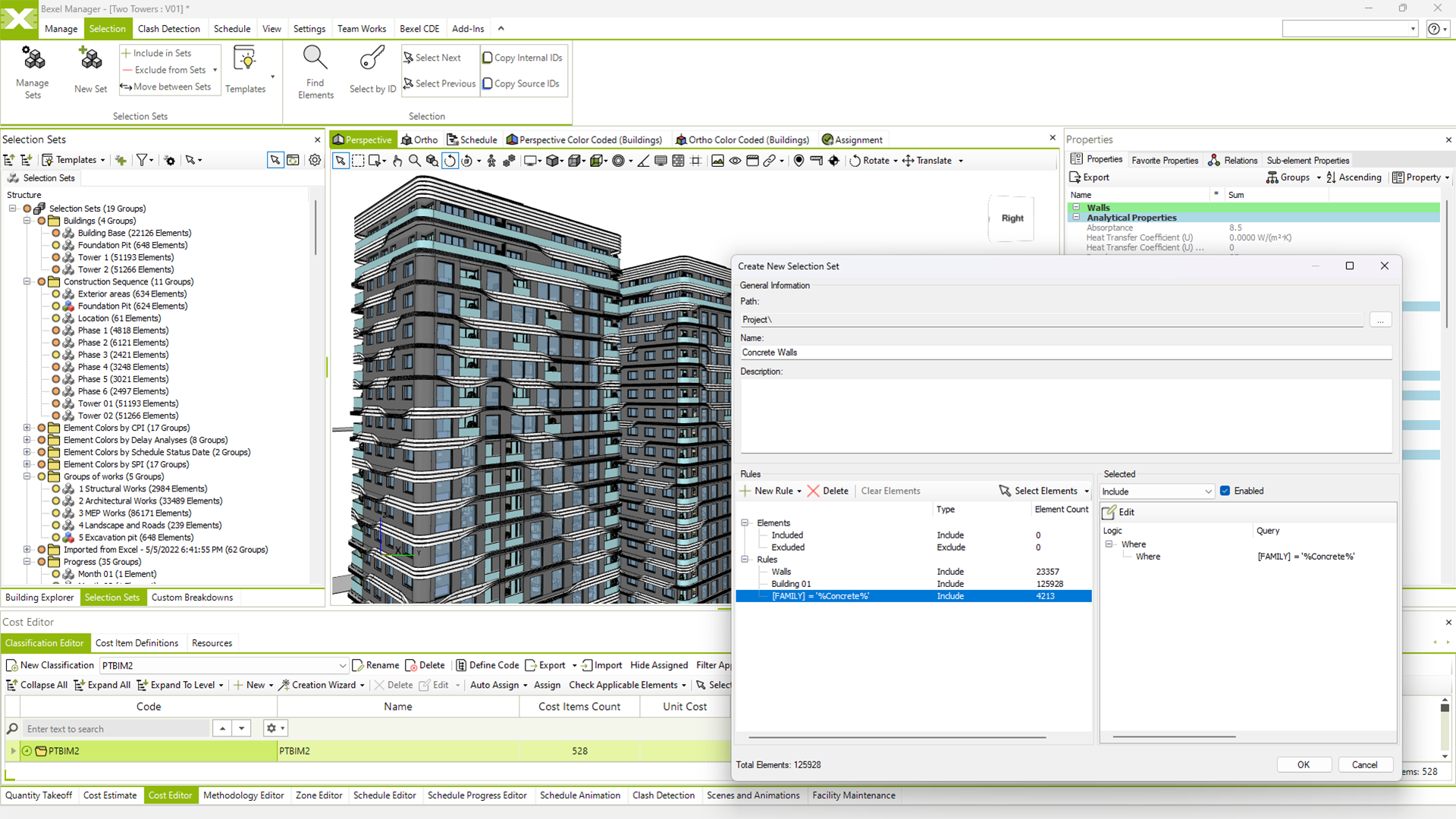
Smart selection set

View video

Advanced reporting engine

CLASH DETECTION
Identify Conflicts Before Construction

Increase the quality of design documentation and eliminate additional costs in the later design stages or on the construction site

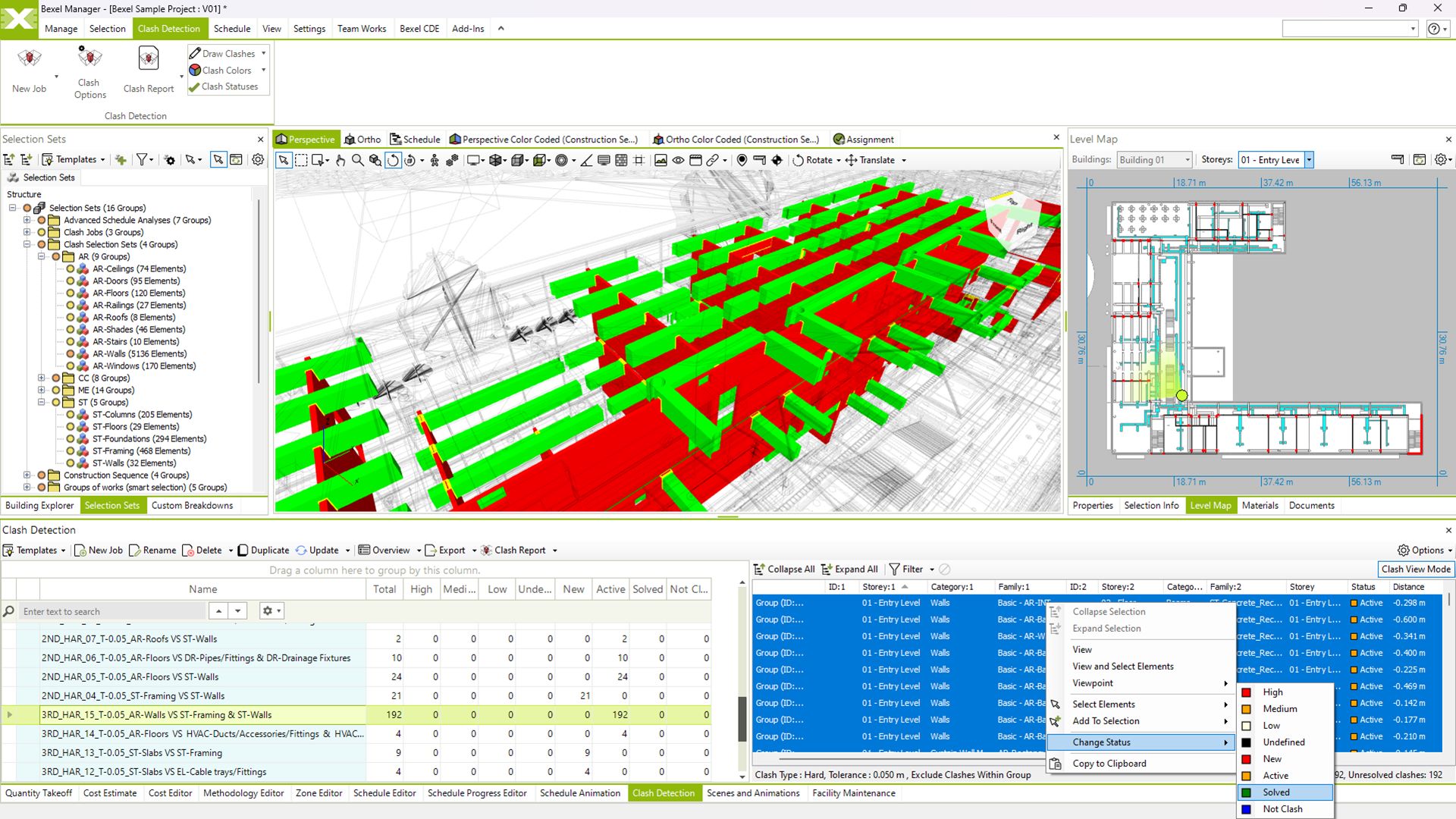
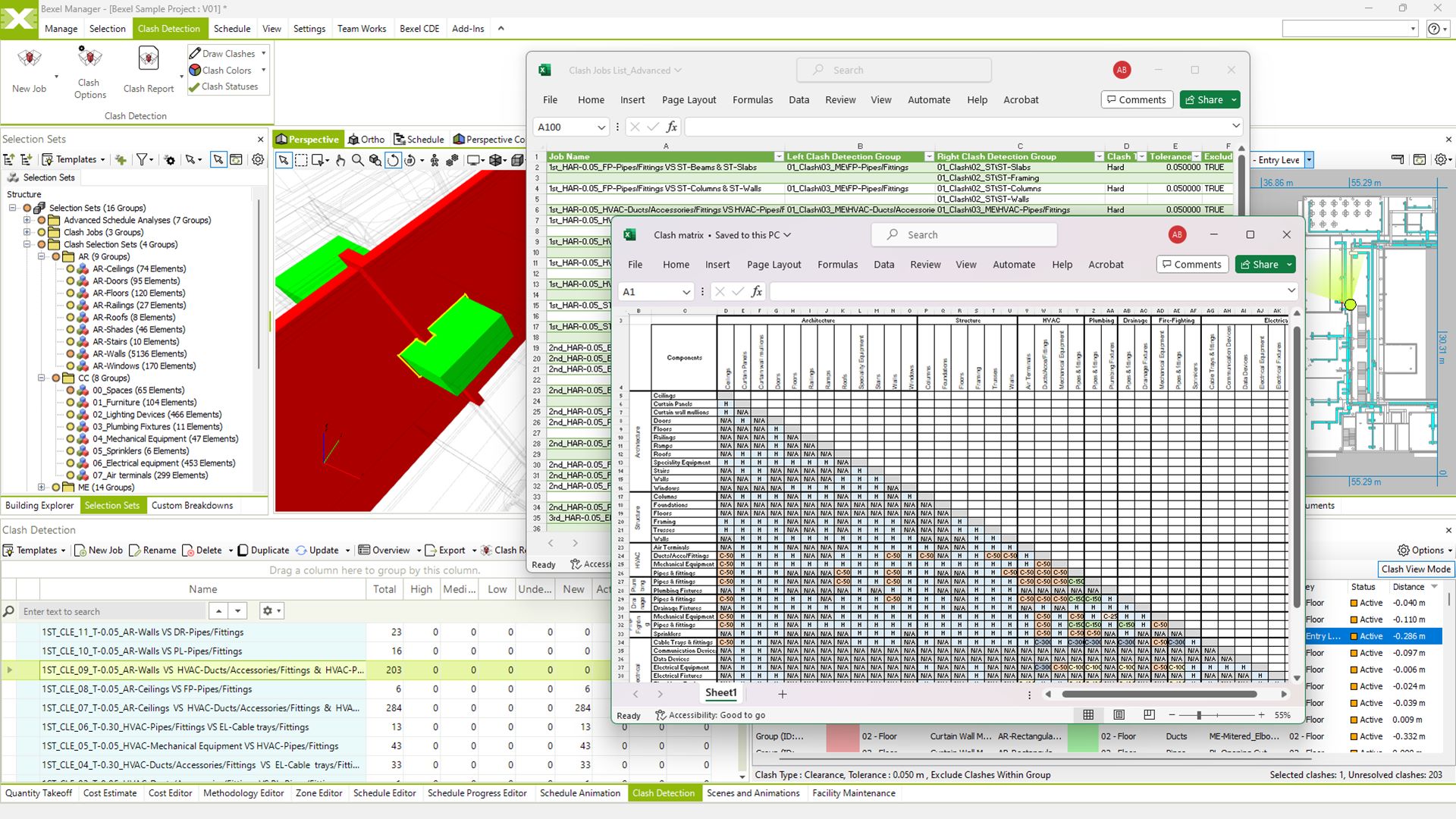
Clash detection and interference checking

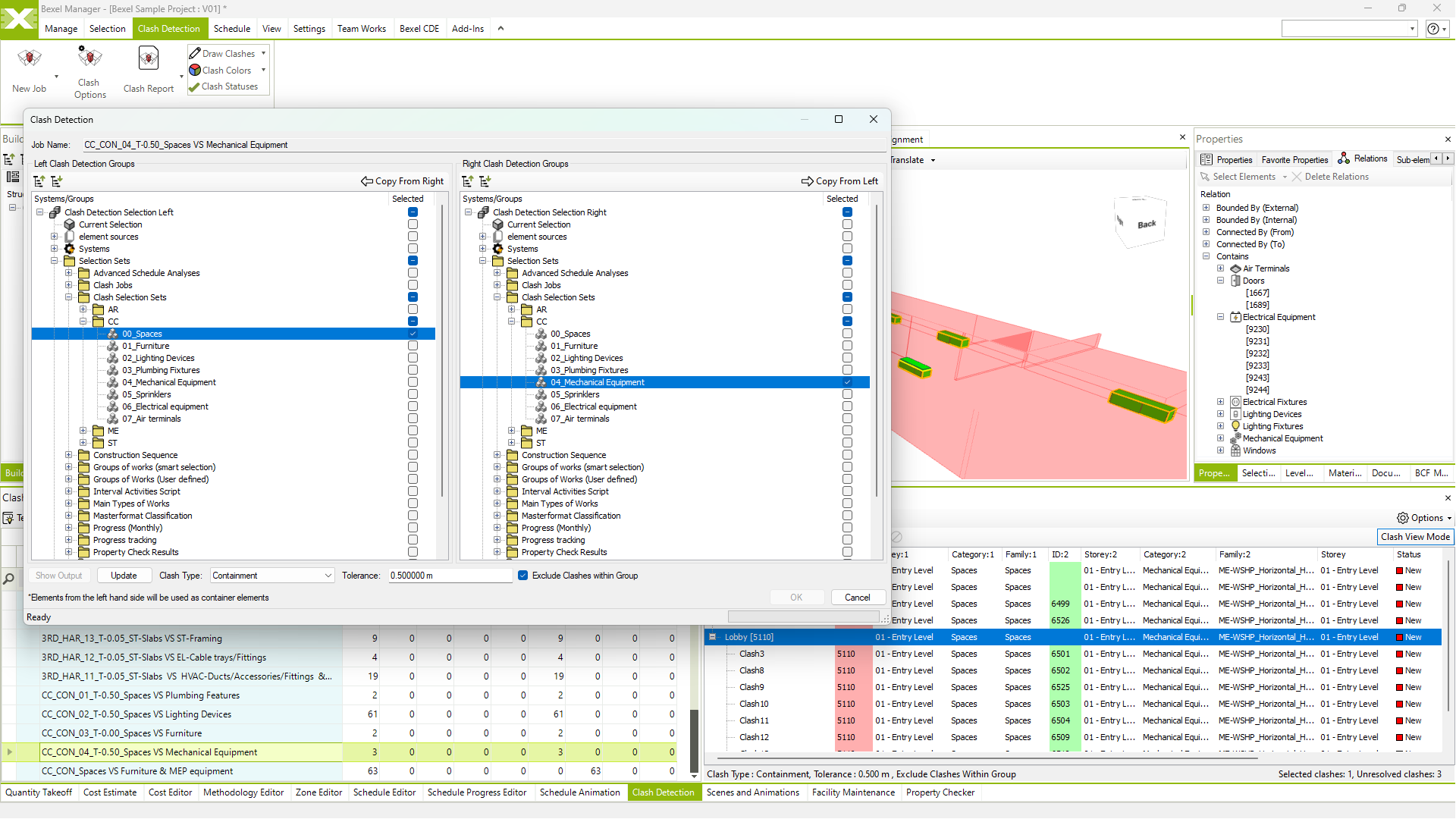
Containment analysis and relation enrichment

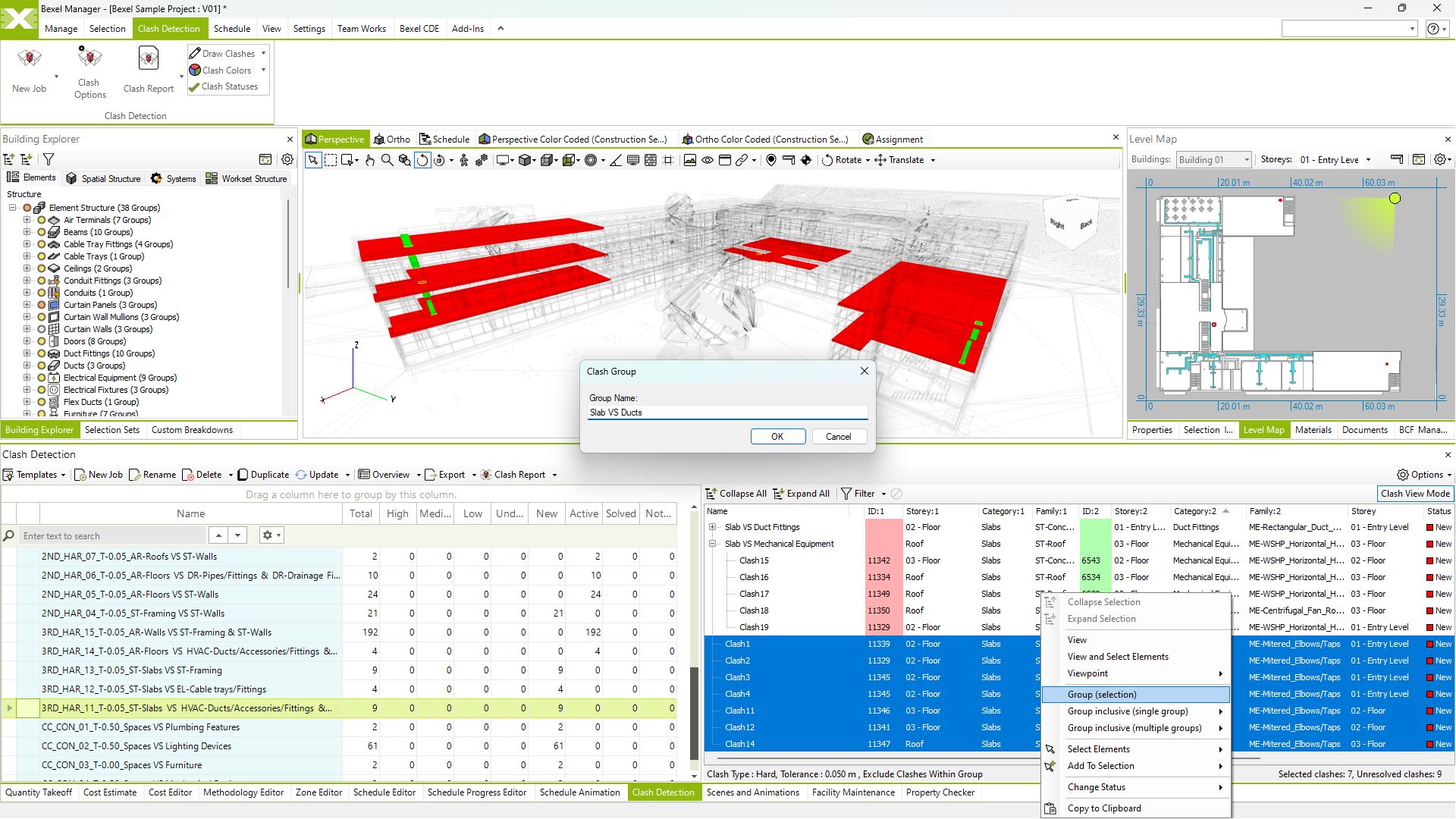
Single or multiple clash grouping

Import and set custom clash matrix and rules

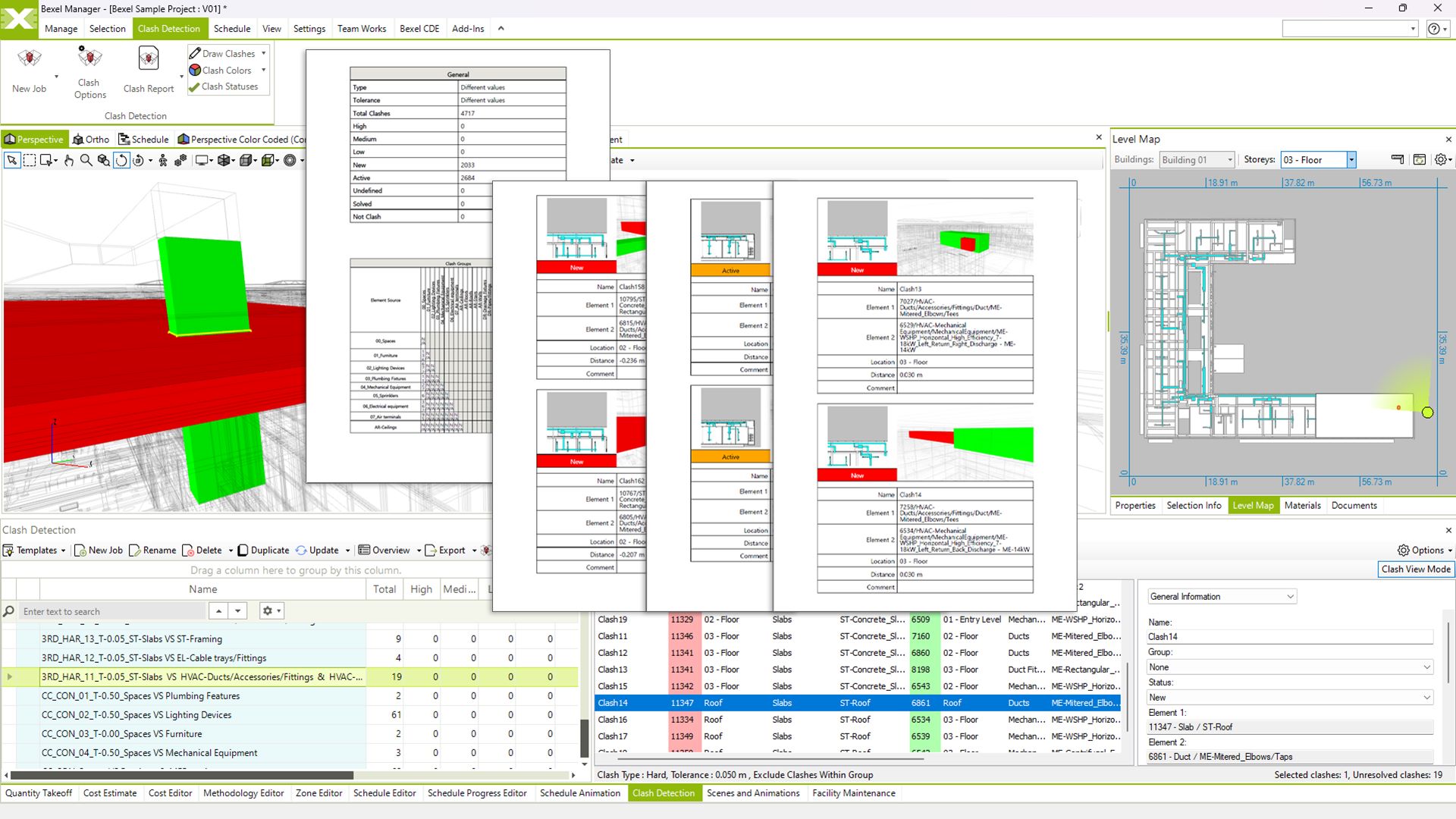
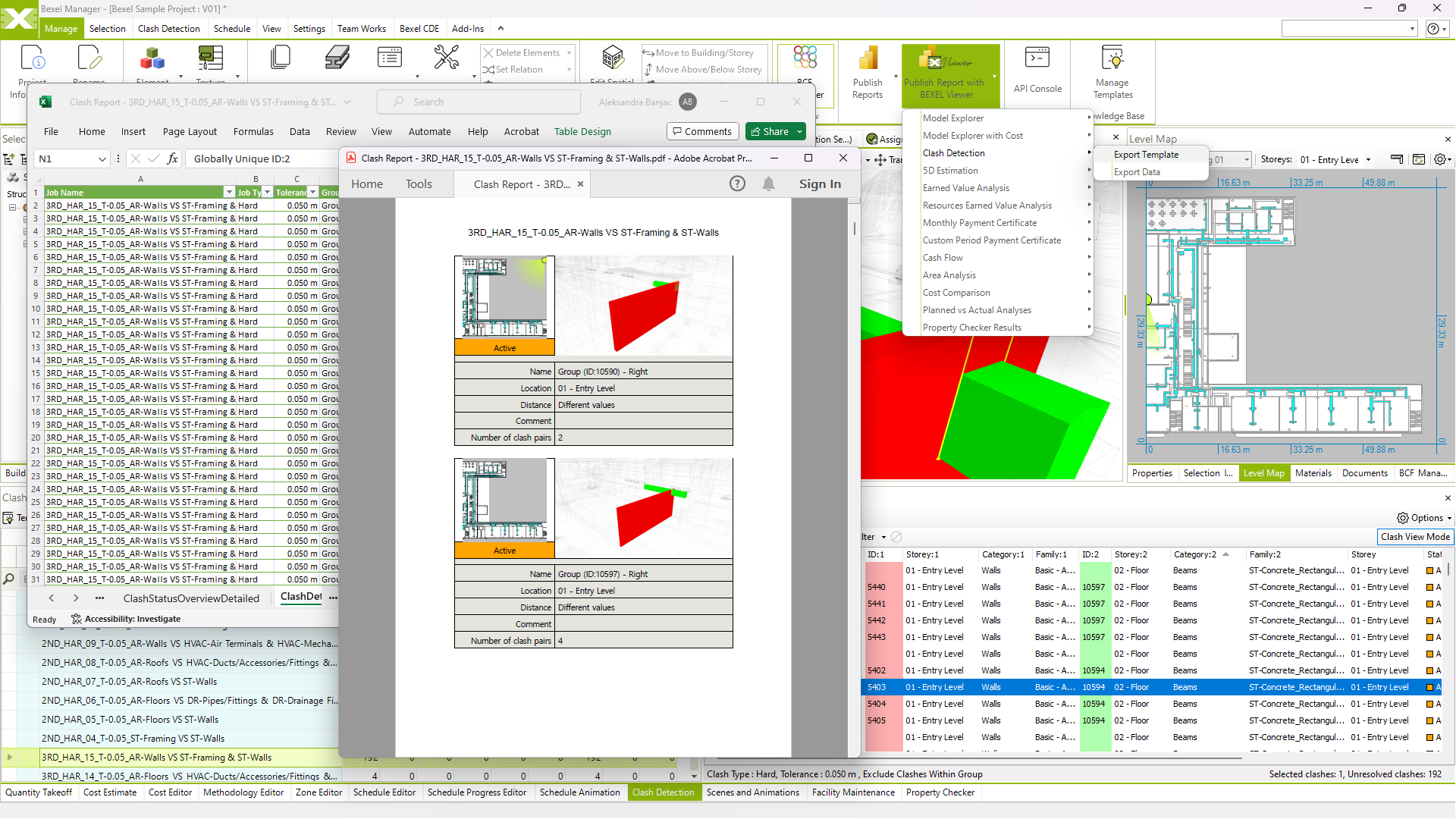
Clash detection reports

Export reports to xlsx/pdf/html/pbix

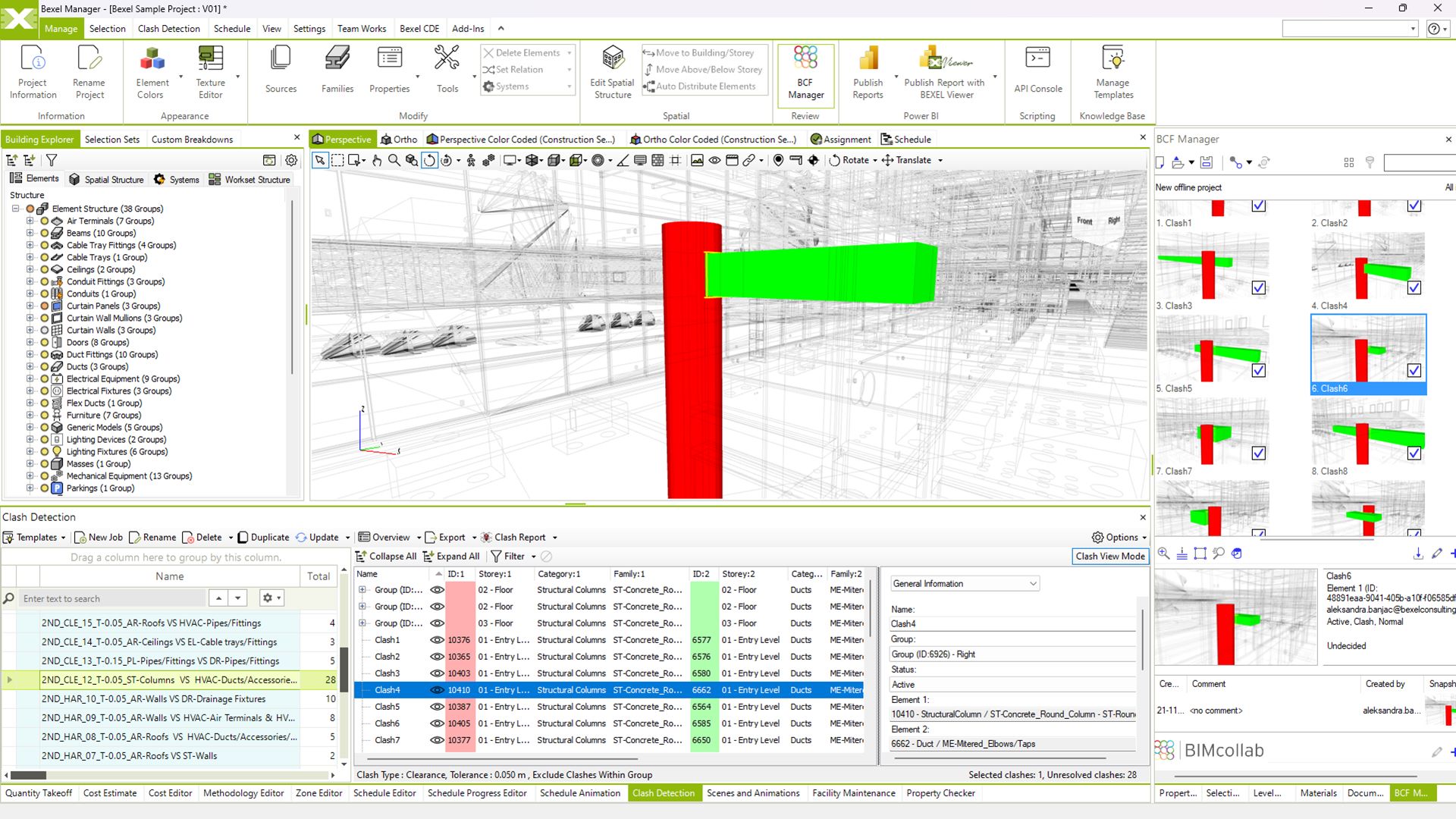
Create, import and export BCF issues

QUANTITY TAKE-OFF
Generate Accurate Quantities

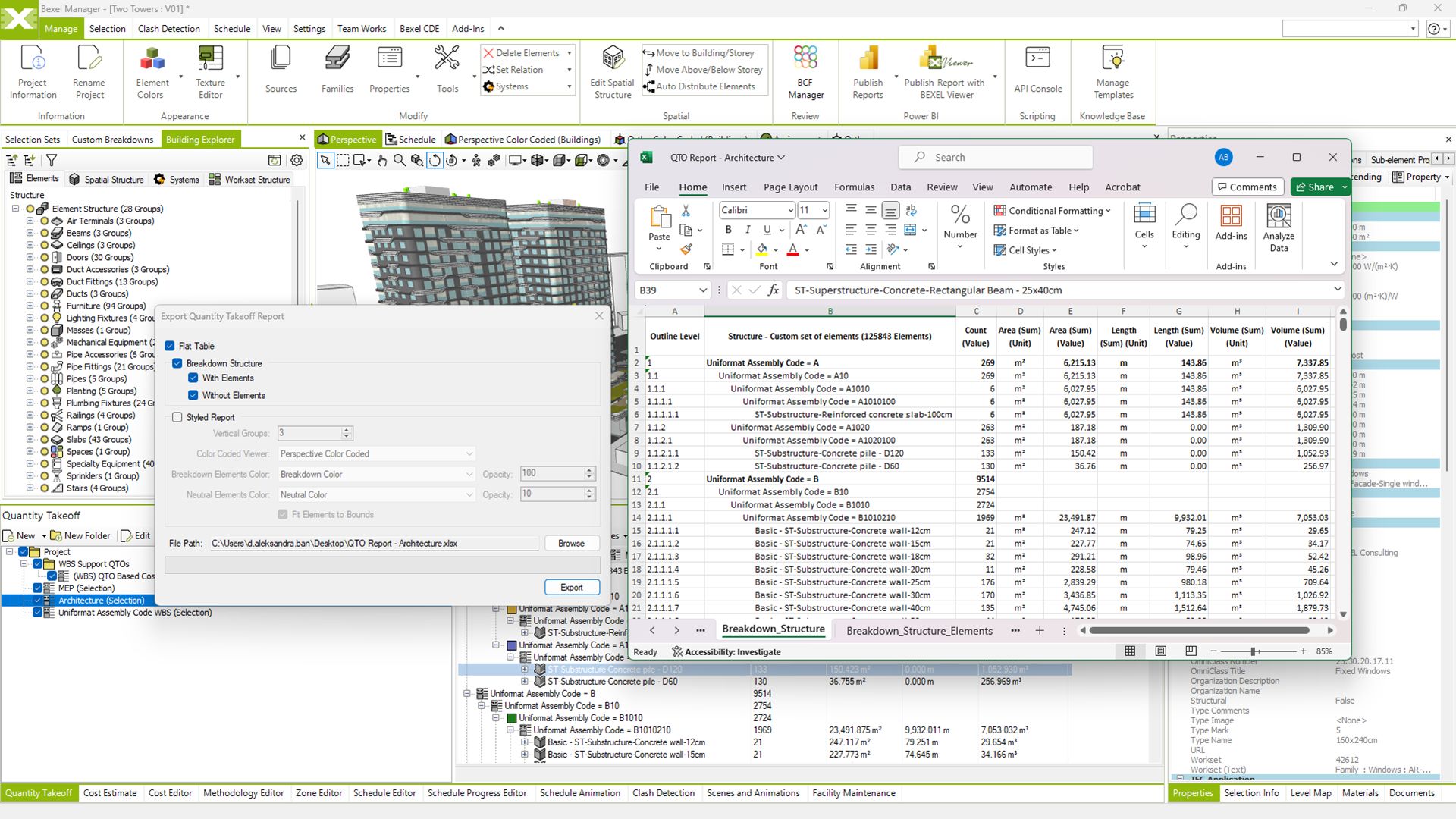
Smart BIM-based Quantity take-off generation with advanced QTO reports

Rapid model-based QTO

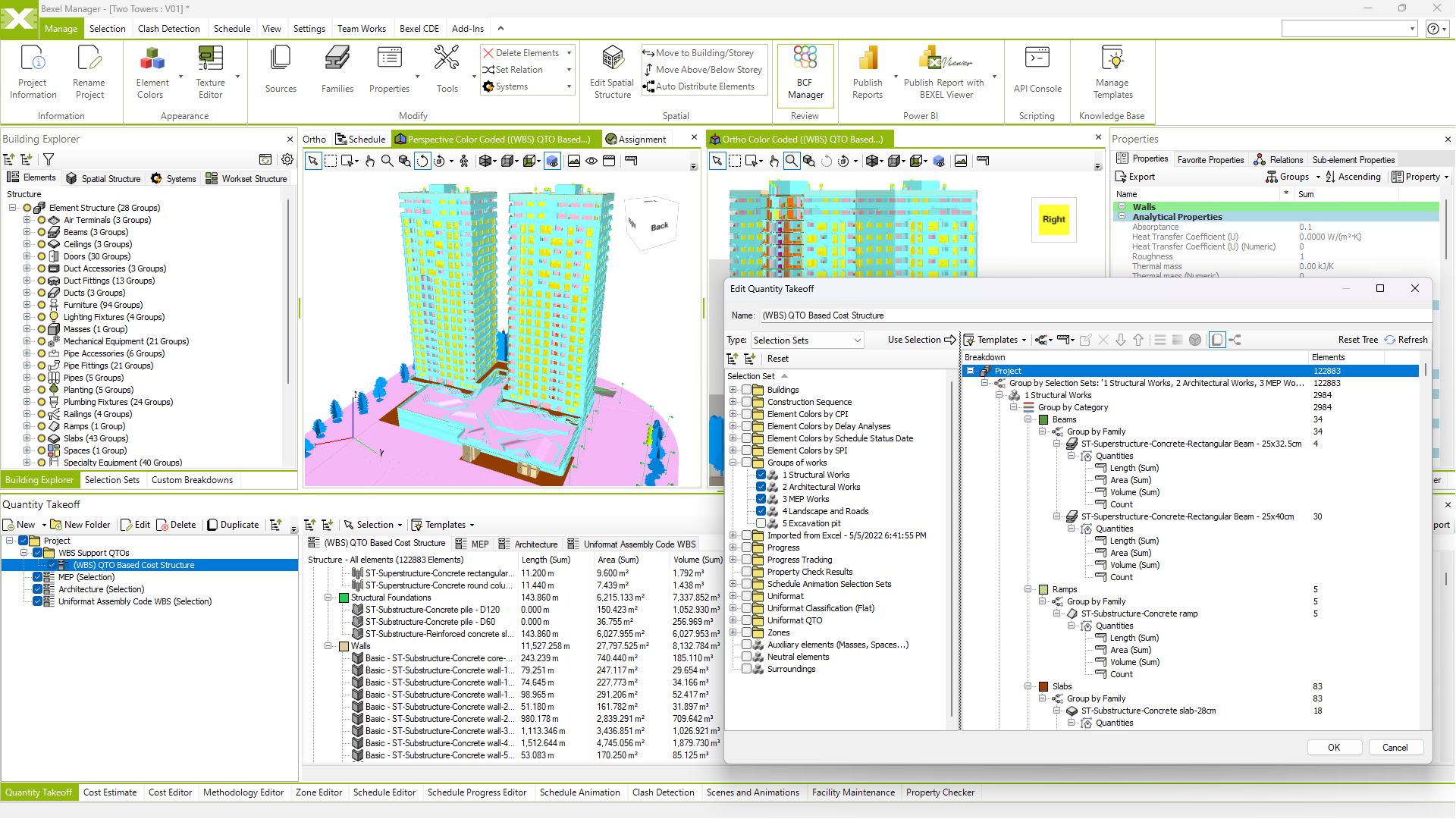
Manage, generate and export custom QTO

Instantly create BIM-based visual QTO reports

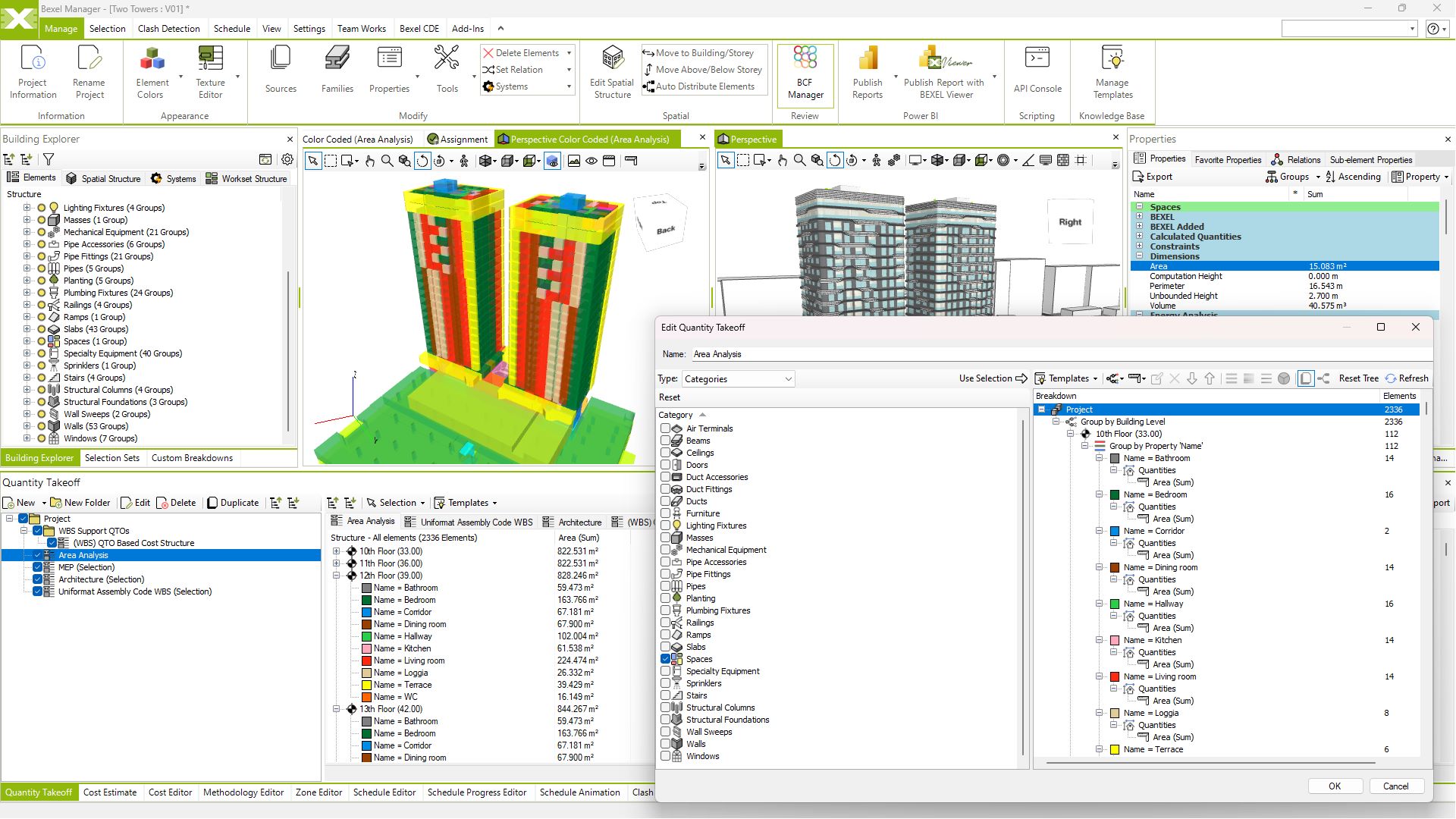
Color coded QTO

View video

Area Analysis

DOCUMENT MANAGEMENT
Keep Project Documentation Connected

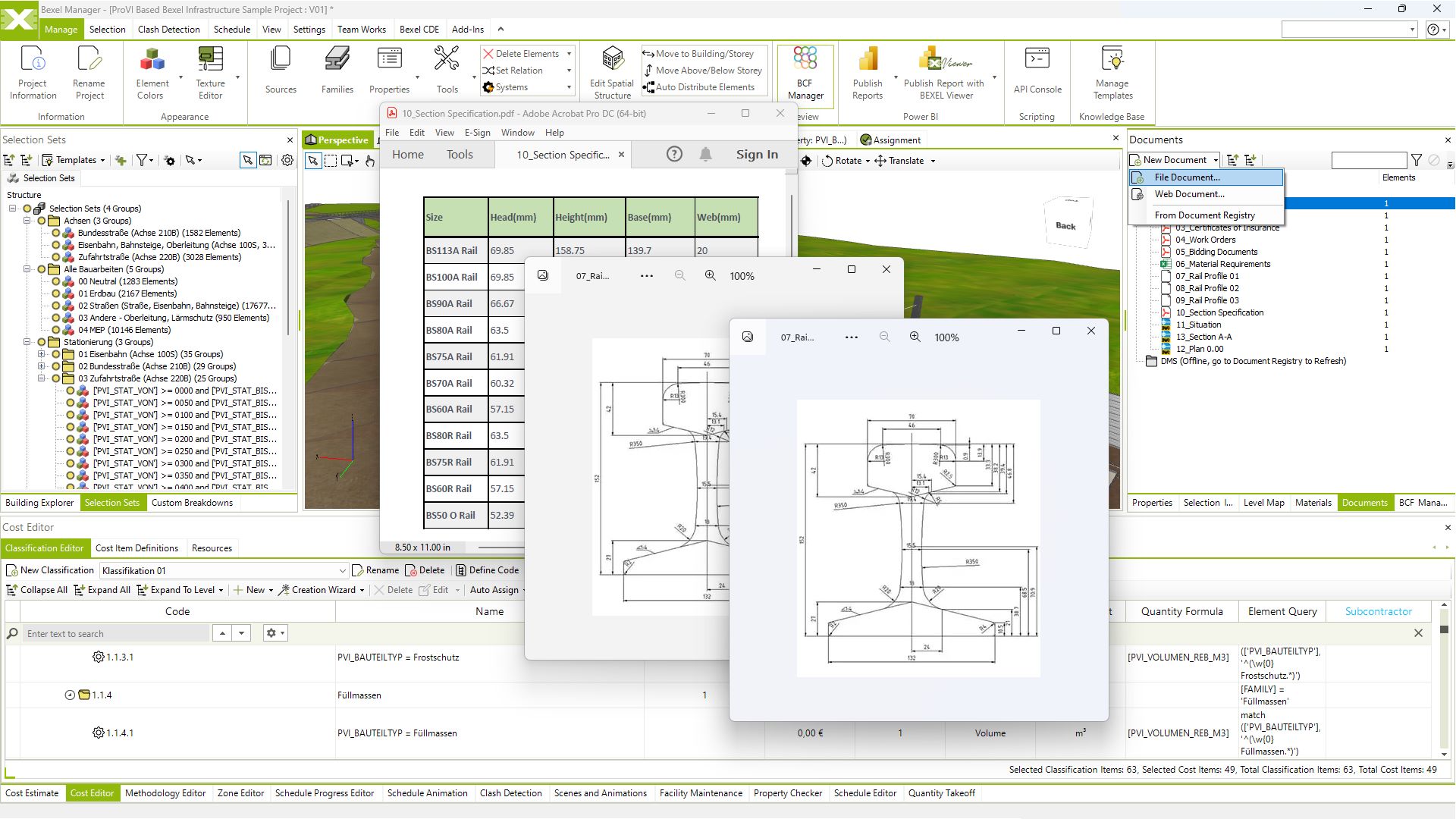
Integrated as-built project documentation provides a comprehensive overview of the project, preparing it for the Facility management phase

Document linking

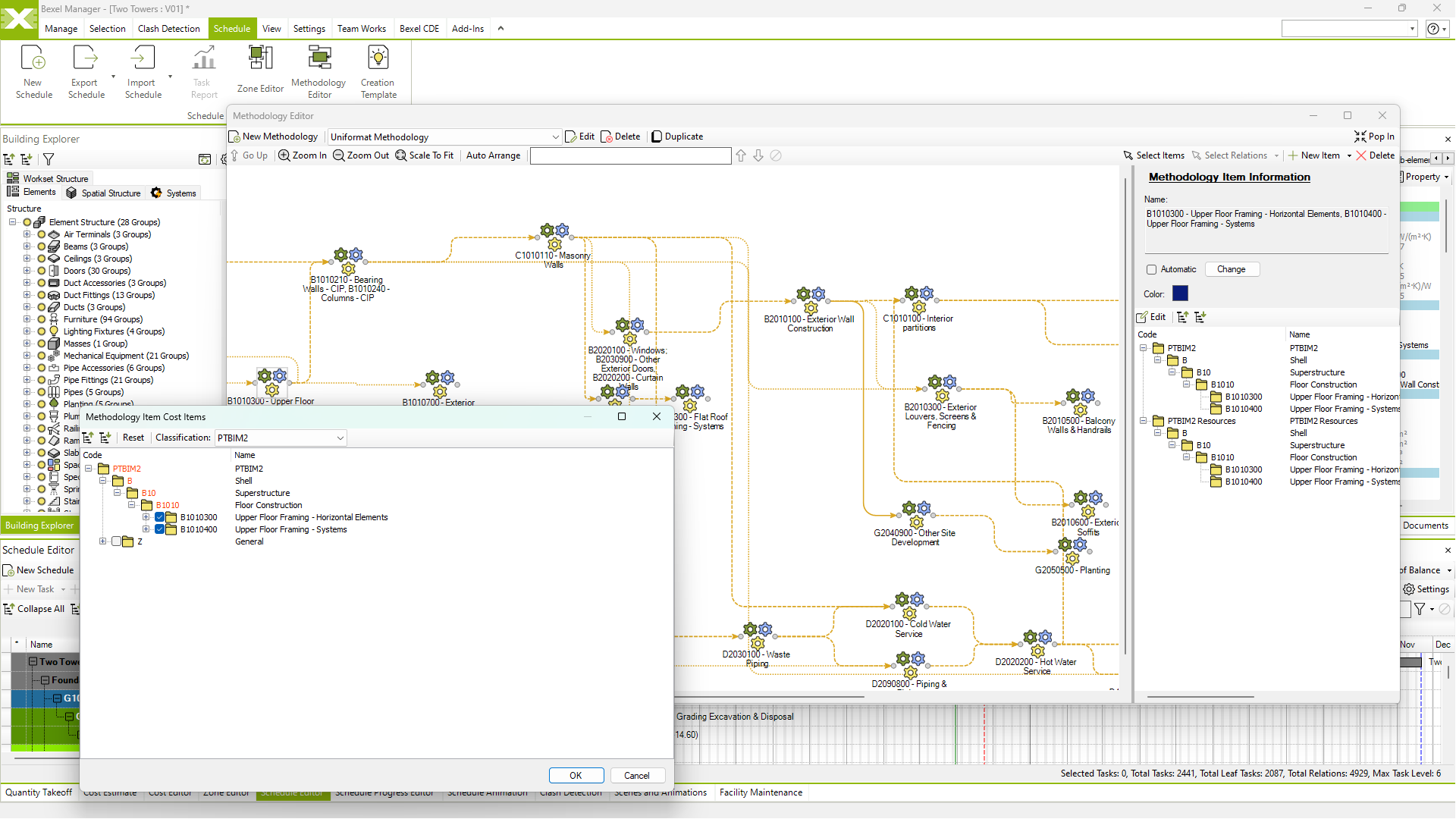
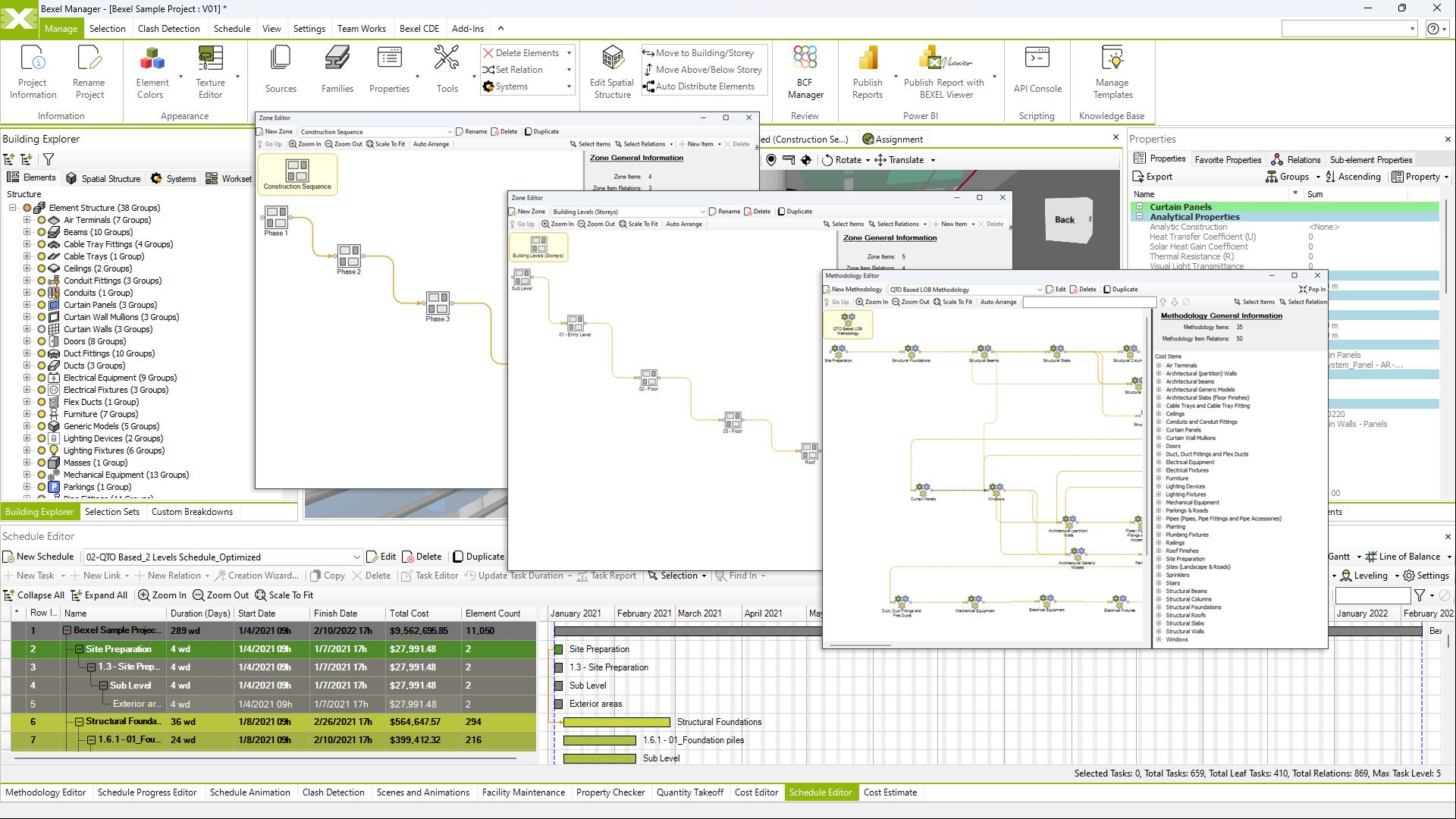
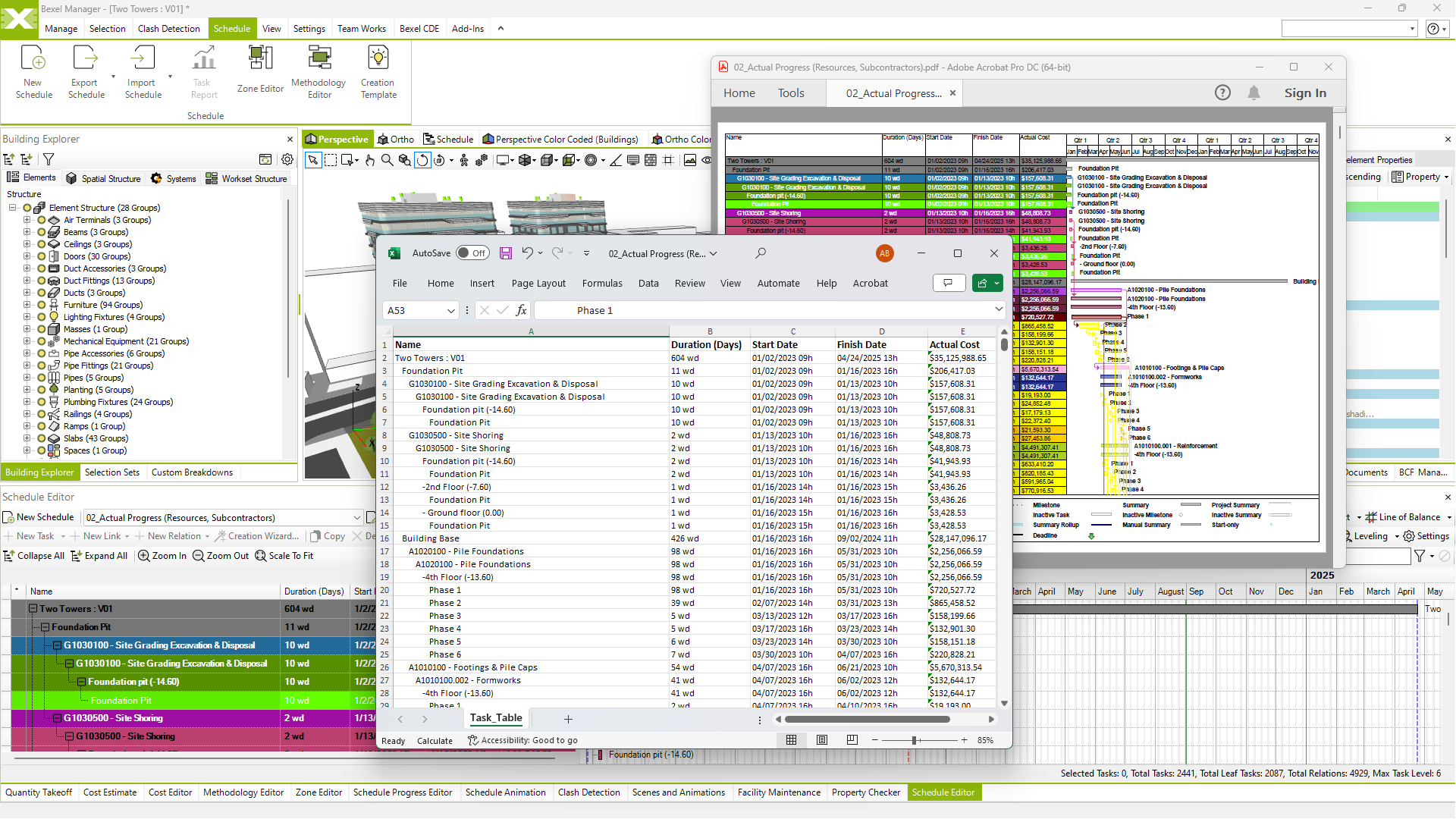
Construction methodologies

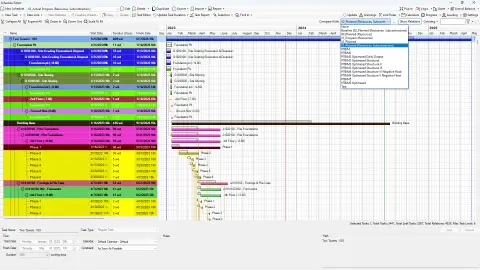
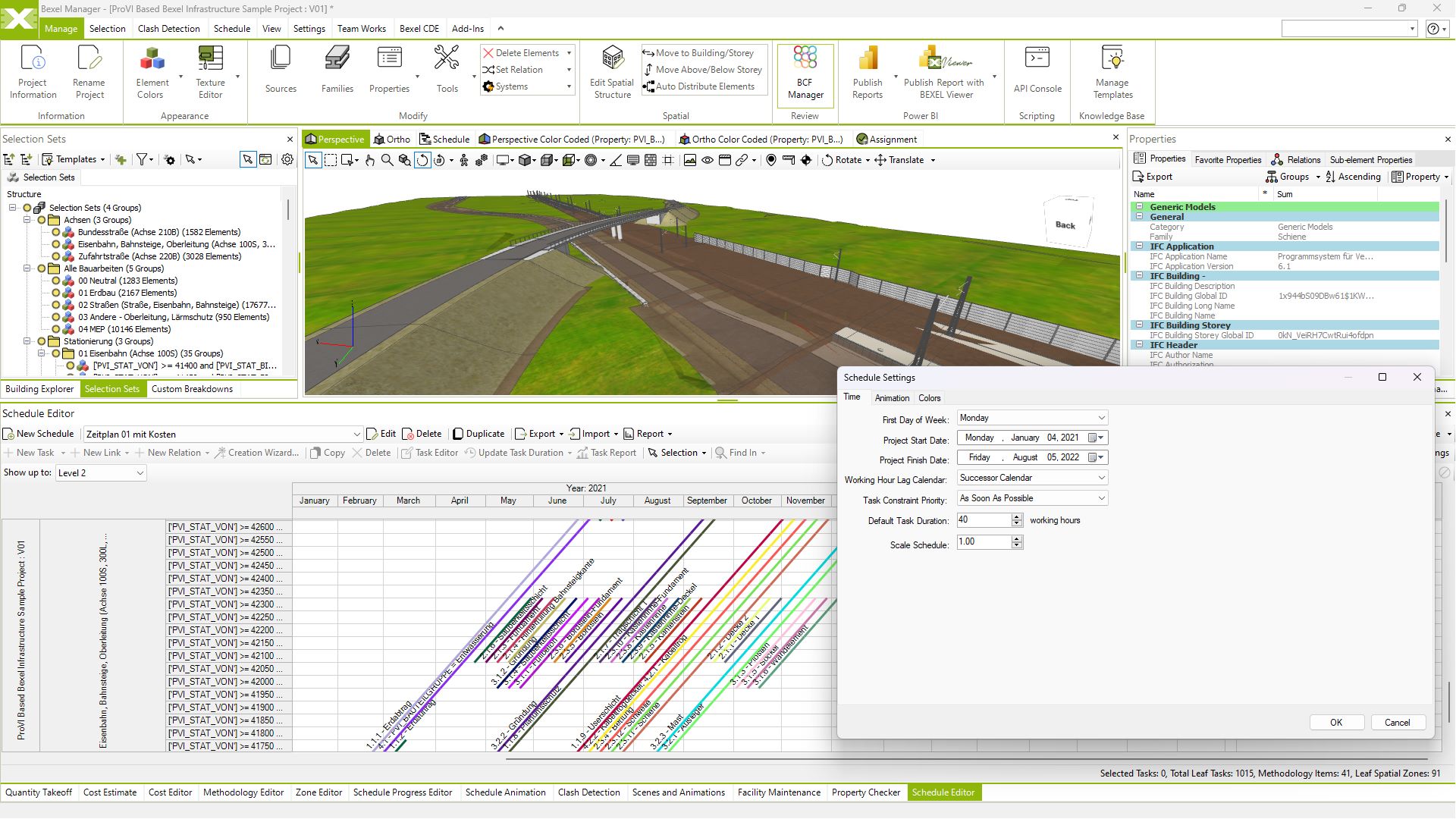
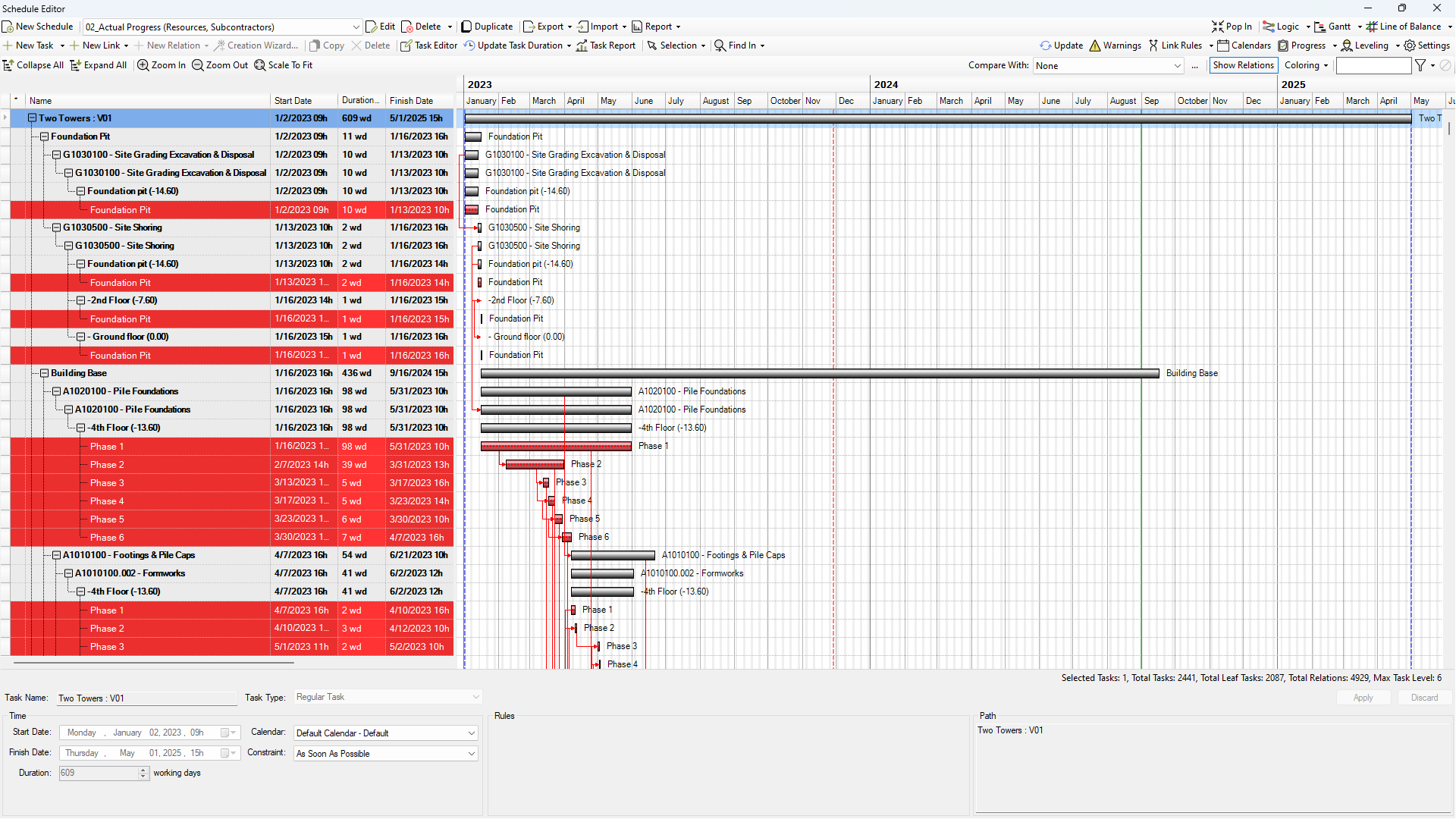
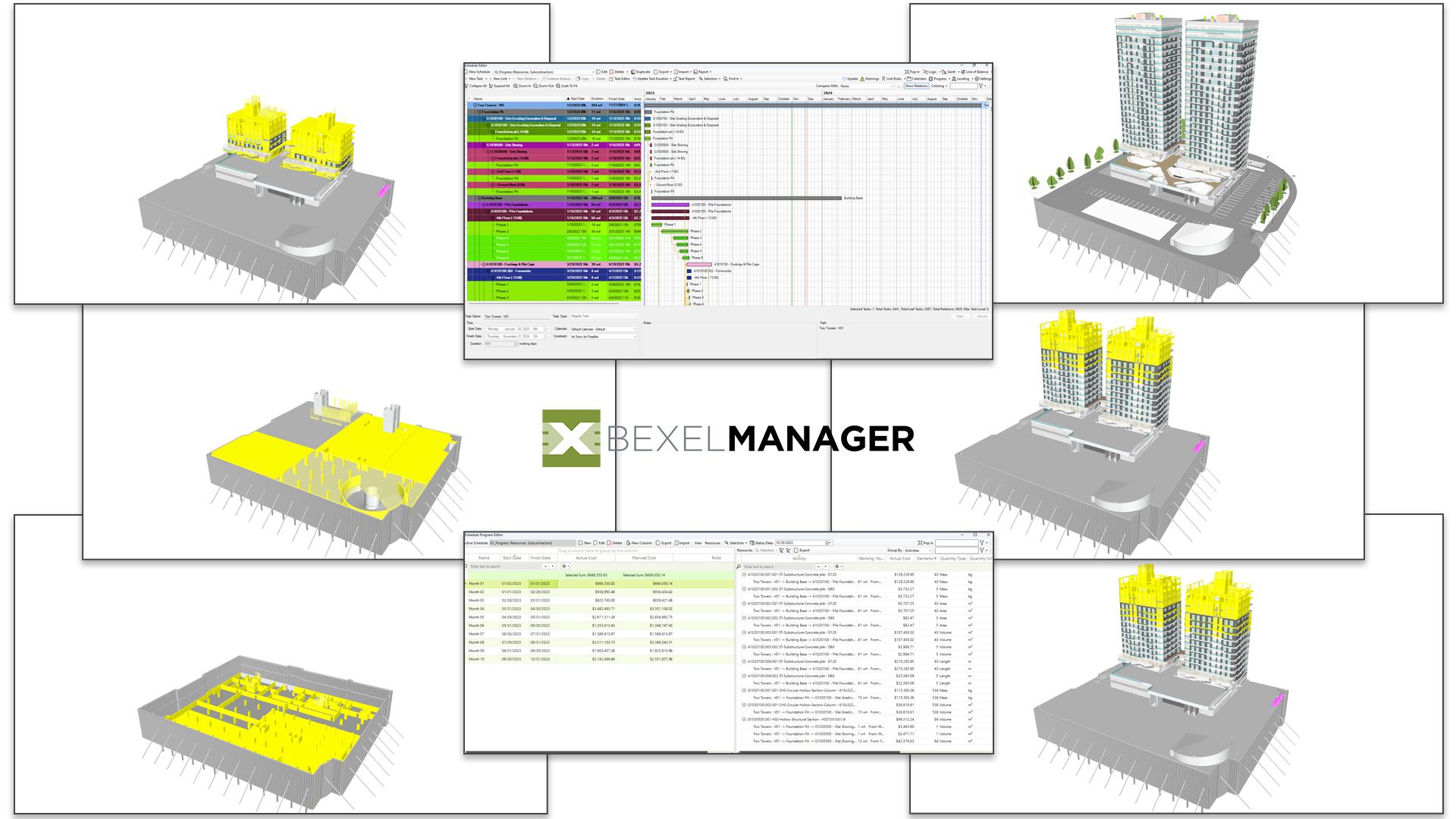
Intelligent LOB and flowline scheduling

Smart automated scheduling

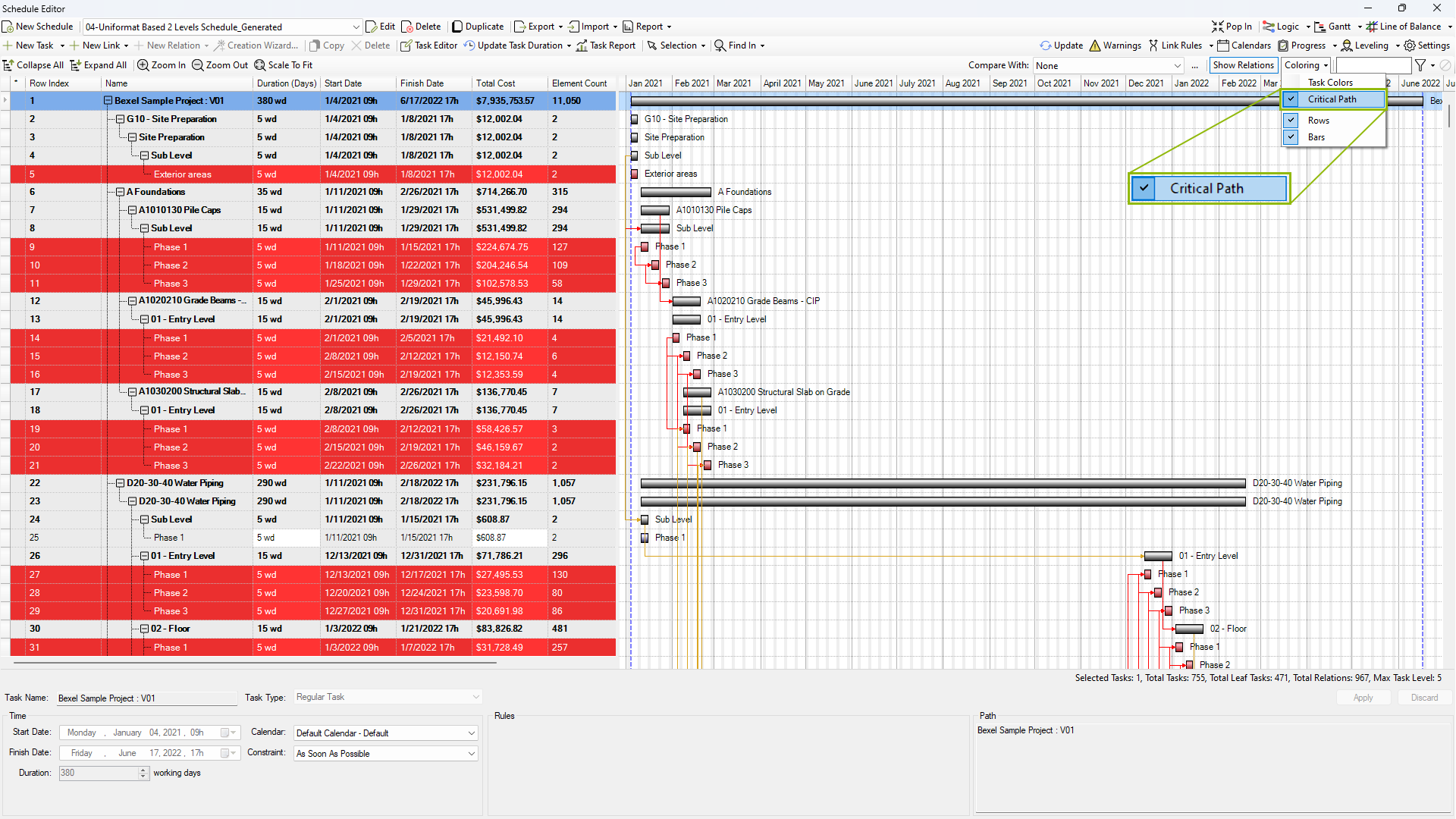
Critical path method (CPM) and analysis (CPA)

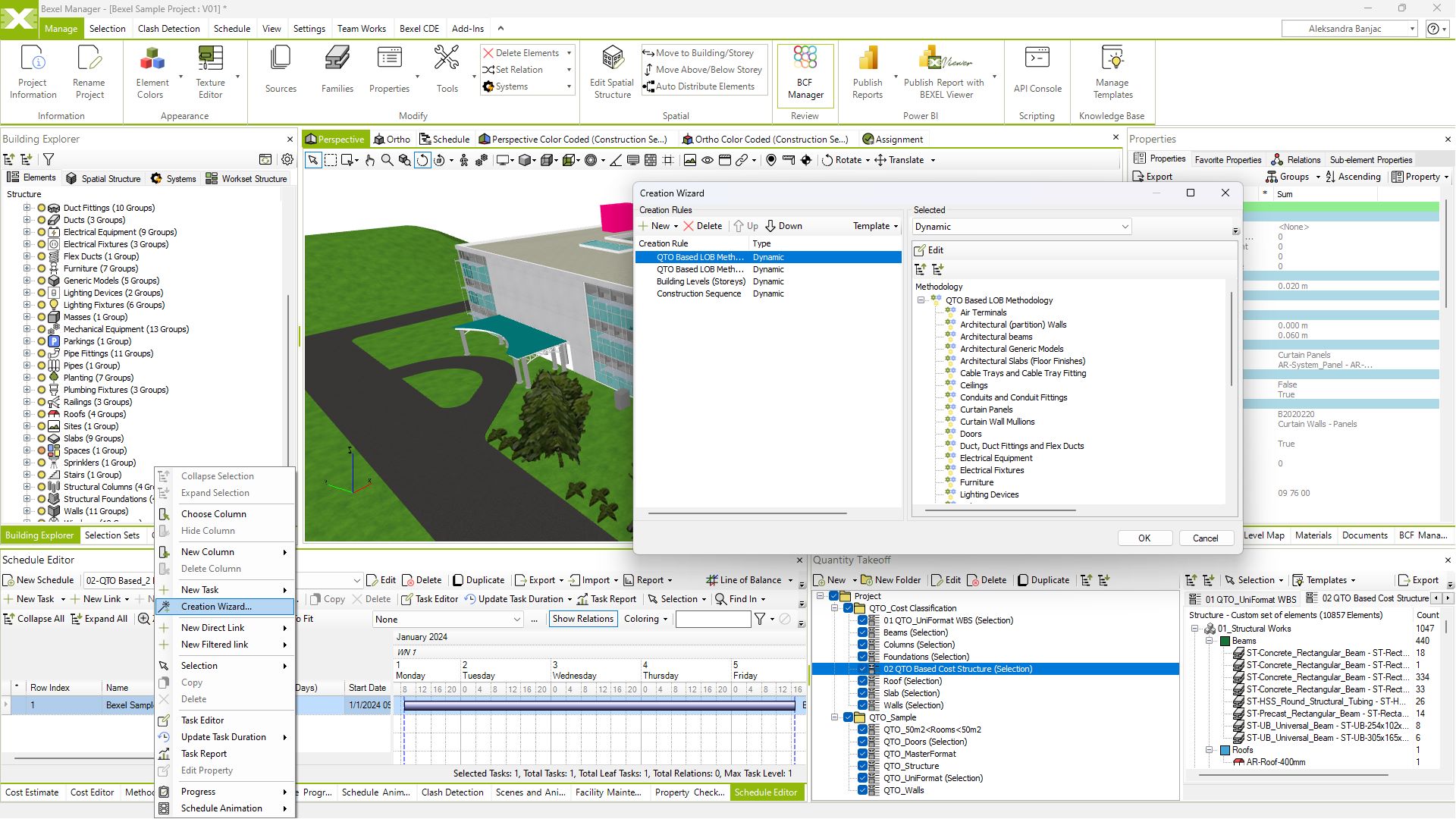
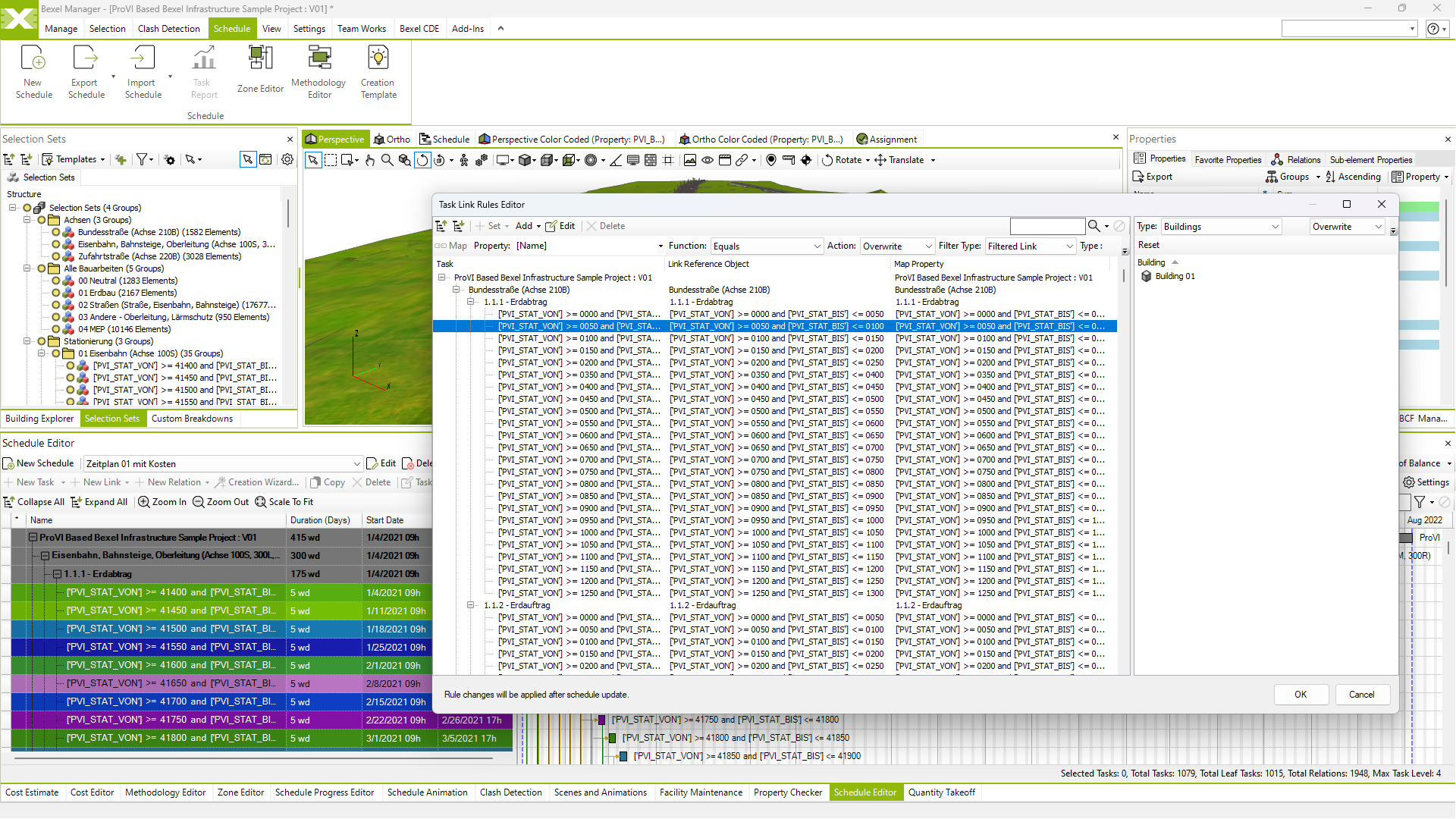
Smart mapping of model elements to schedule tasks

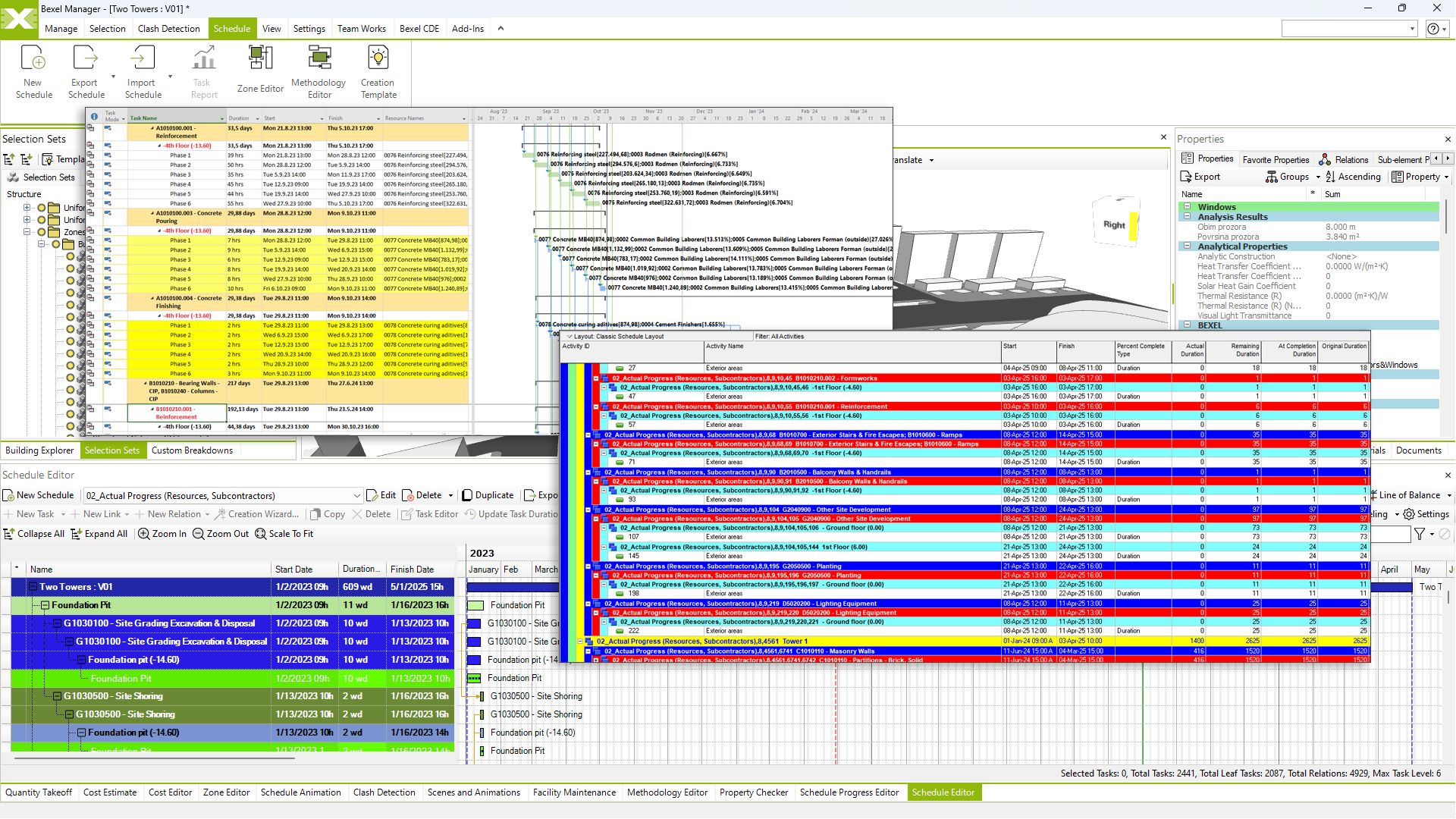
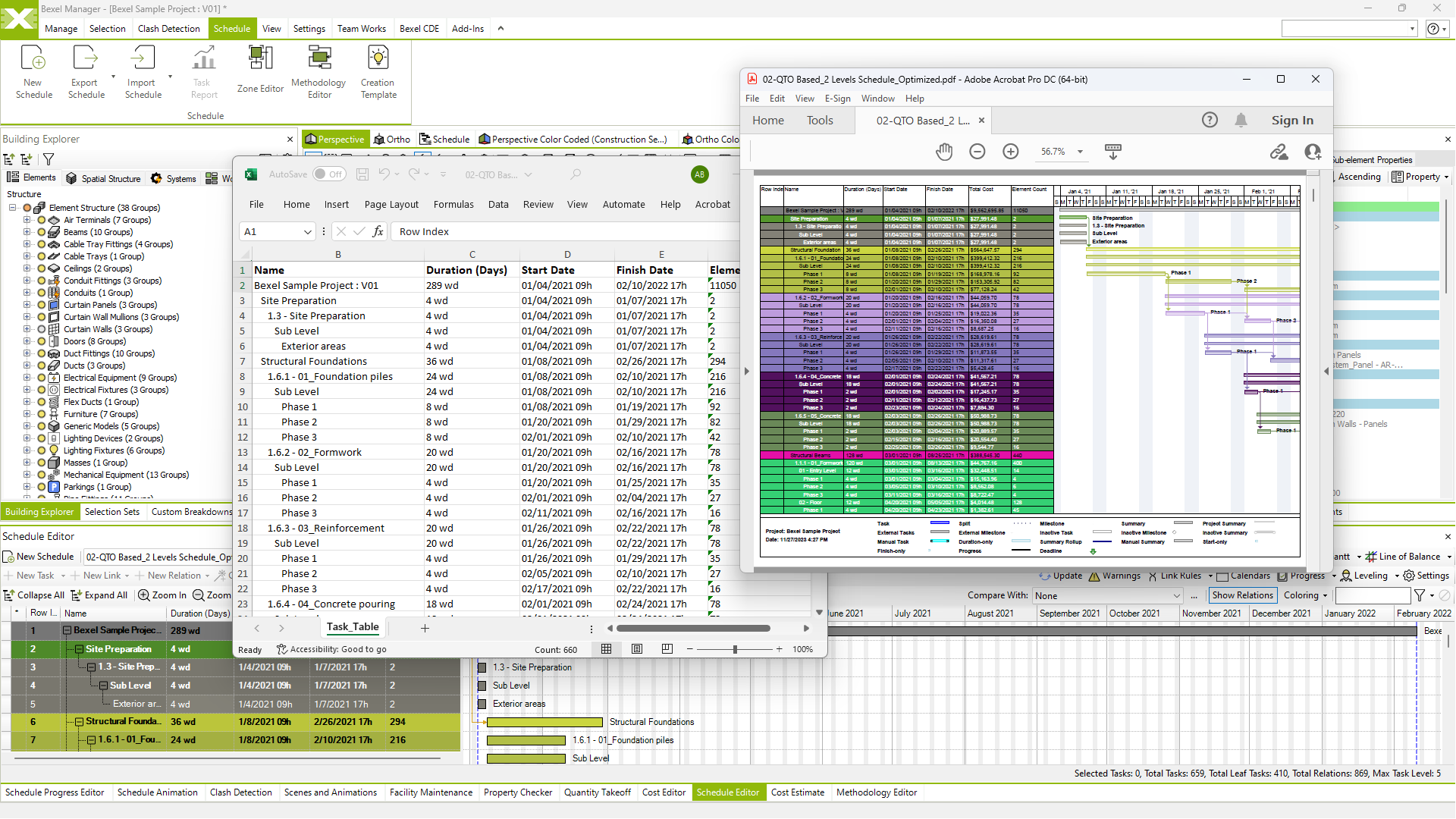
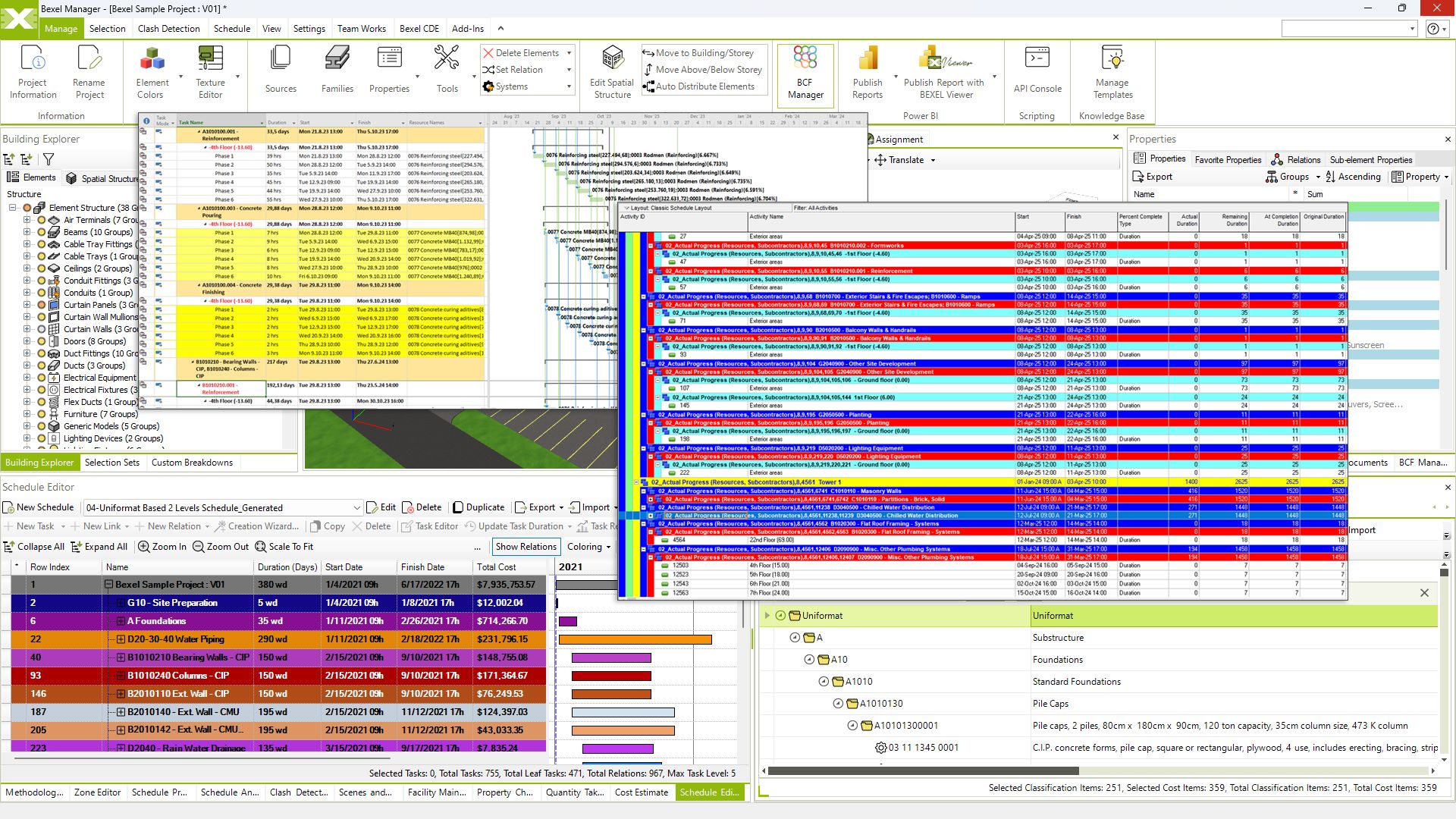
Import/export schedules from various sources (e.g. Primavera, Microsoft Project)

Gantt export to .pdf and .xlsx

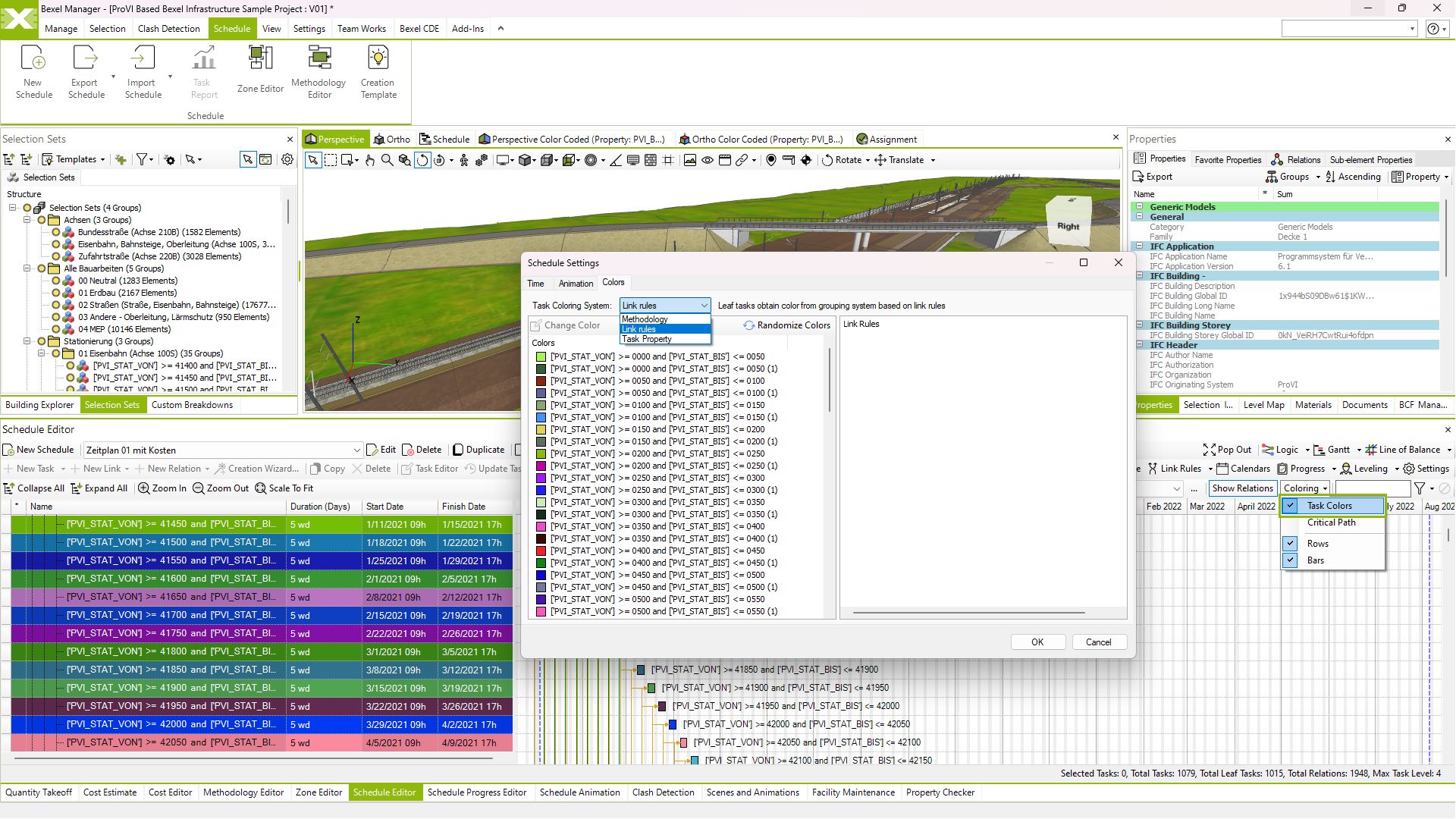
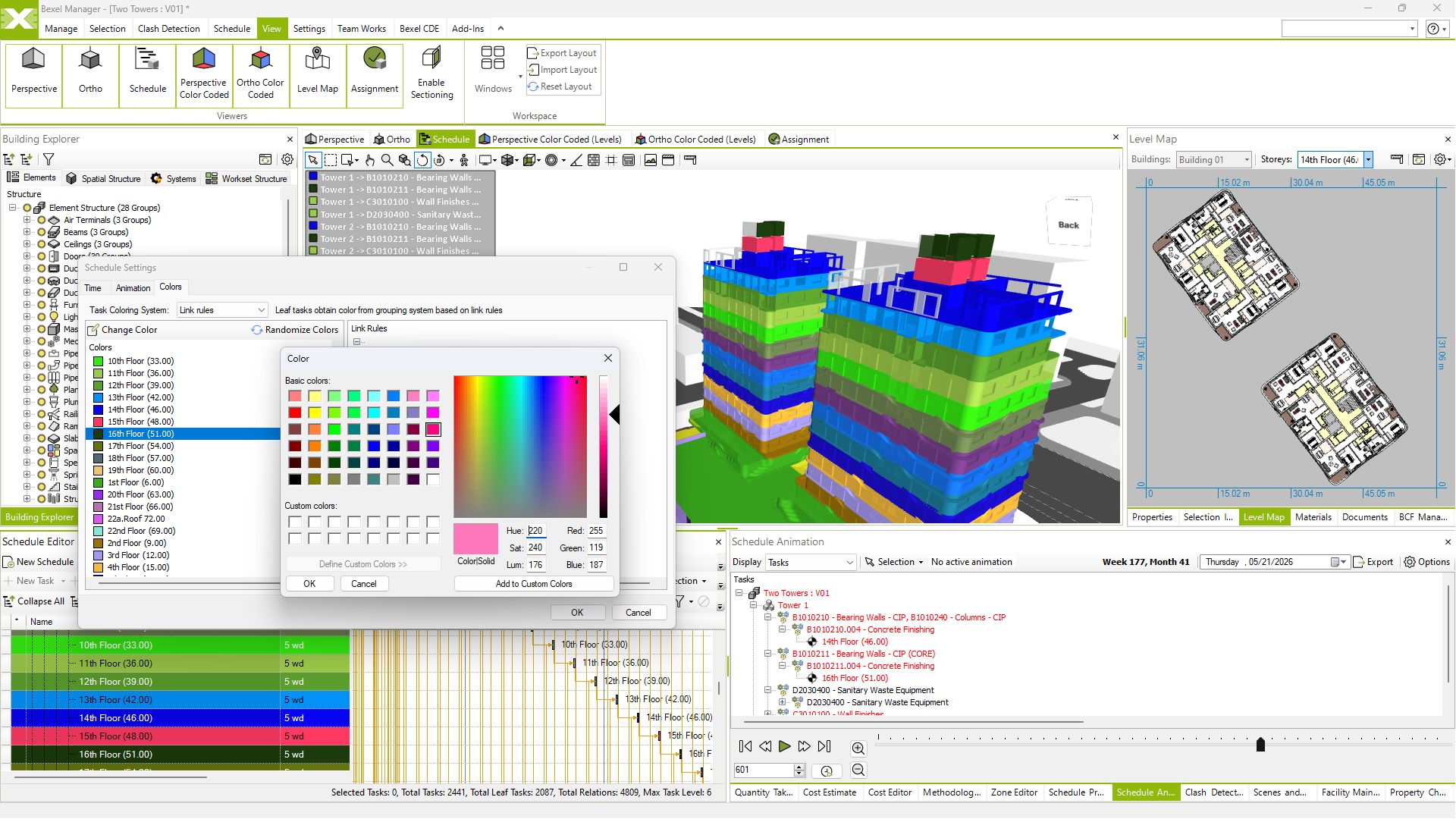
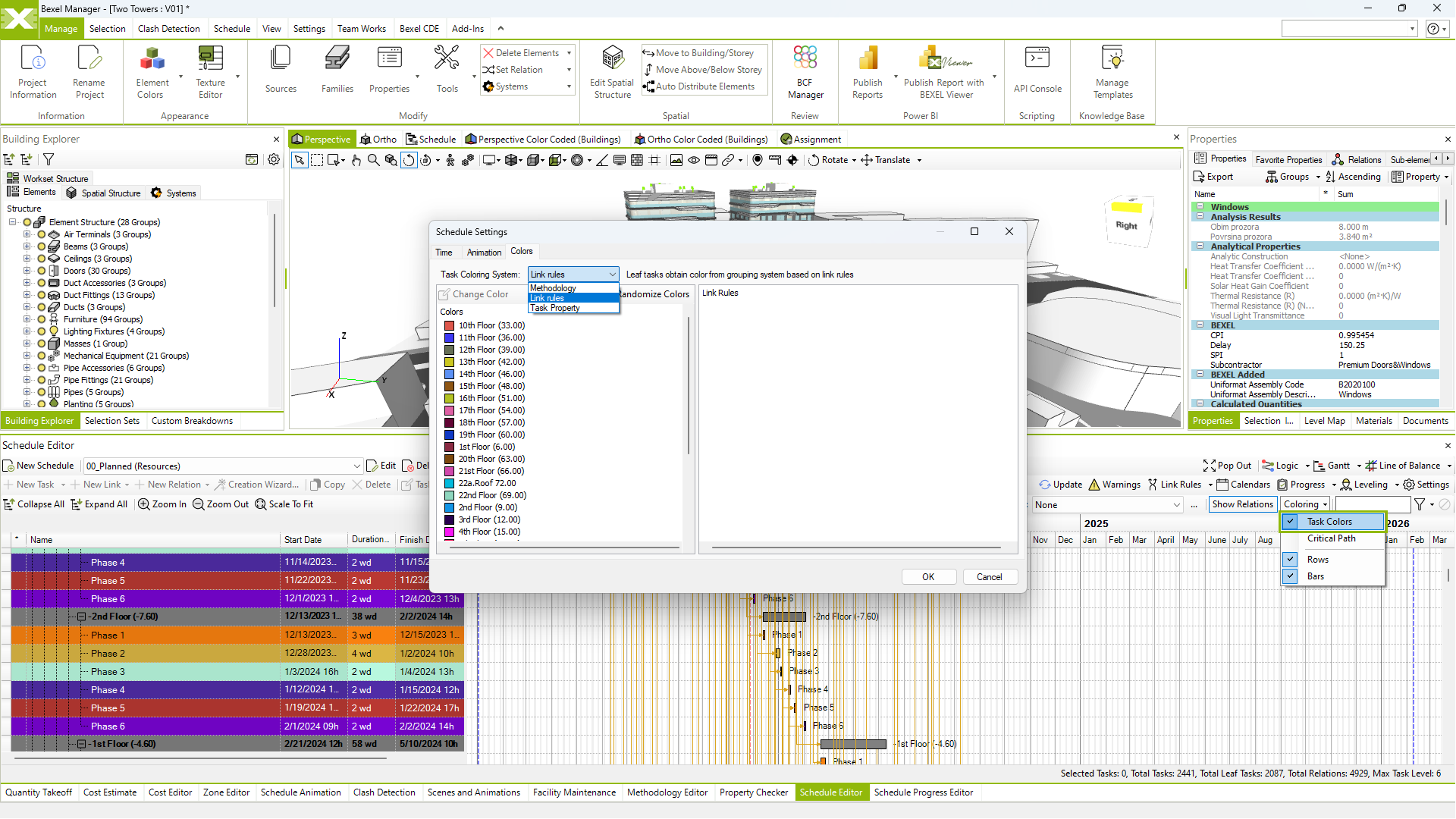
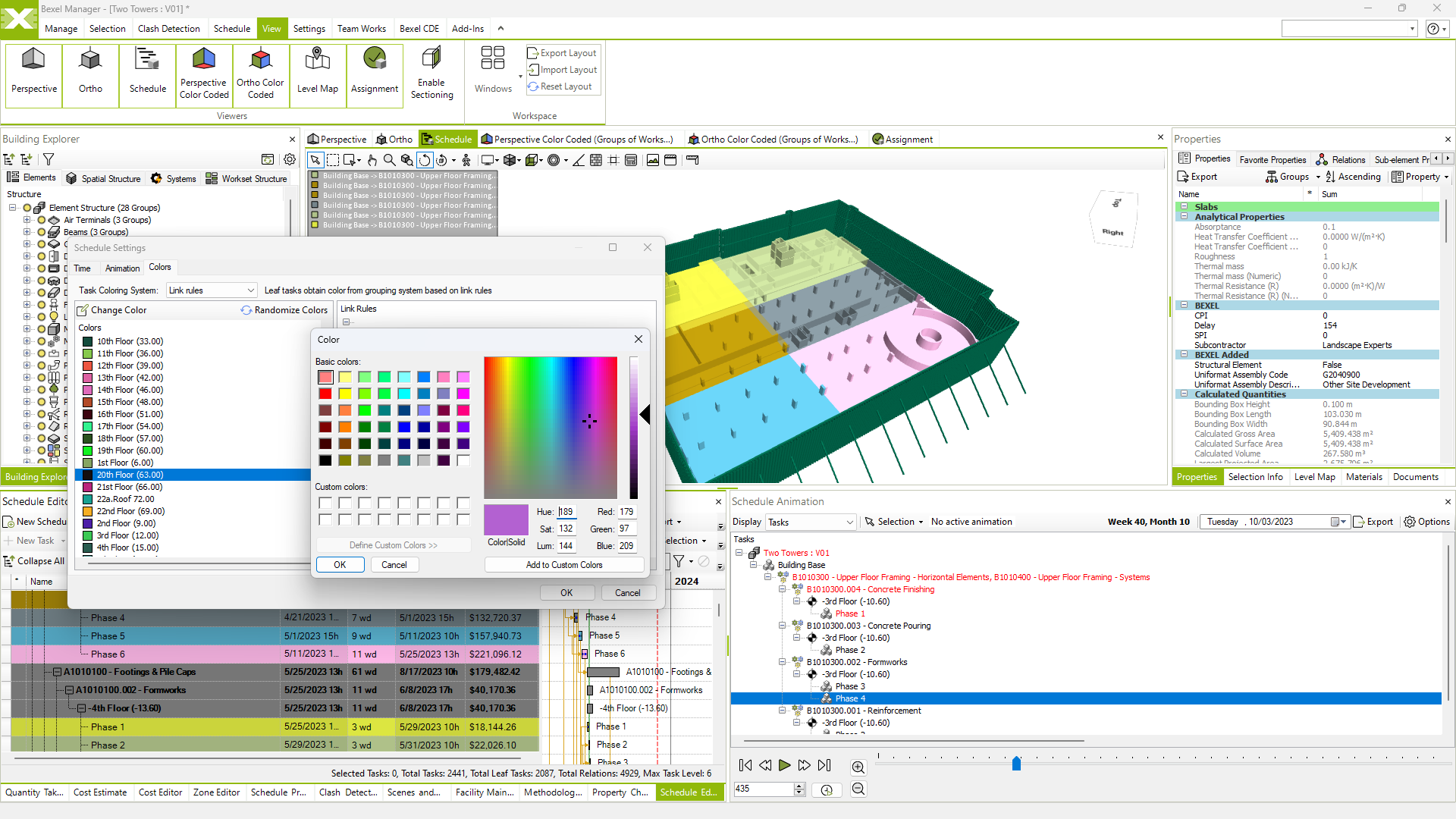
Schedule coloring by various rules

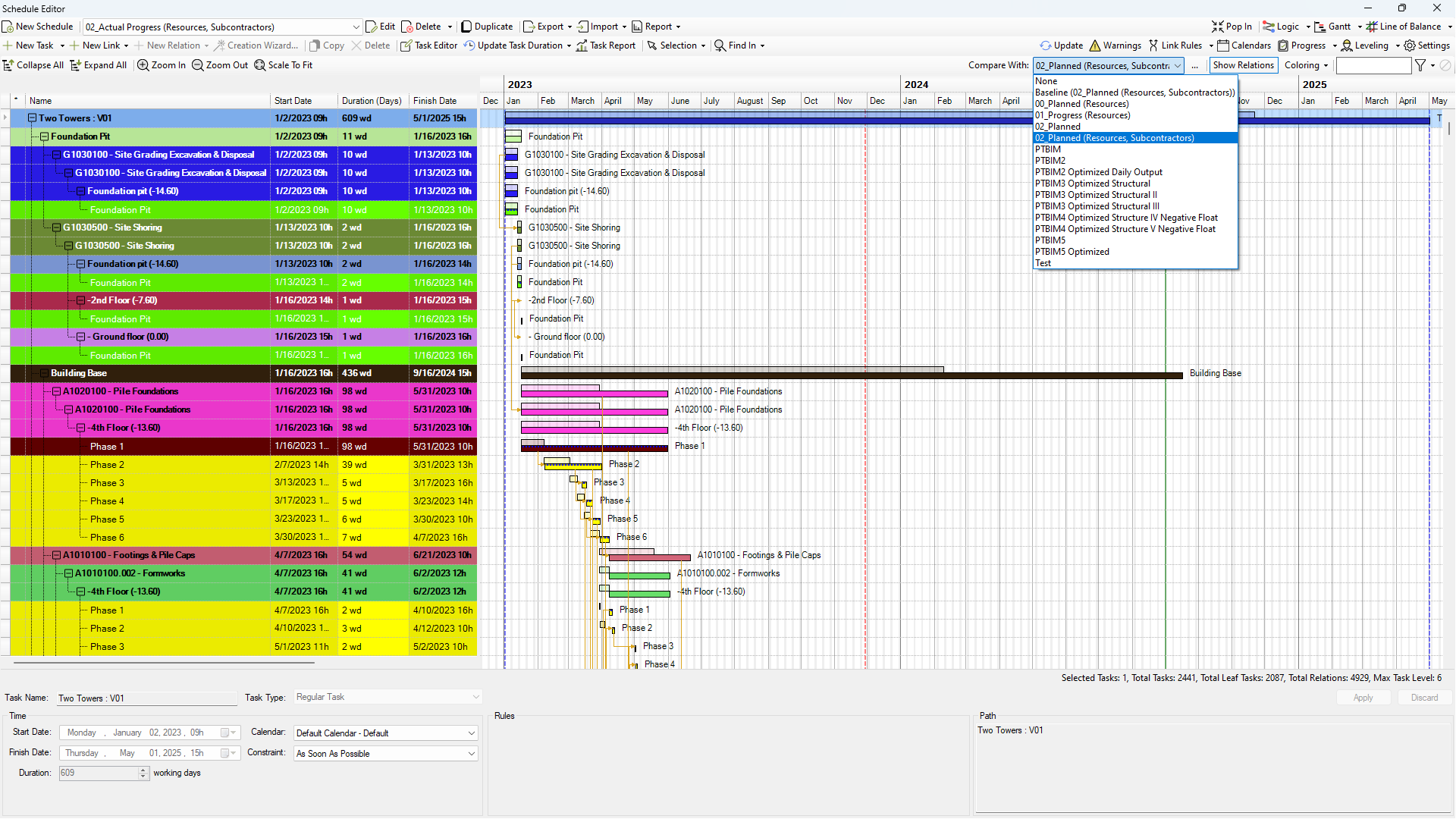
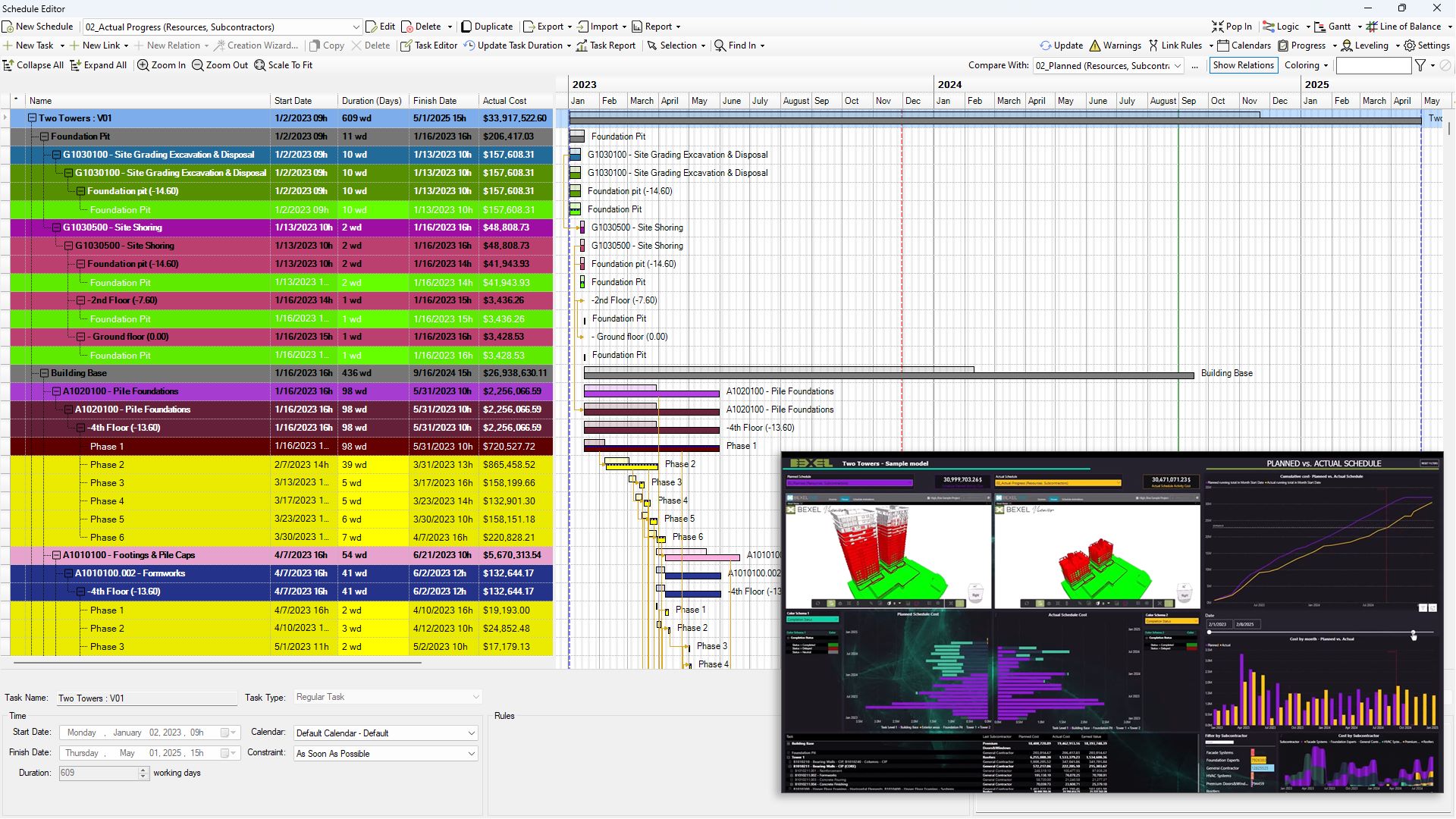
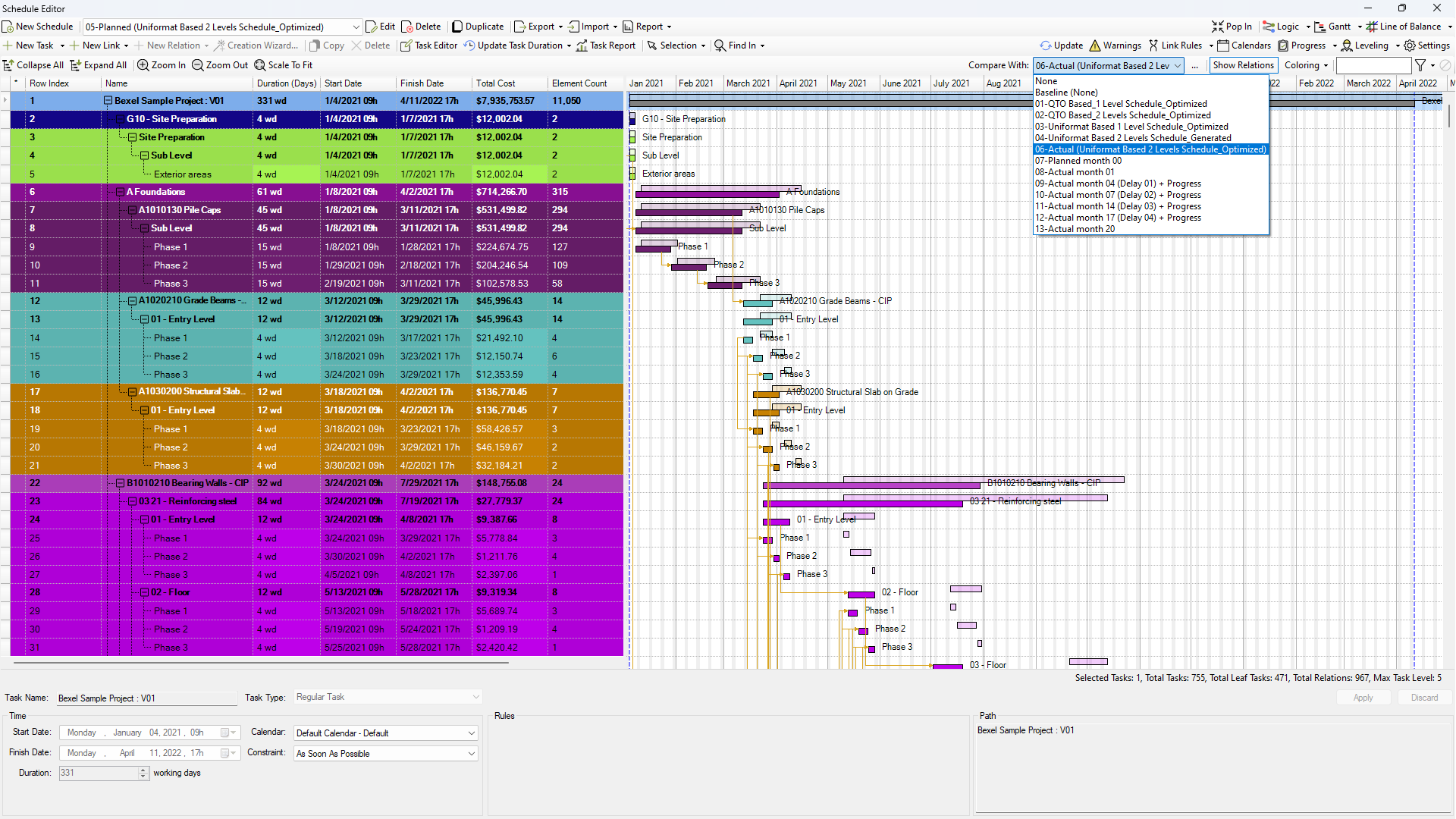
Schedule comparison

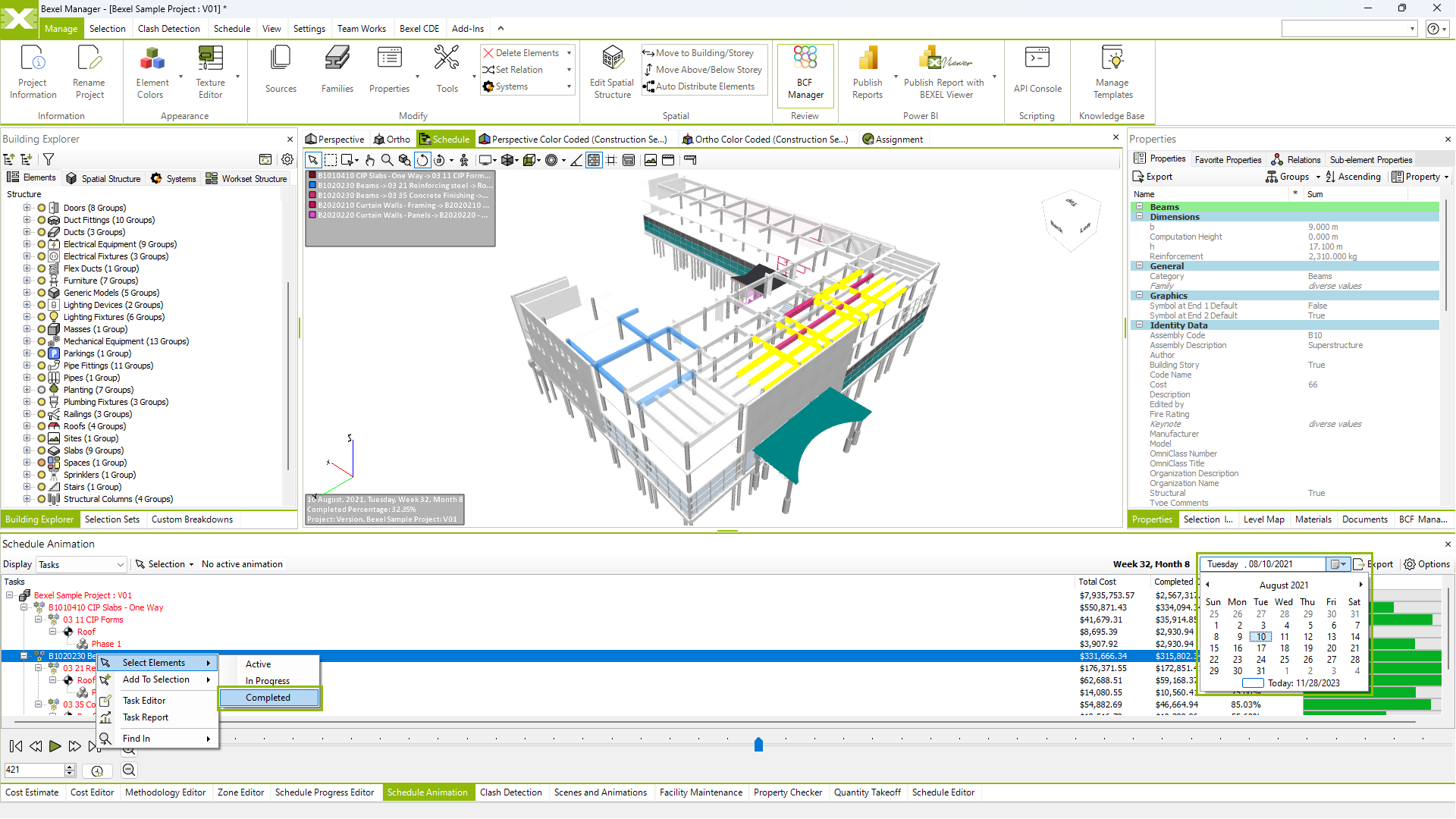
CONSTRUCTION SIMULATION
Visualize Construction Before It Begins

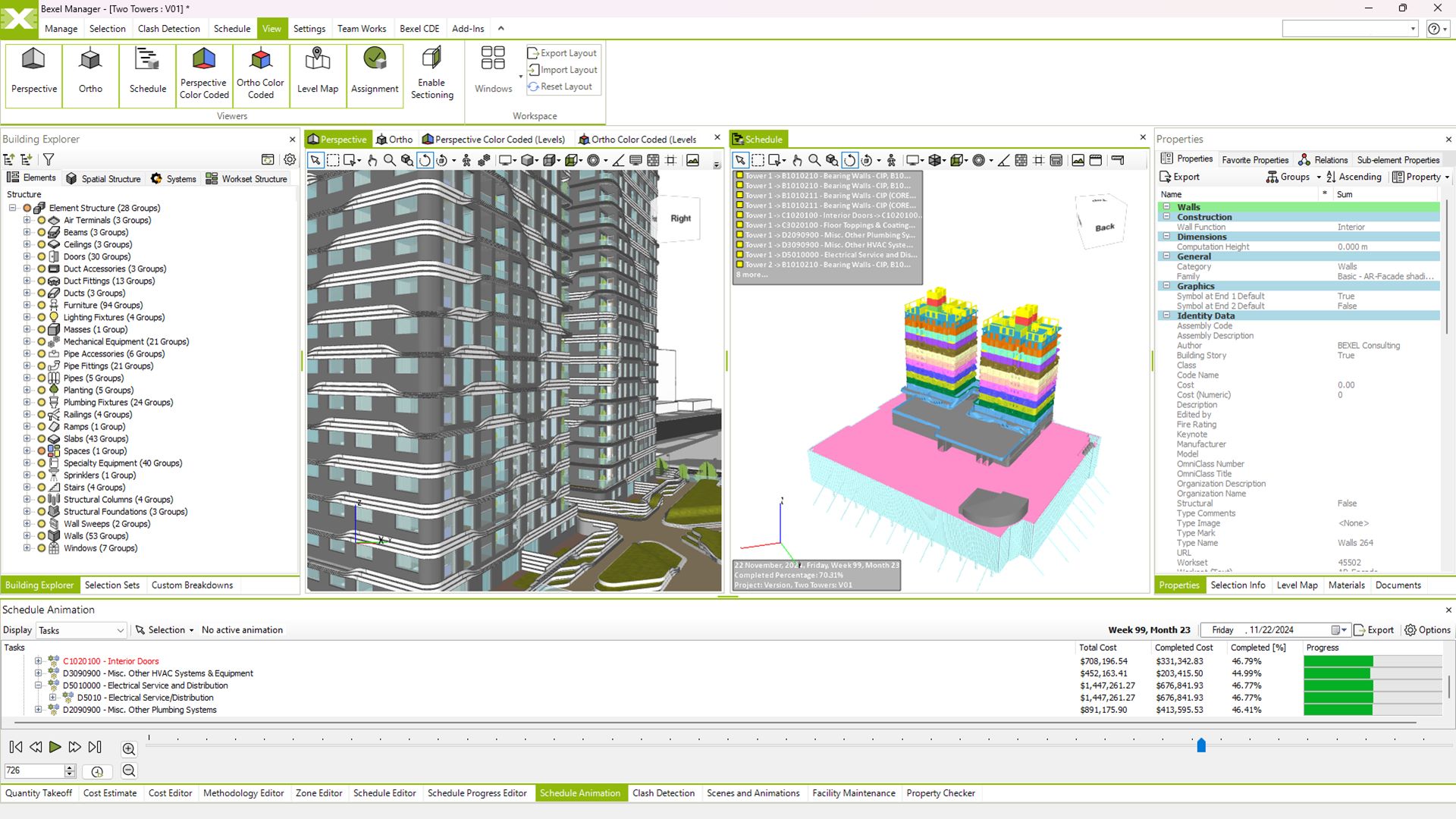
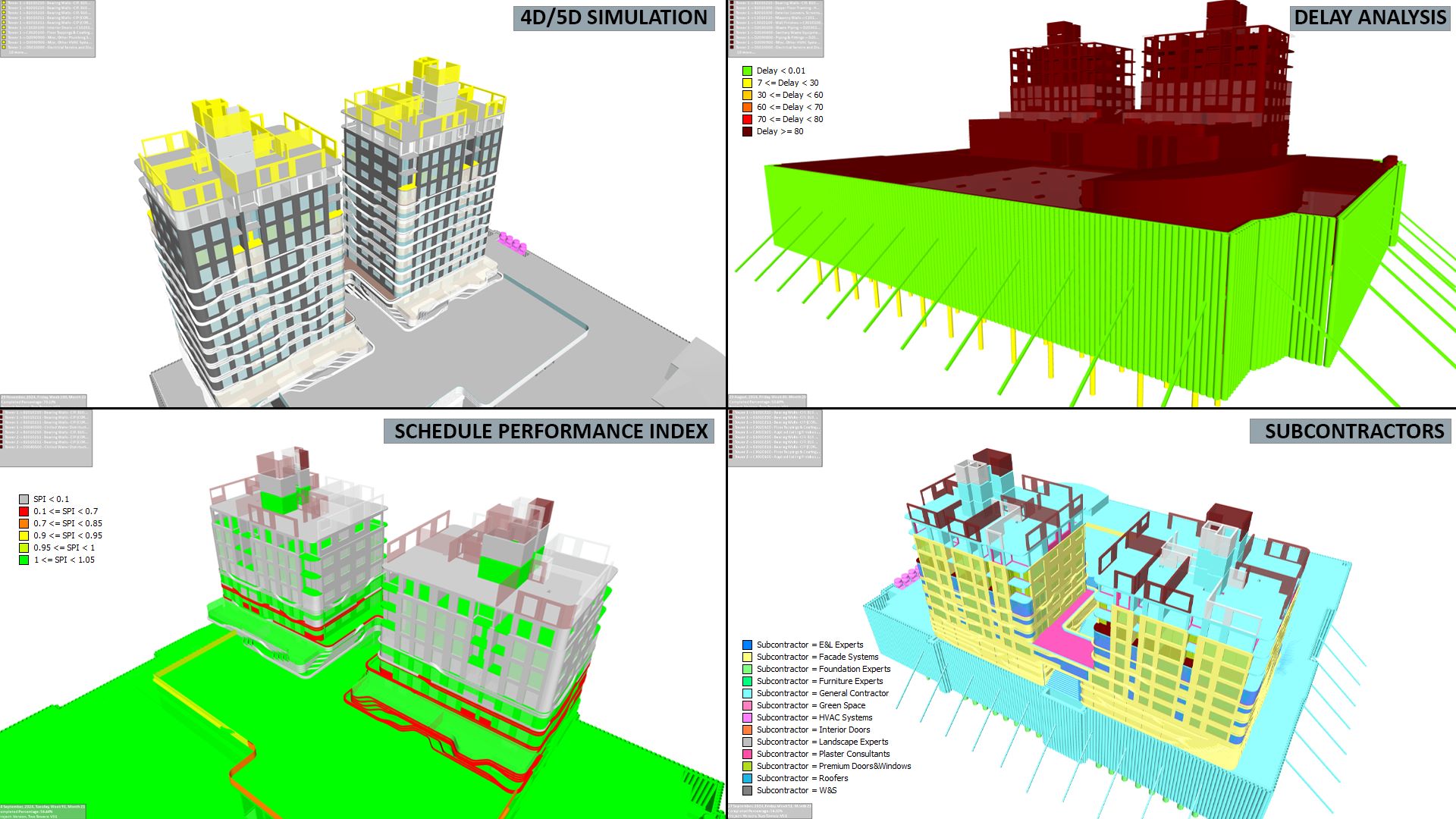
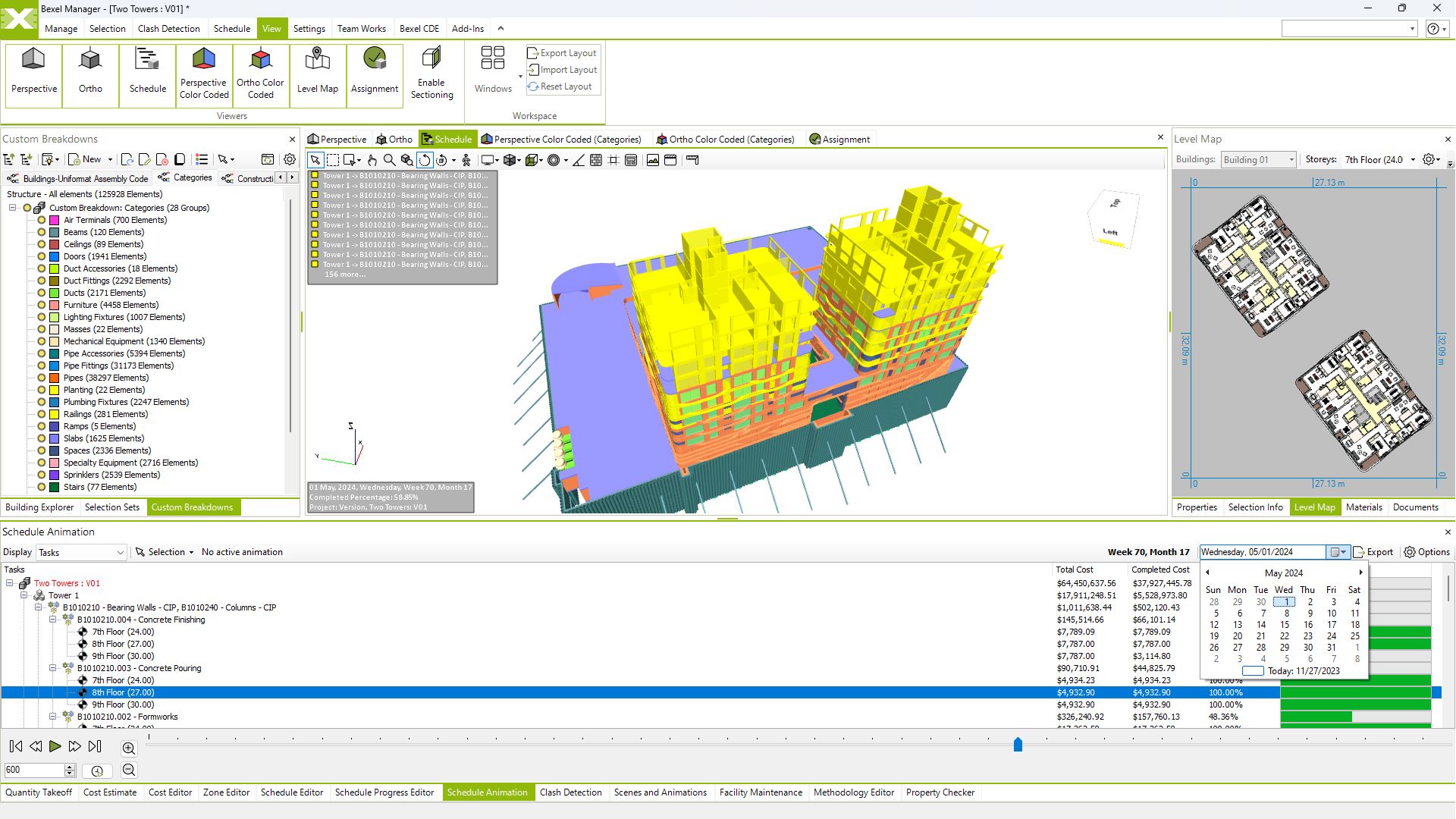
Visualize construction schedule for clear and detailed project insights

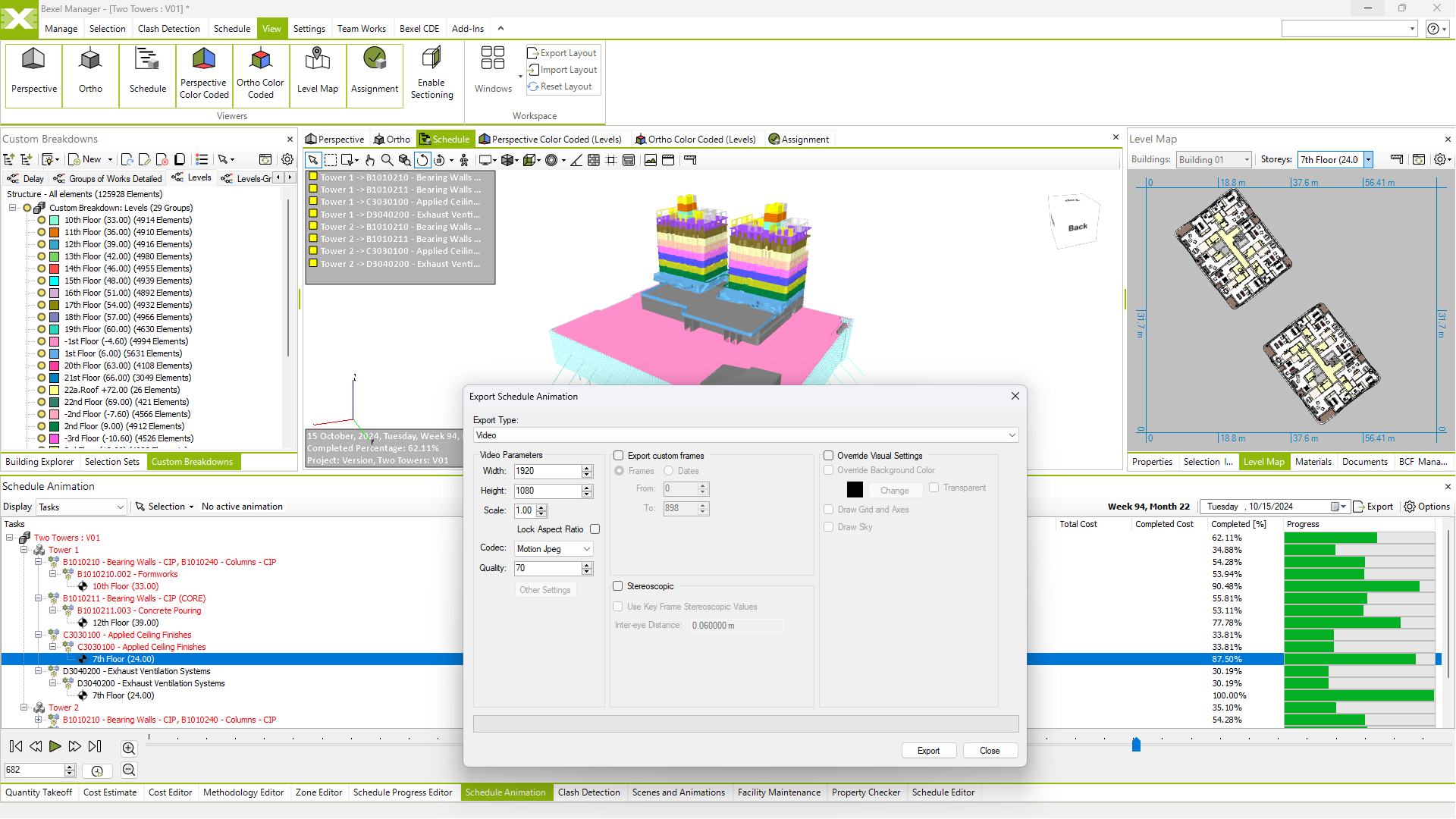
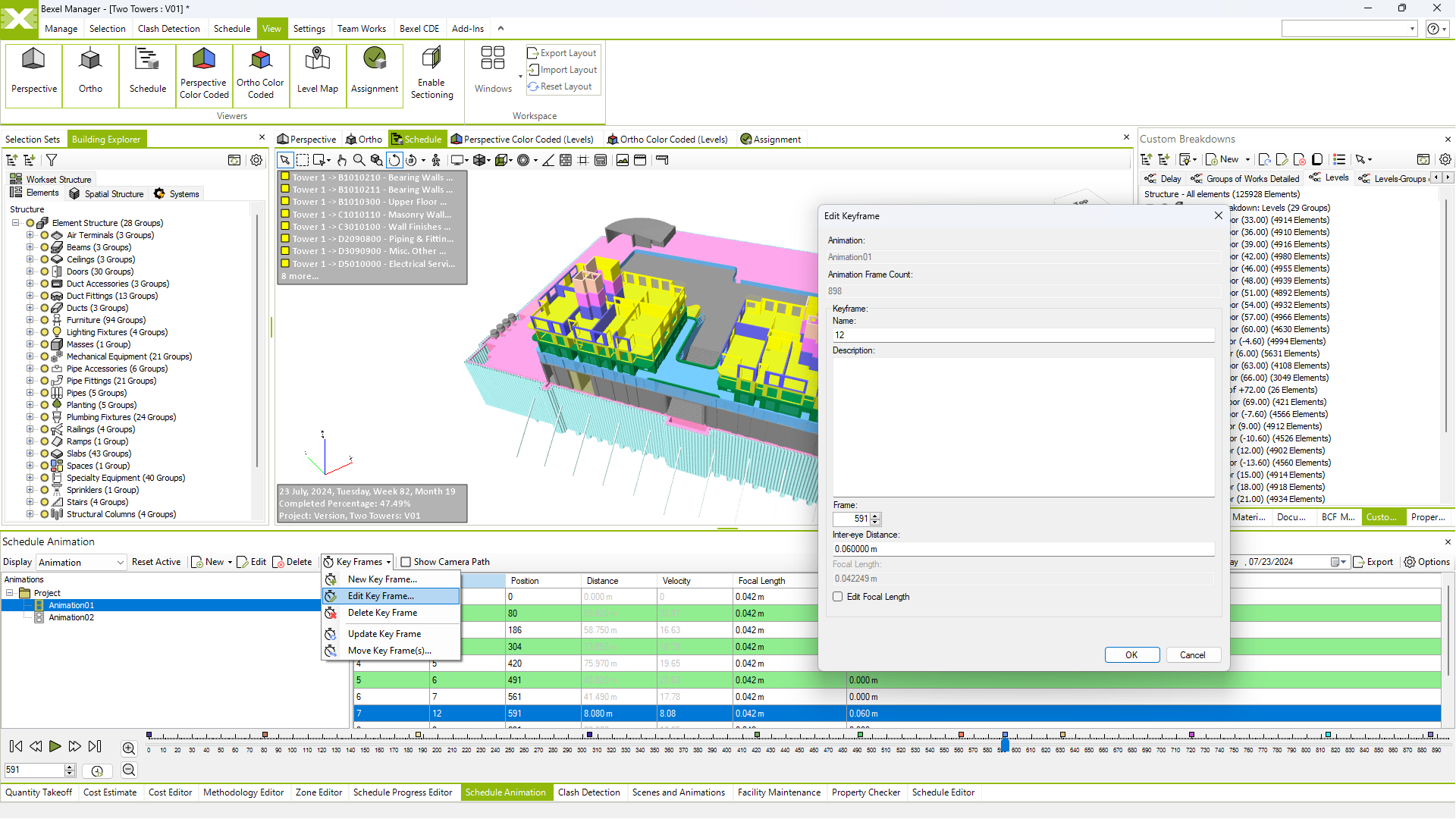
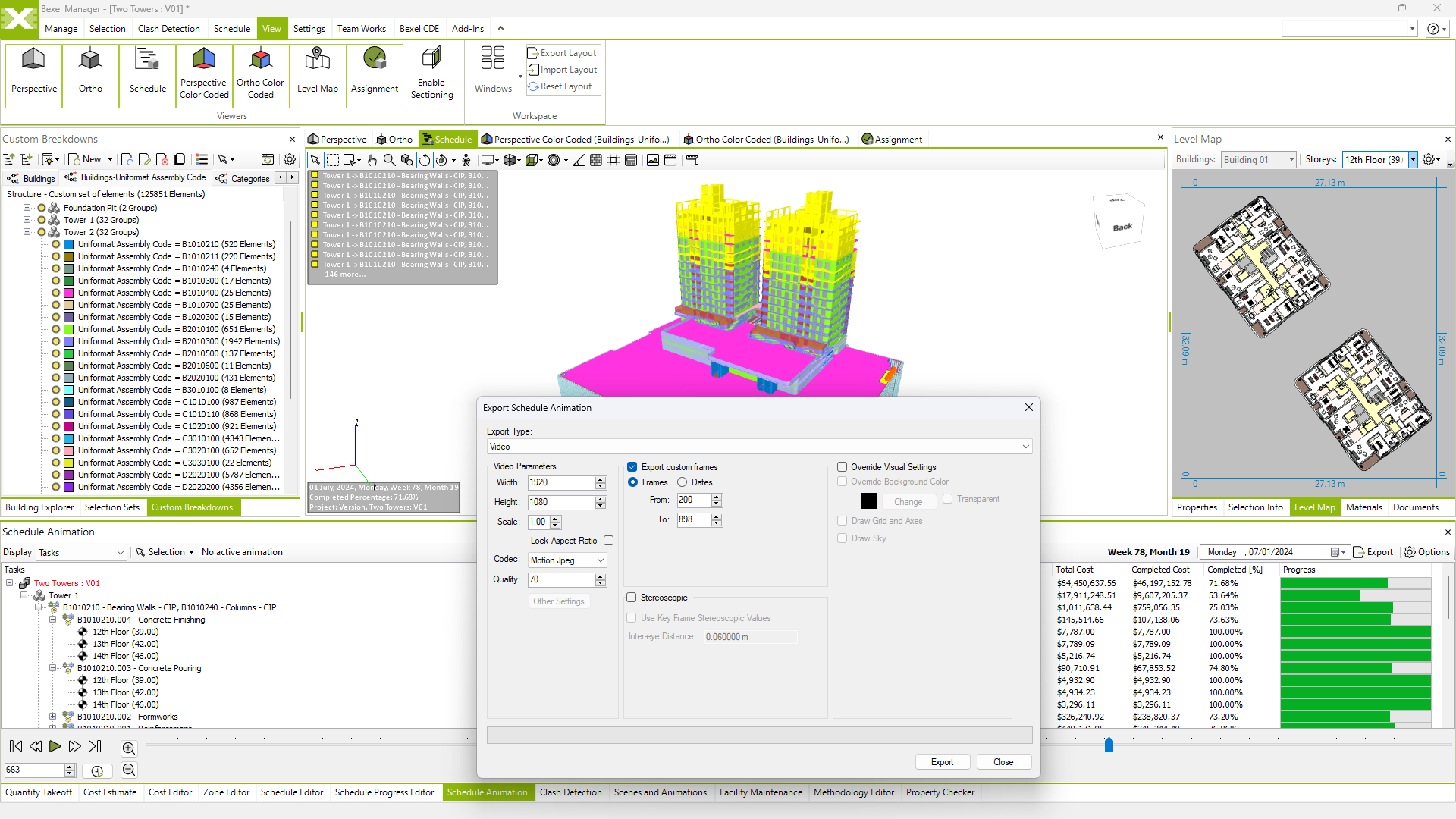
Create and export 4D simulation

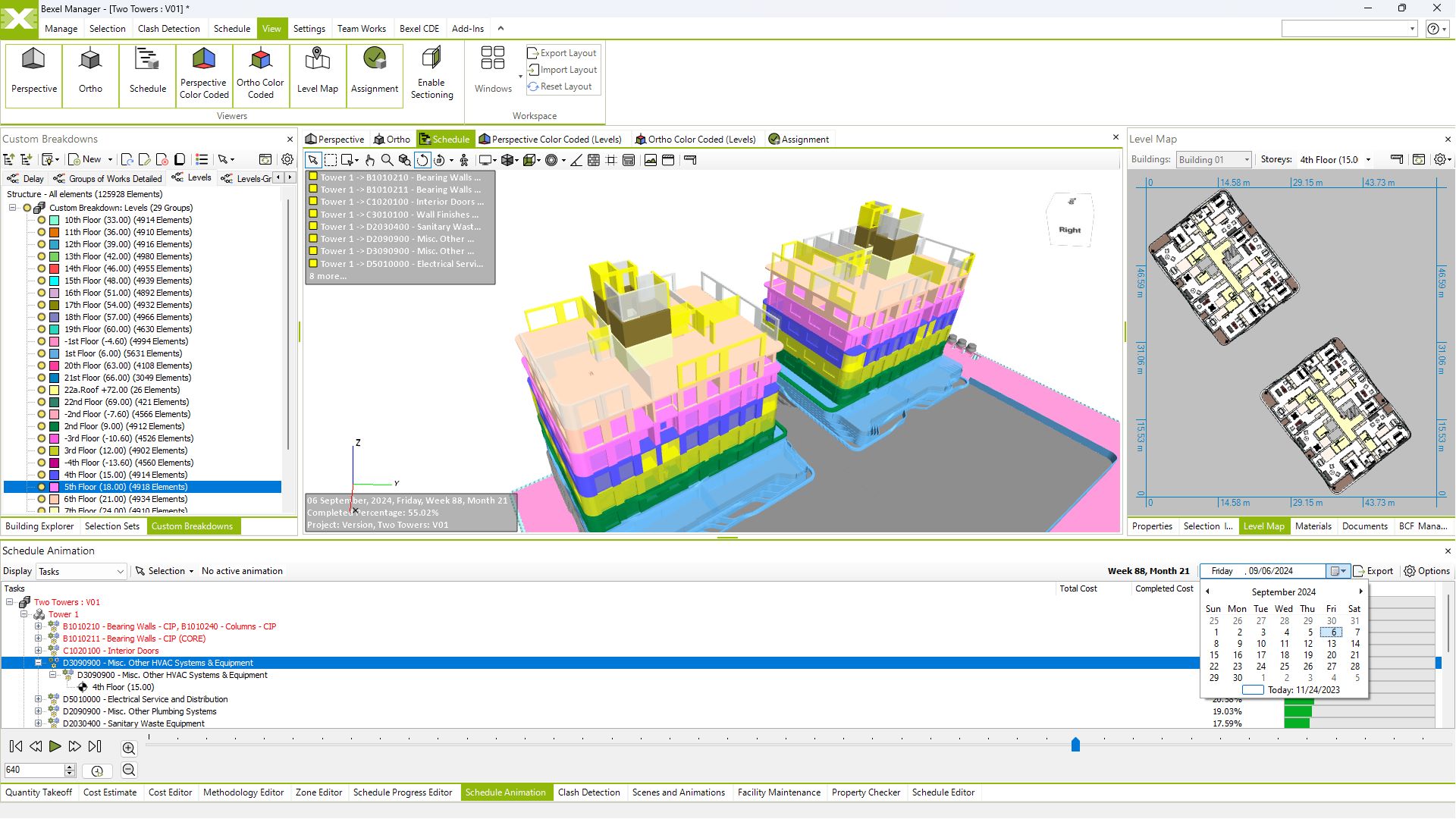
Real-time construction simulation review

Custom color schemes for elements, tasks and resources

Animation management (e.g. camera path, time interval, frame rate)
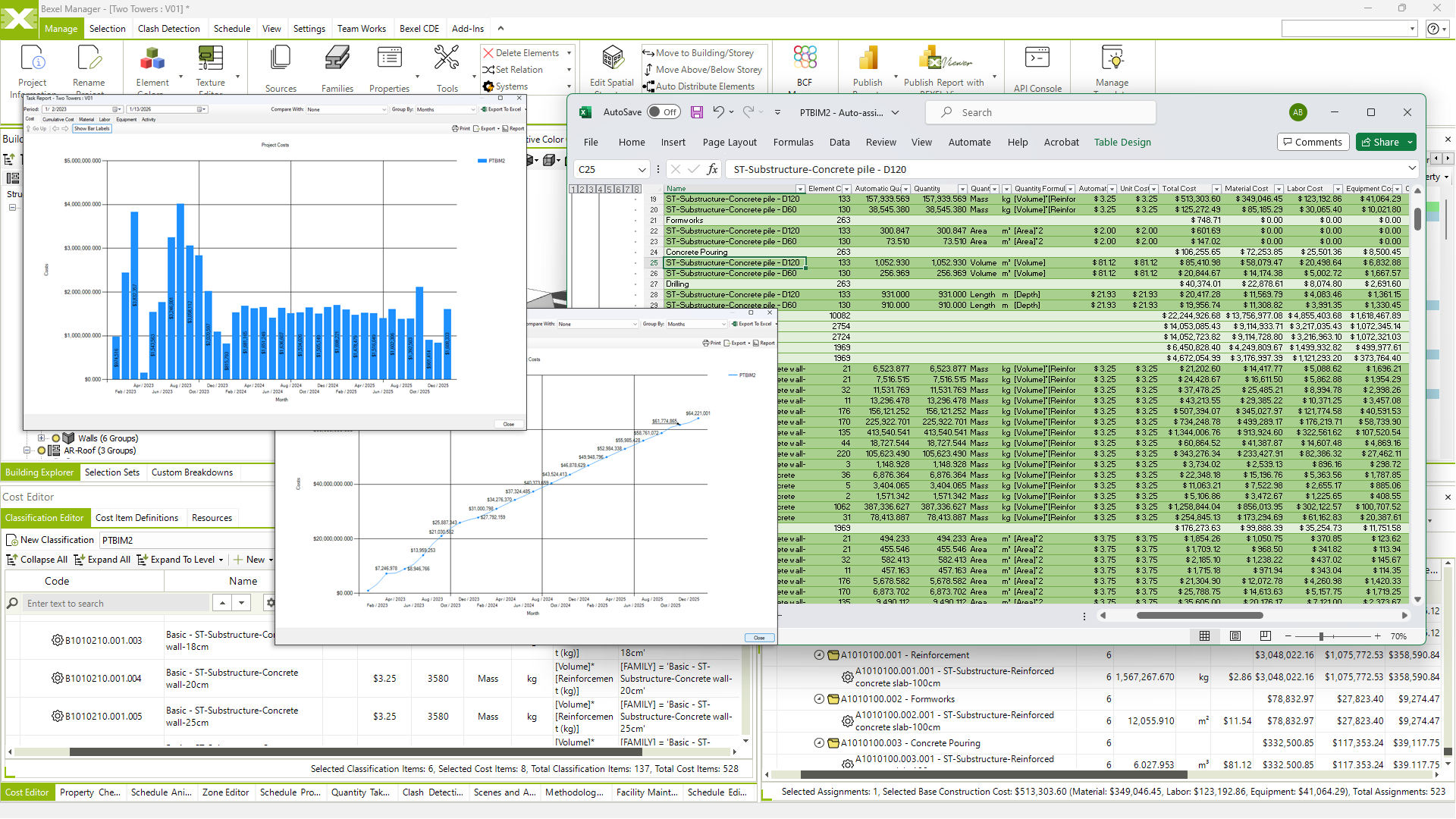
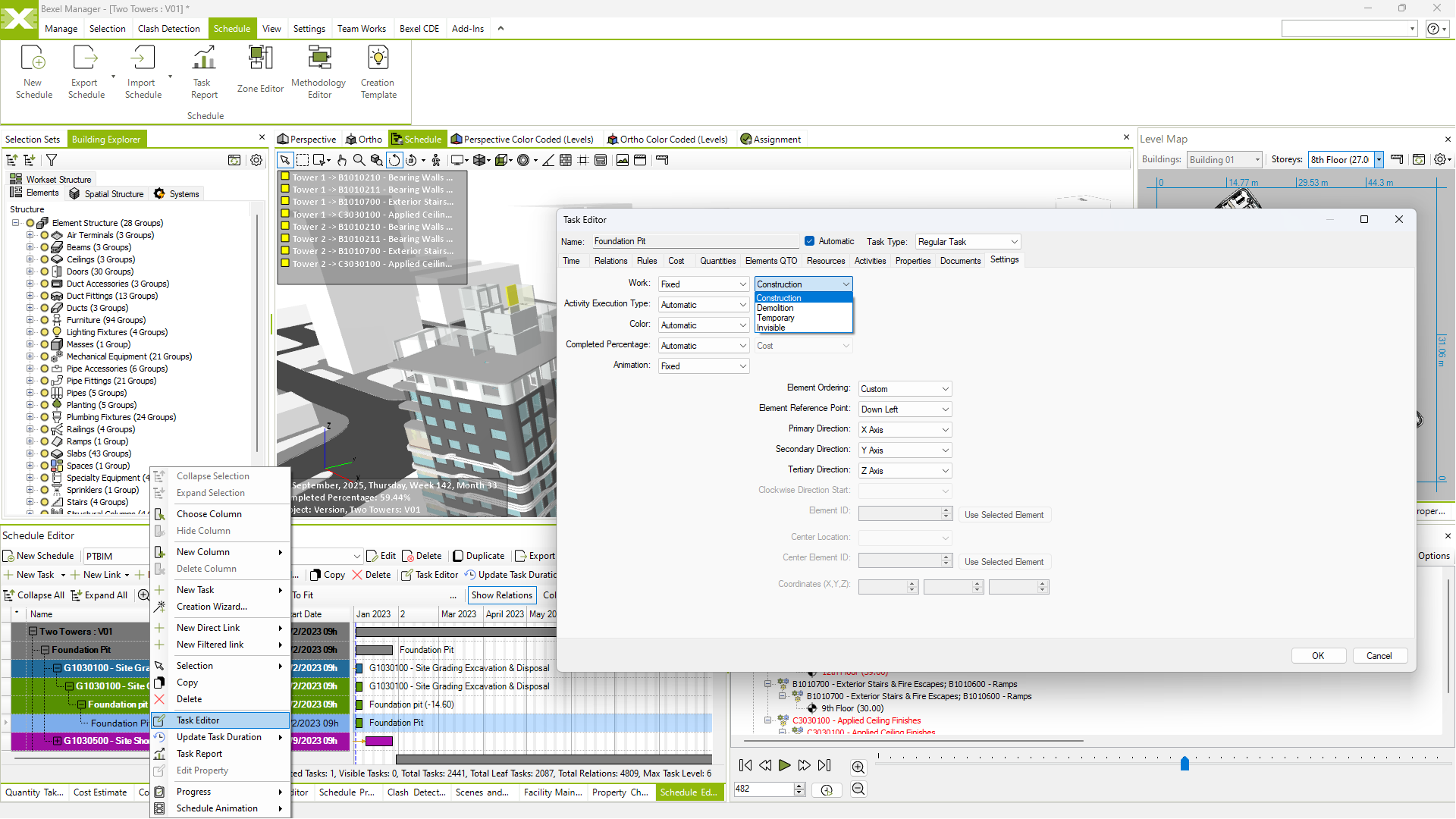
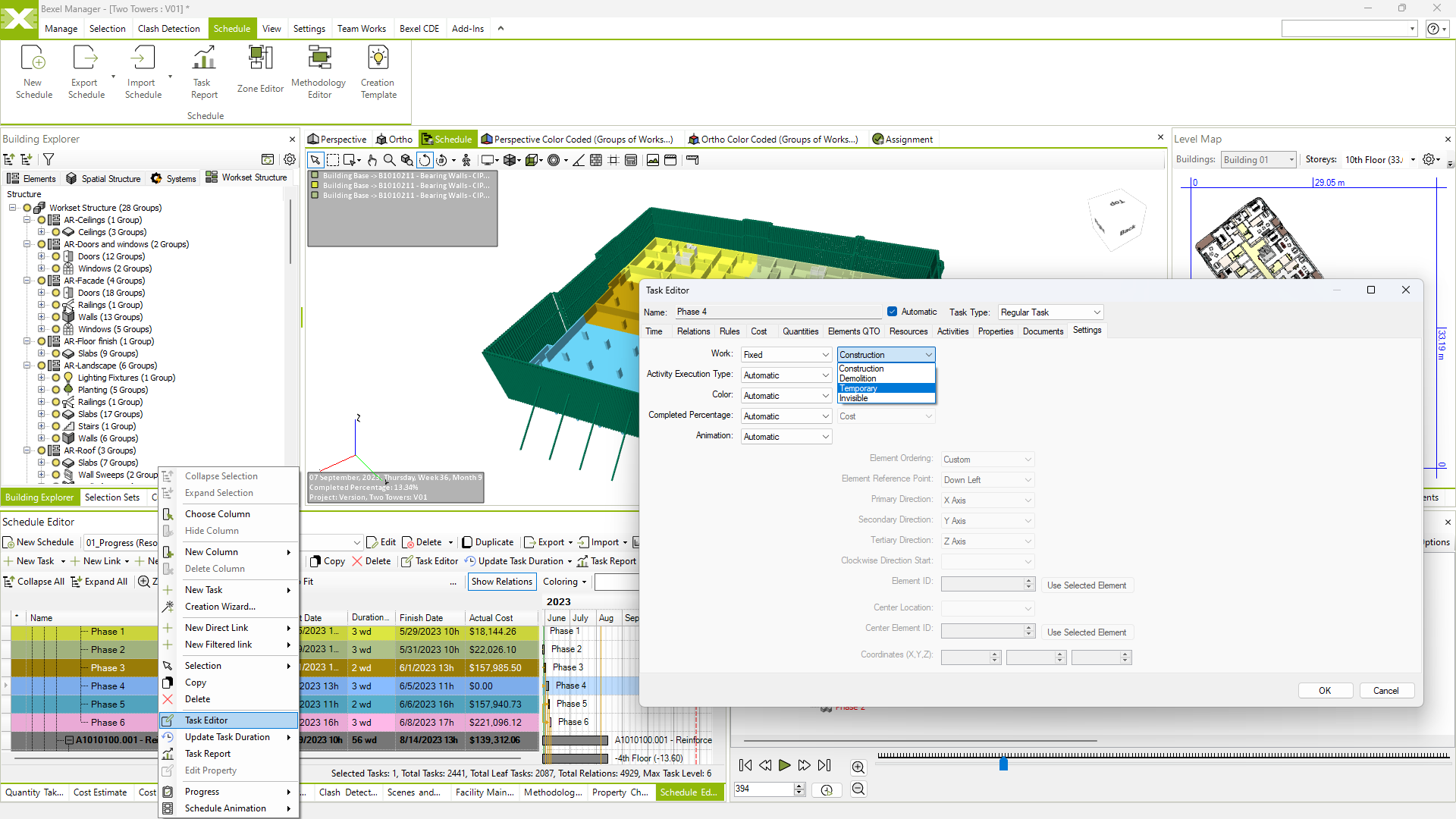
Schedule task categorisation (demolition/temporary/construction/neutral)

SCHEDULE OPTIMIZATION
Optimize Timelines and Resource Allocation

Fine-tune your construction schedule to achieve optimal results

Advanced analysis & optimization

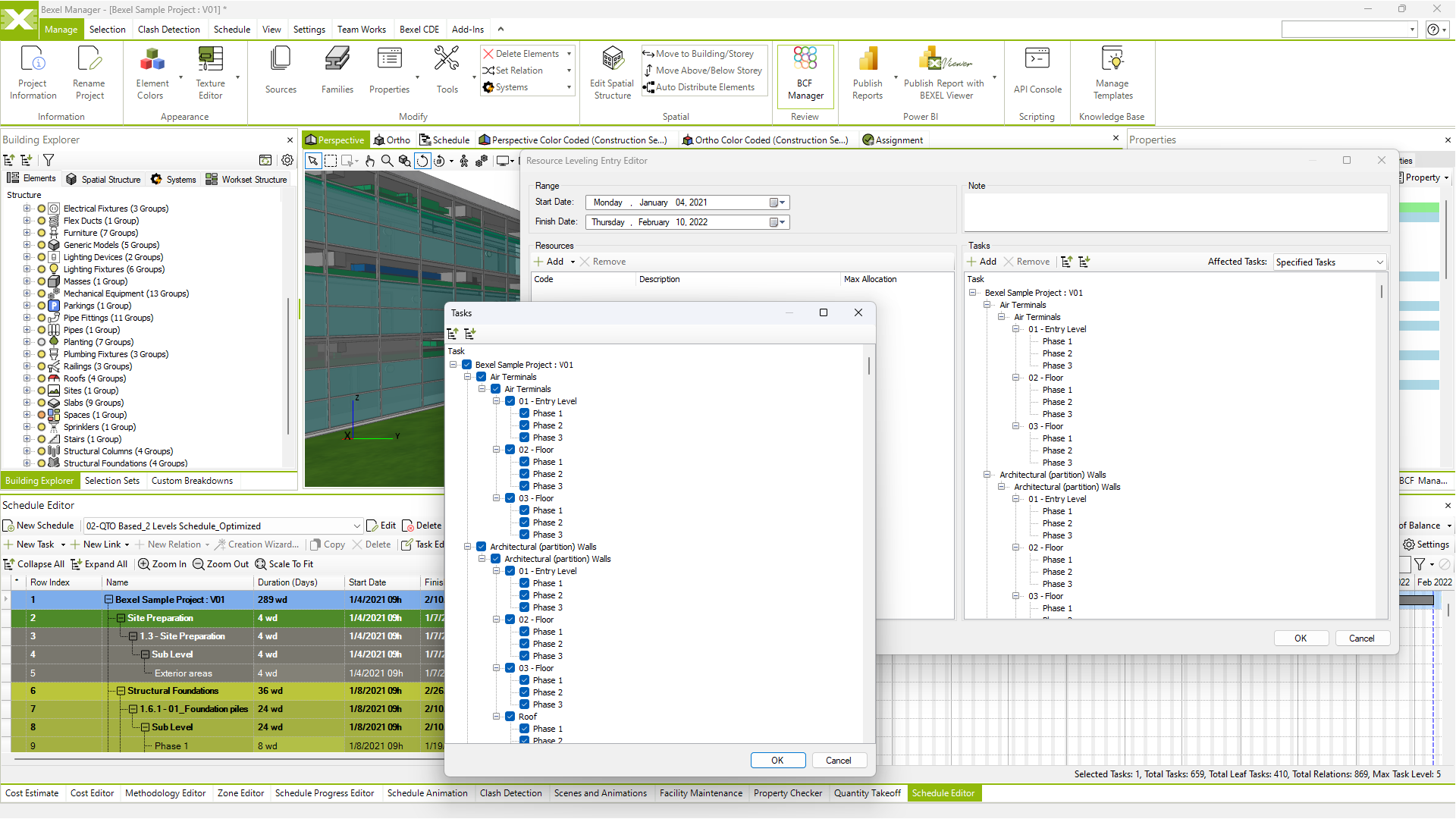
Resource allocation and leveling

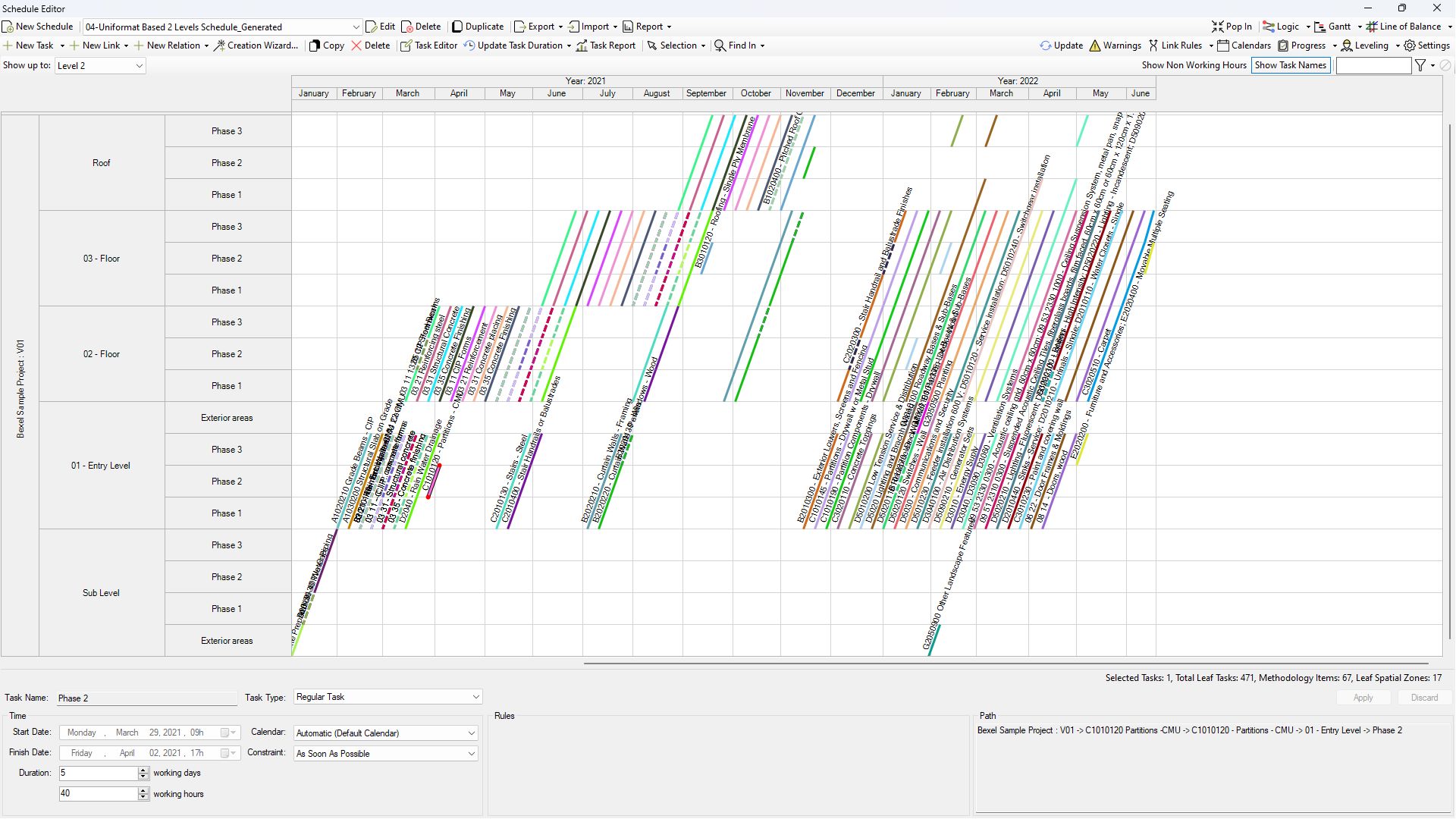
LOB and flowline analysis

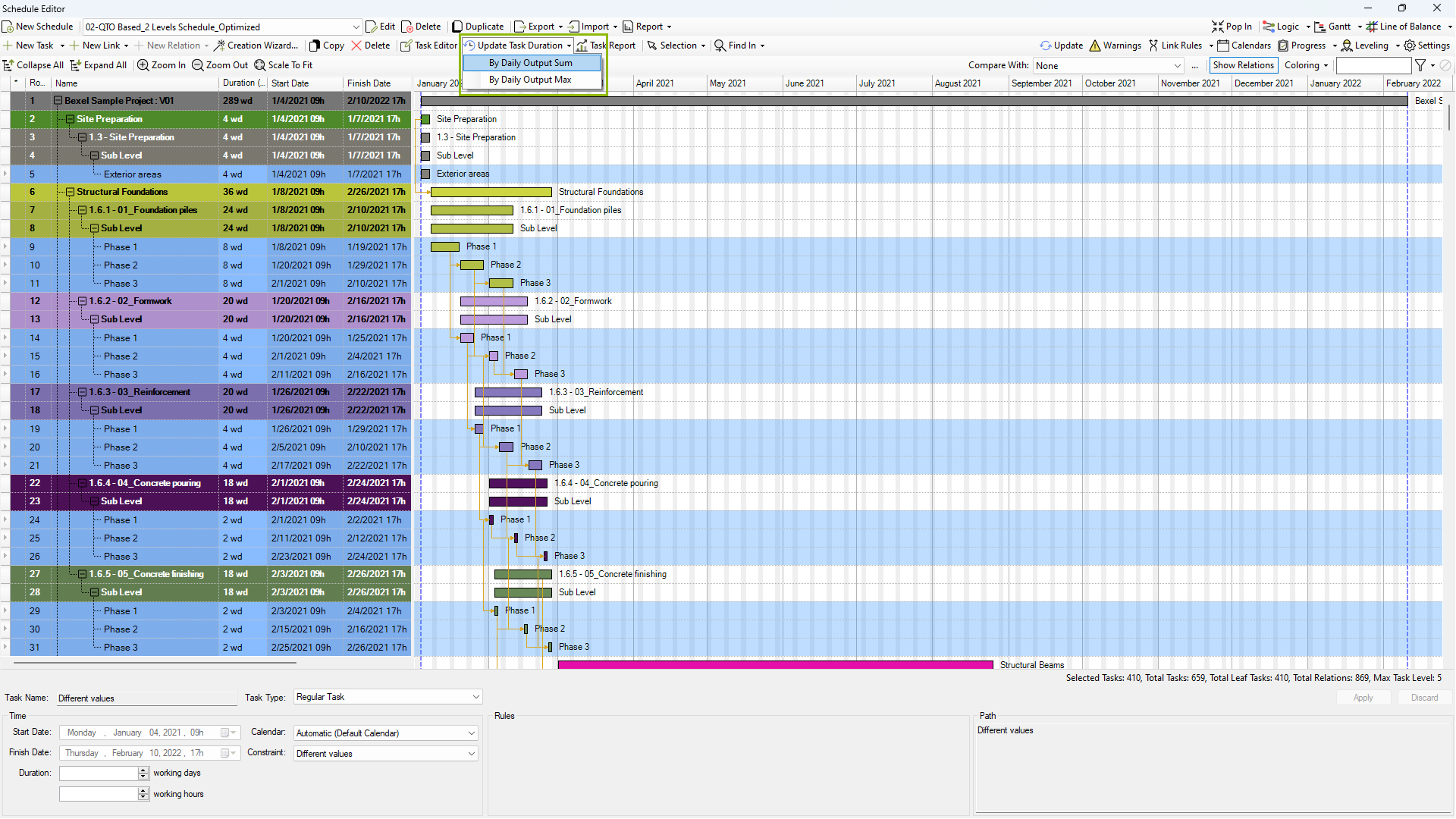
Smart task duration adjustment

View video
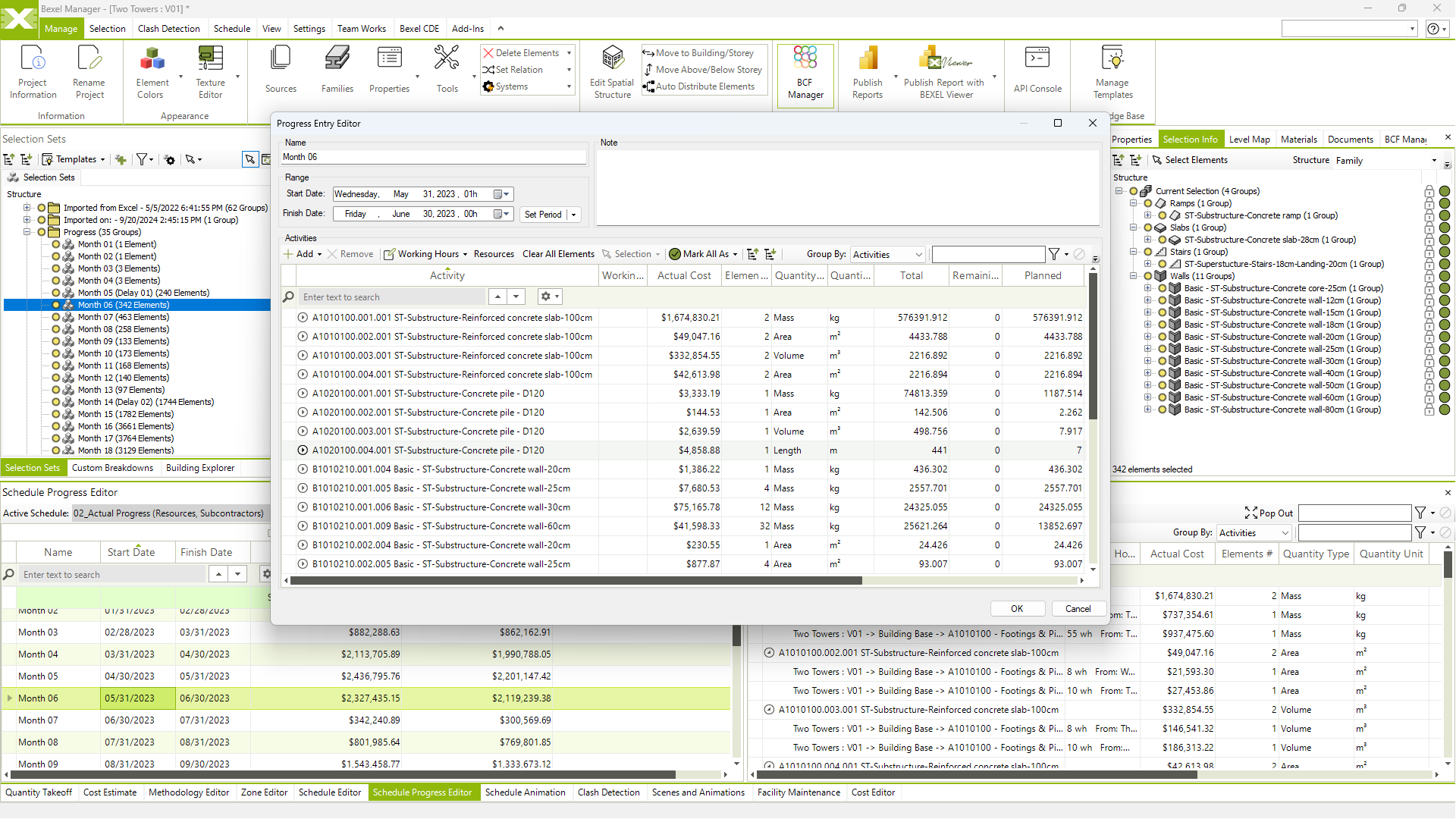
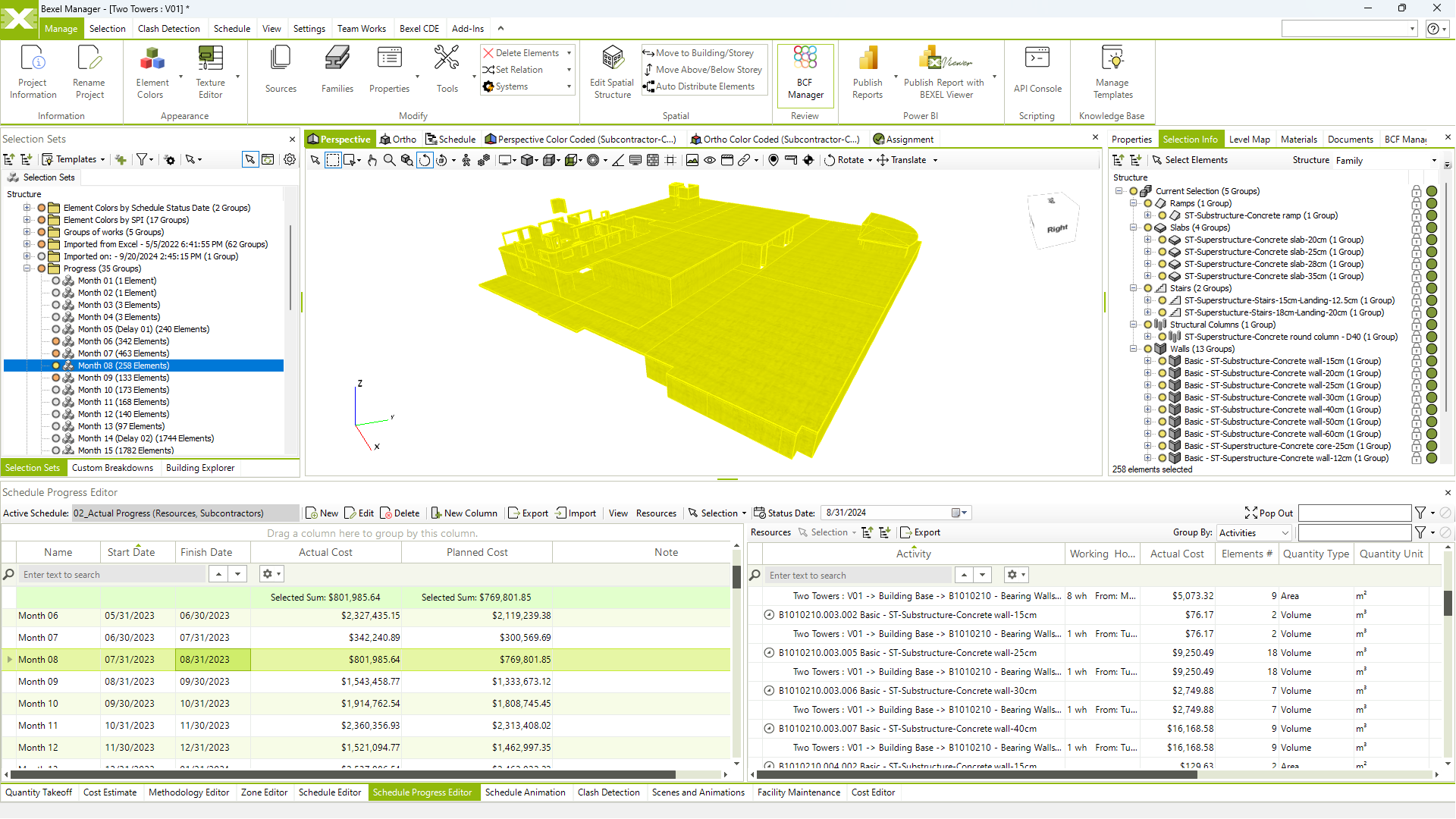
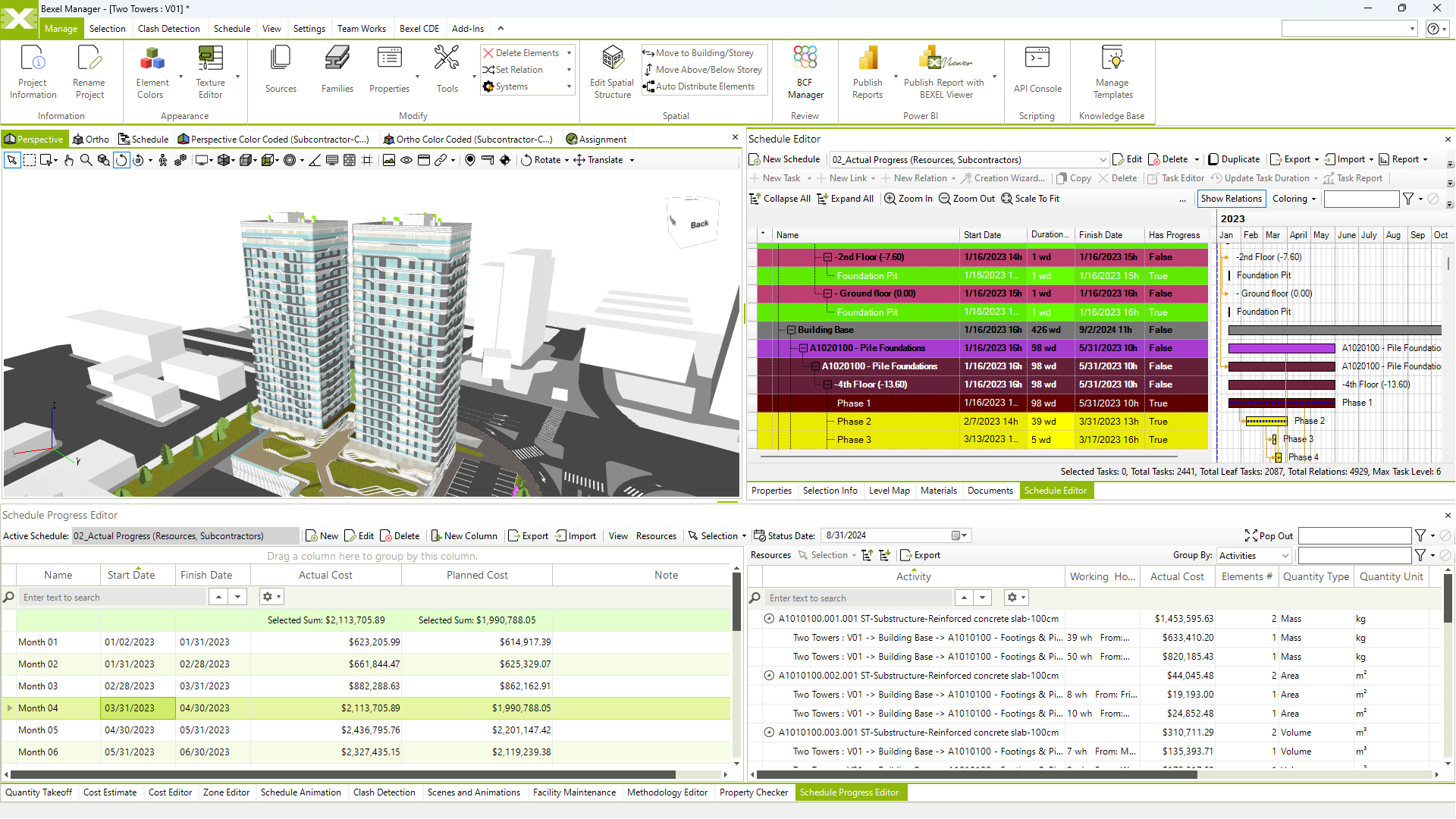
PROGRESS MONITORING
Stay Connected to Every Project Milestone

A clear overview of the schedule, possible delays and cash flows during the project implementation ensures proactive decision-making and effective management

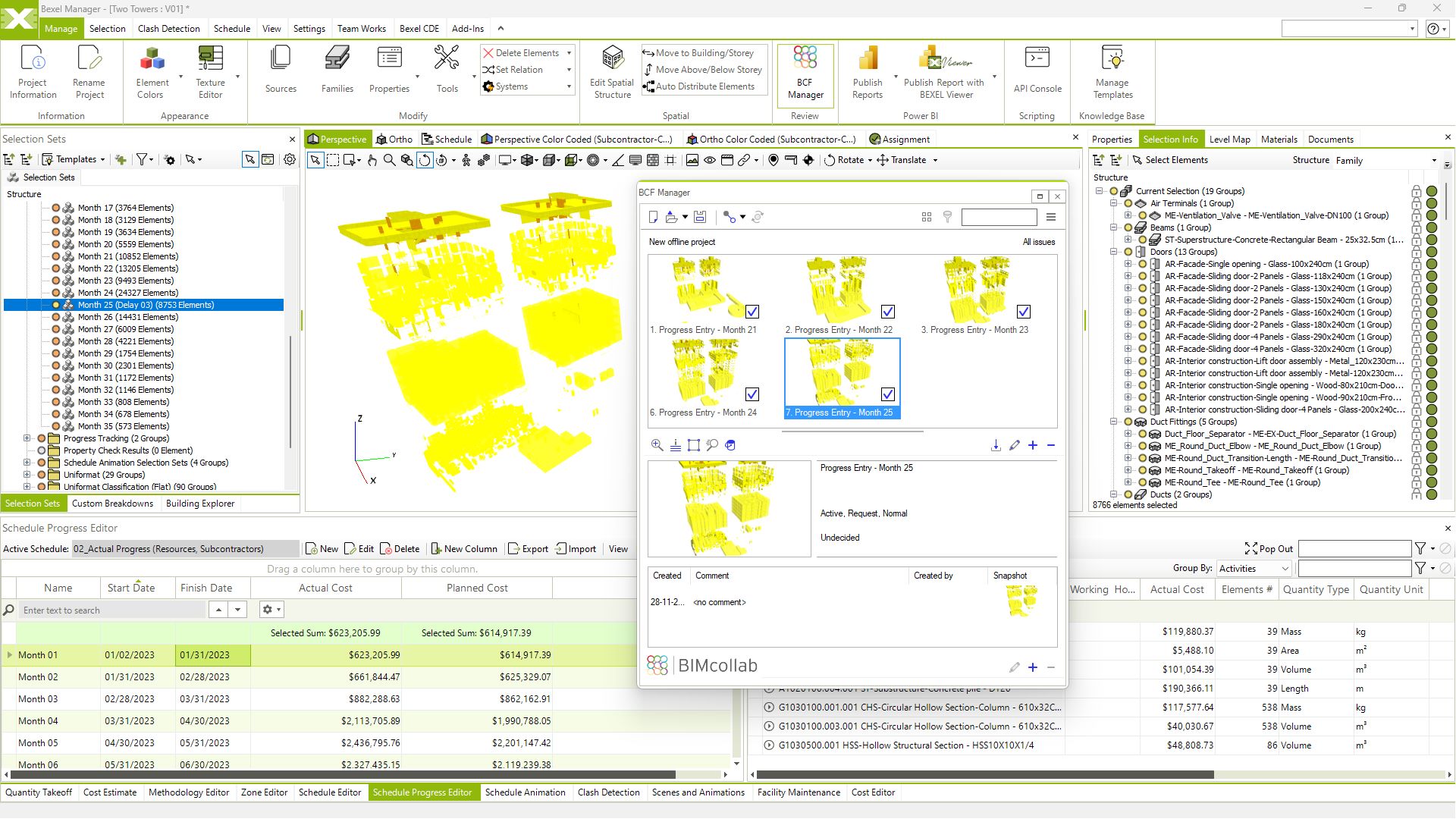
BCF progress entry

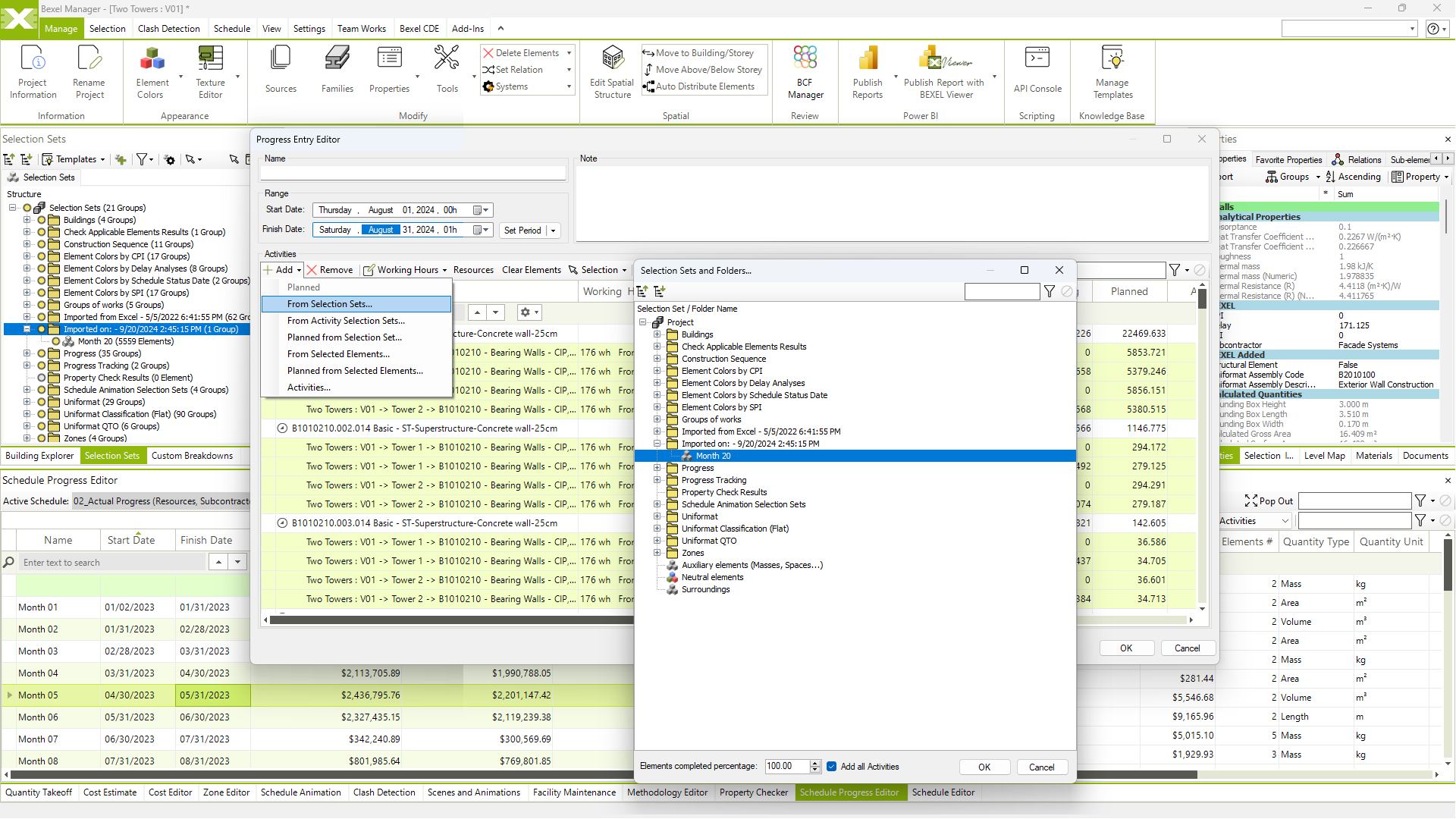
Selection sets progress entry

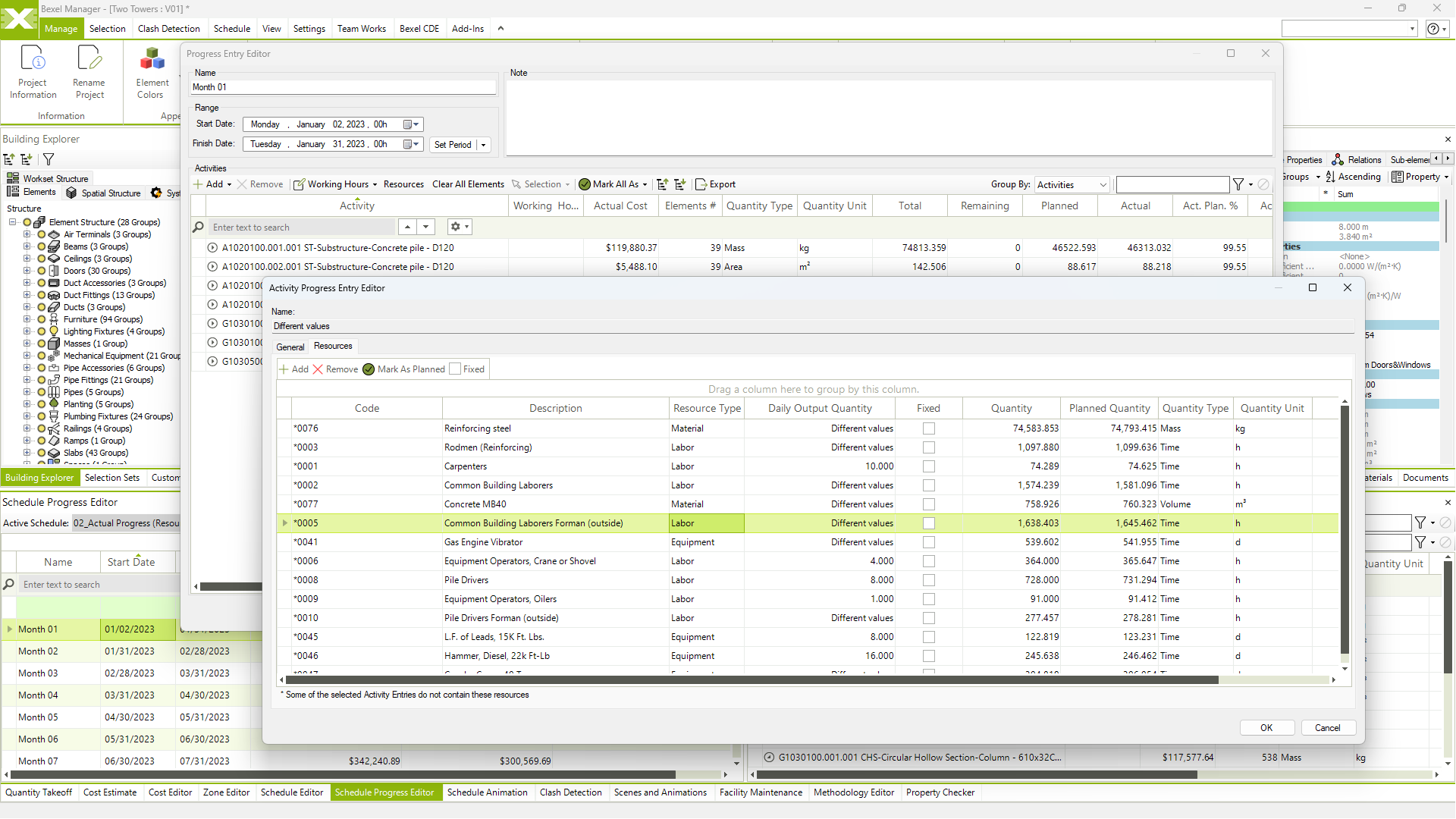
Traditional quantity based and element based progress entry

Import progress entry

Automated schedule update according to progress input

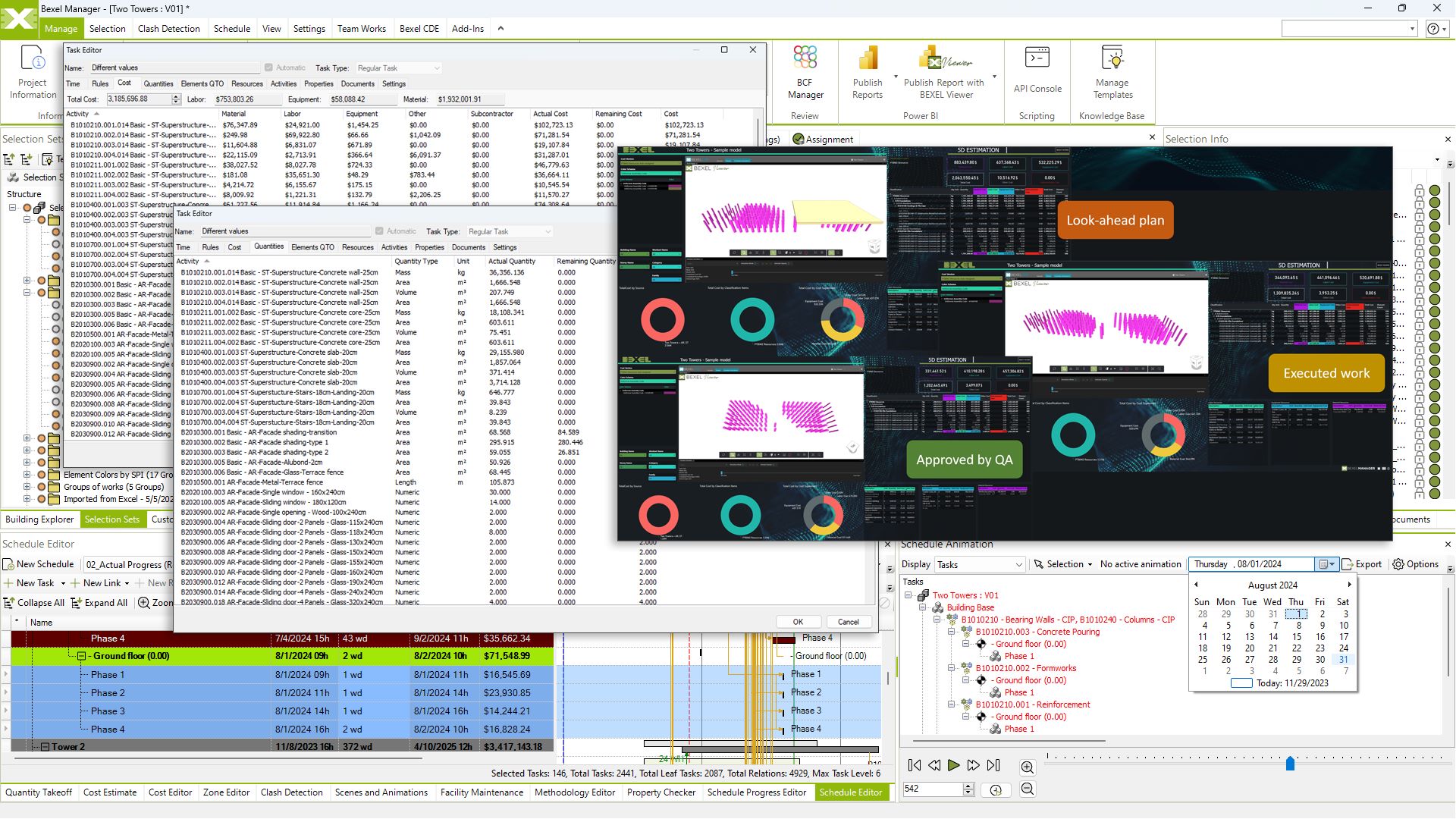
Look-ahead plans creation and analysis

Monitor construction progress

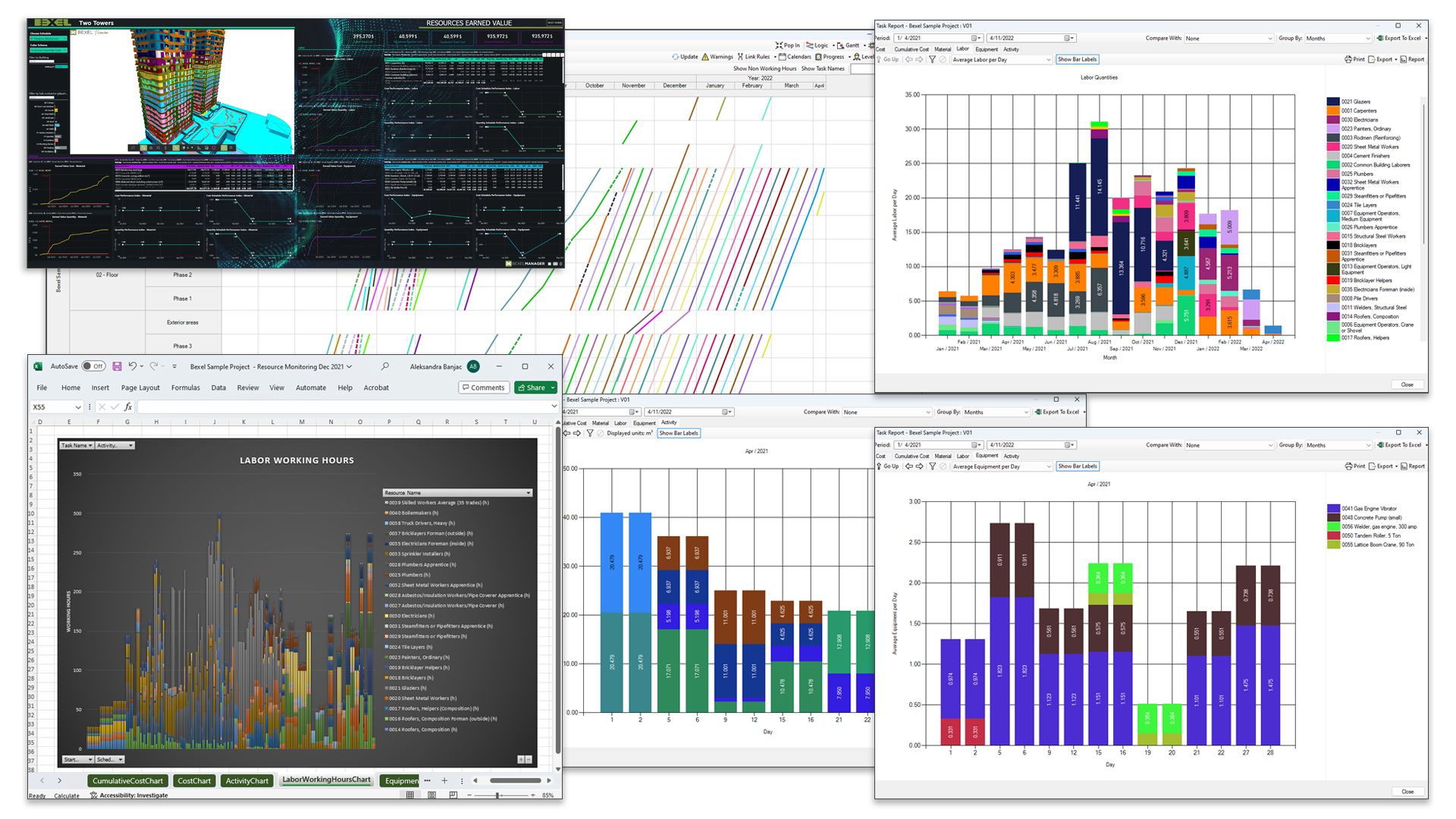
Resource monitoring

Customizable monthly payment certificate

REPORTING
Transform Project Data into Clear Decisions

Informed decision-making with data-driven analysis of project progress, resource allocation, and key performance indicators

Advanced reporting engine

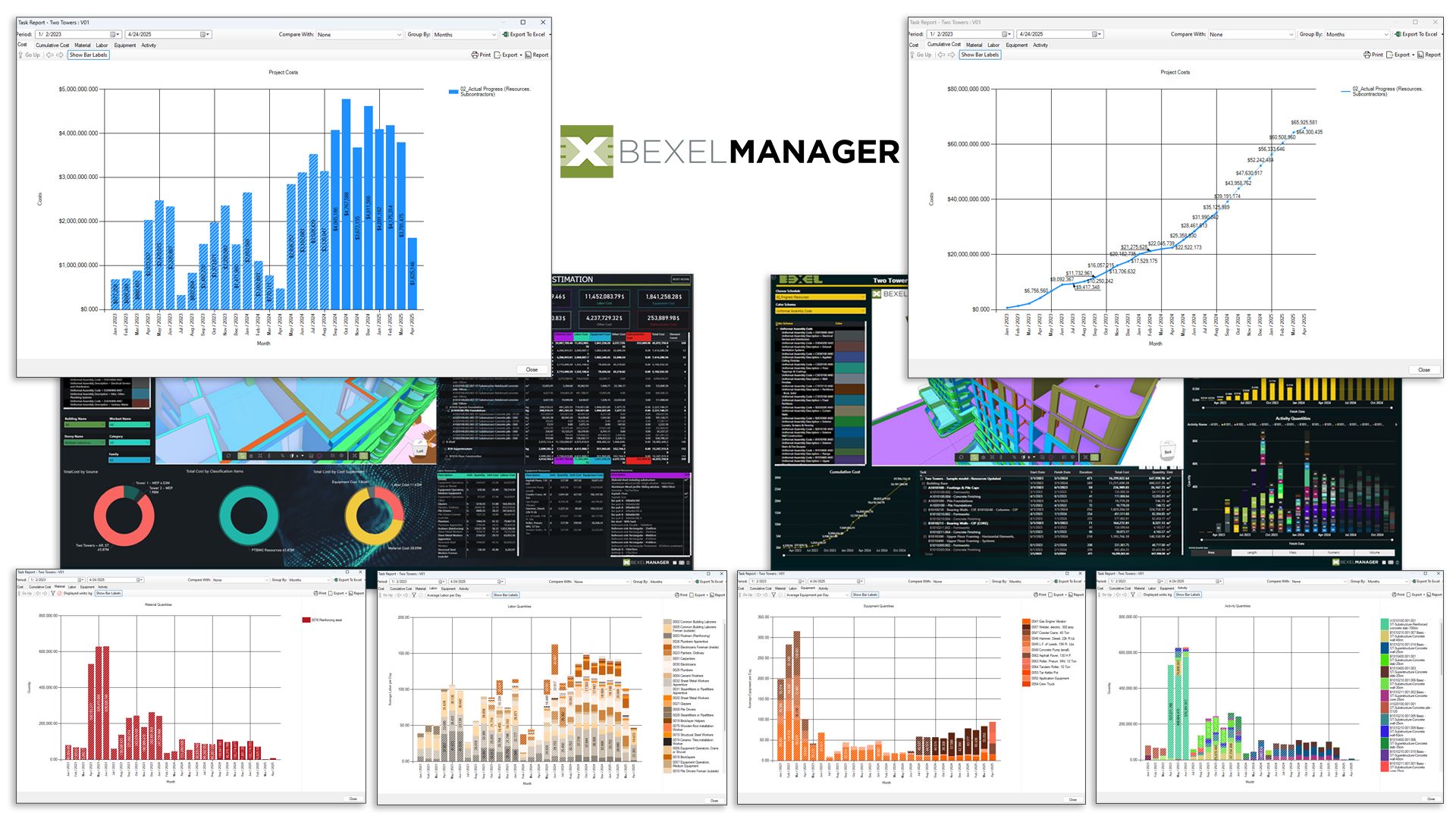
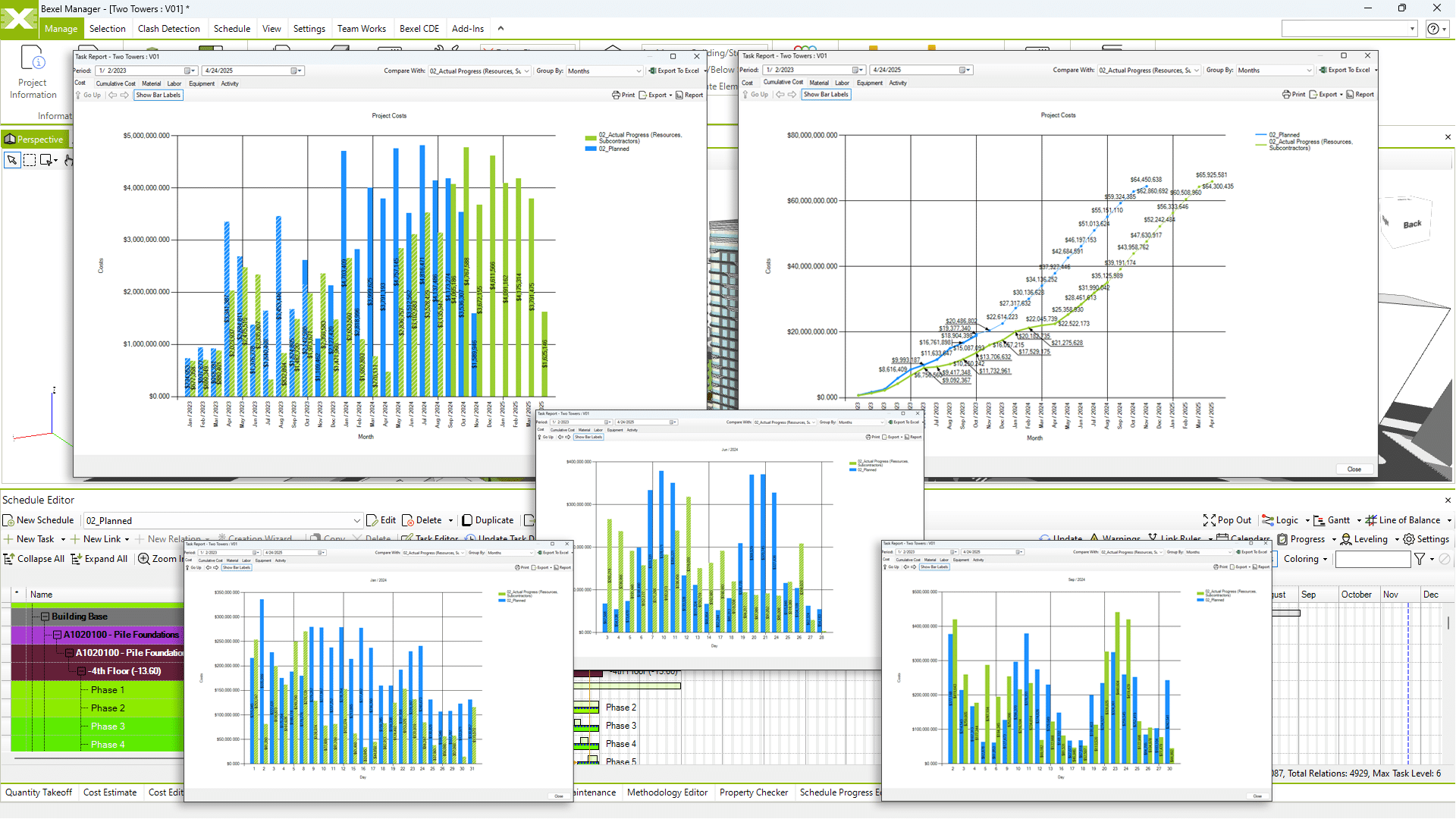
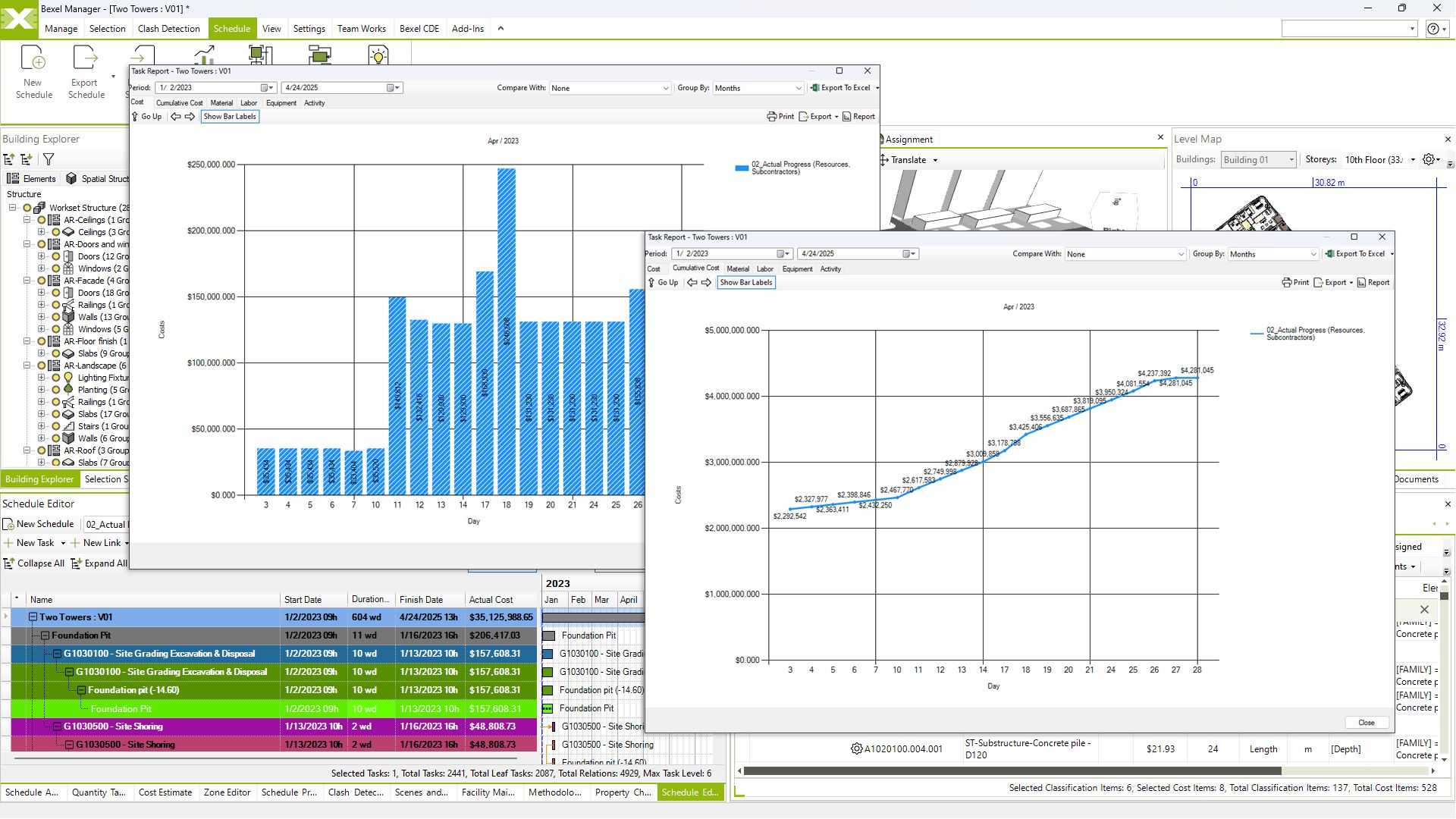
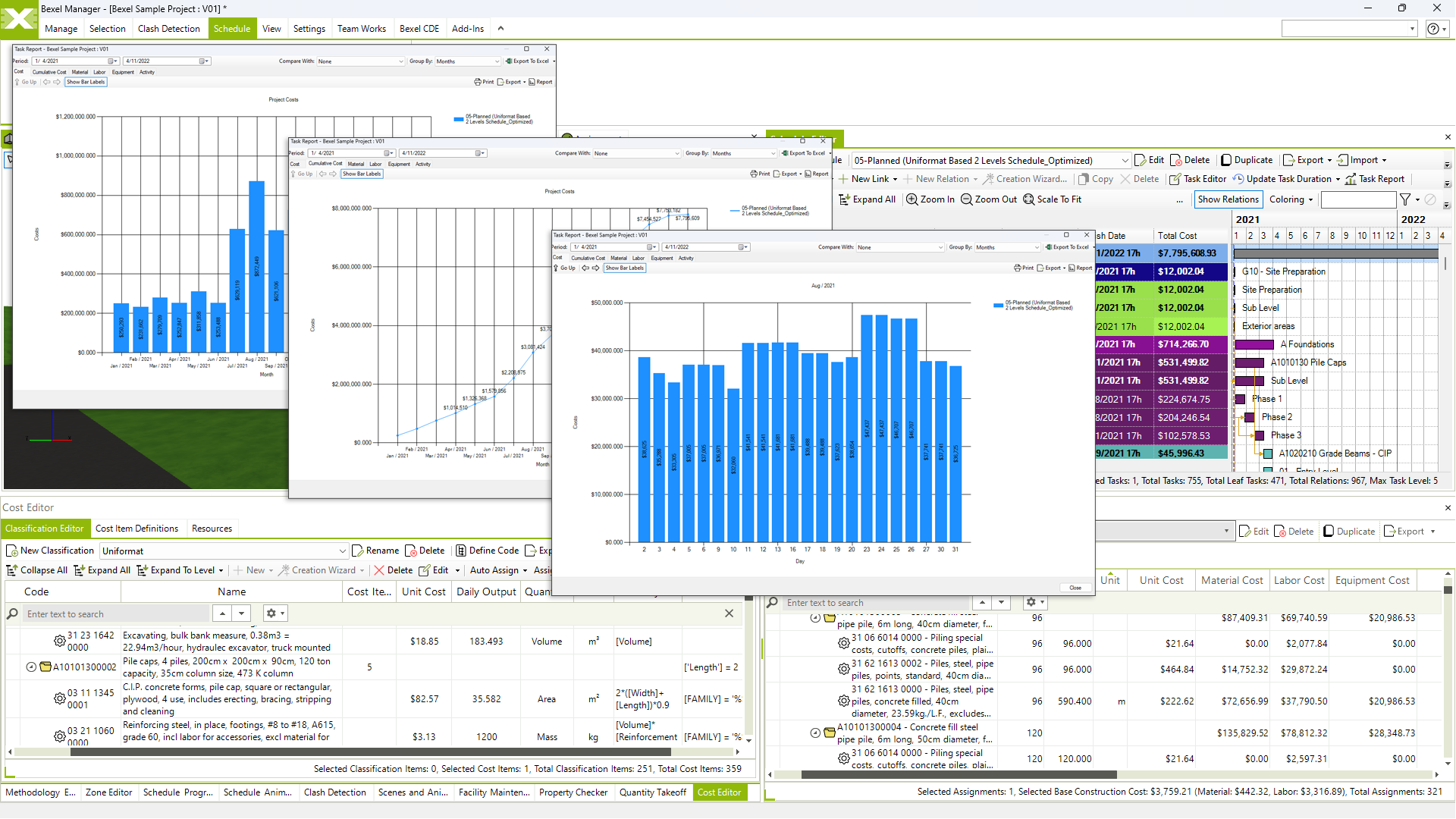
Detailed cost and schedule reports

What-If analysis

Planned vs actual analysis

Executive reporting

KPI tracking

View video

Look-ahead analysis

Resource monitoring

Schedule comparison

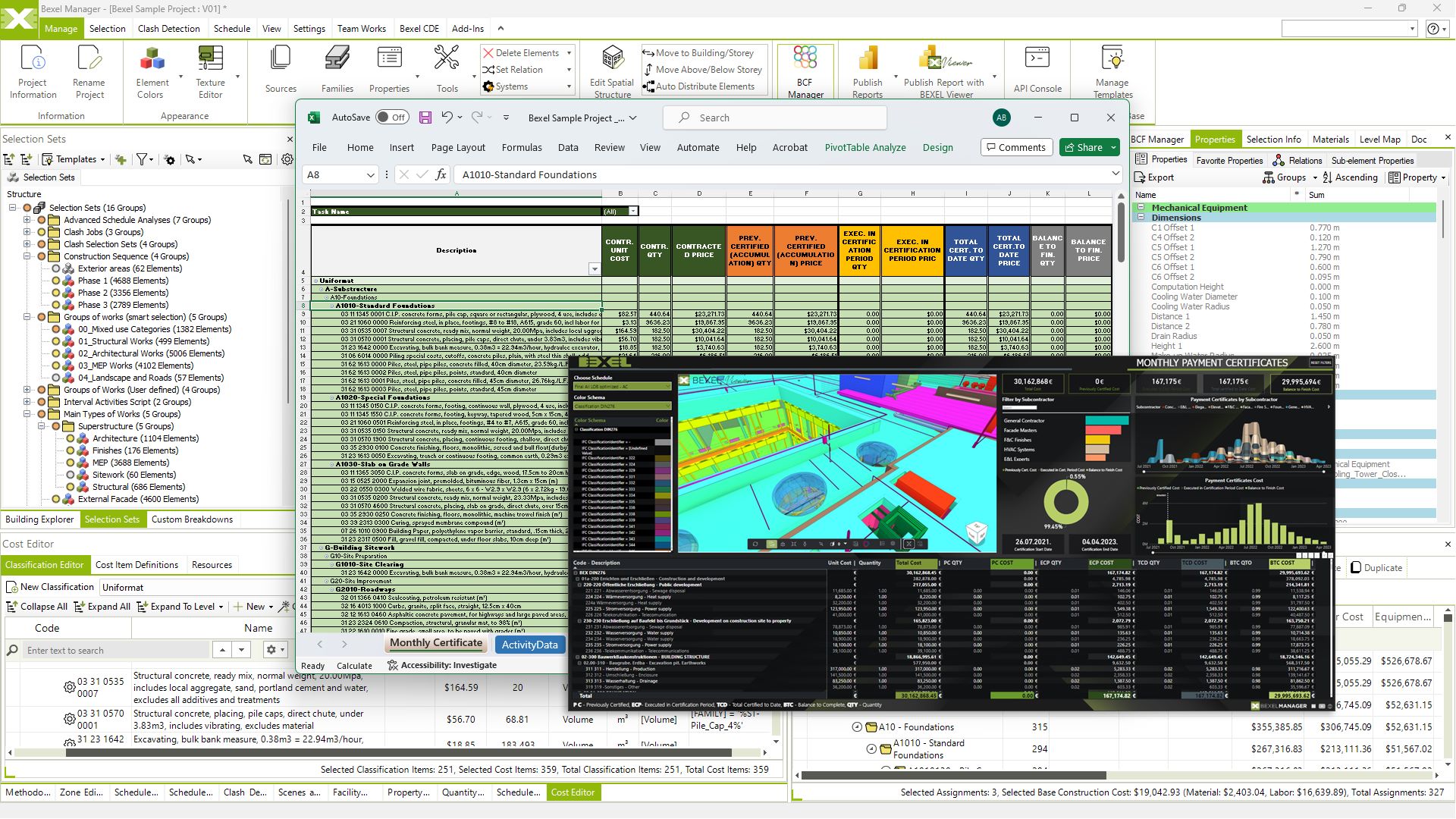
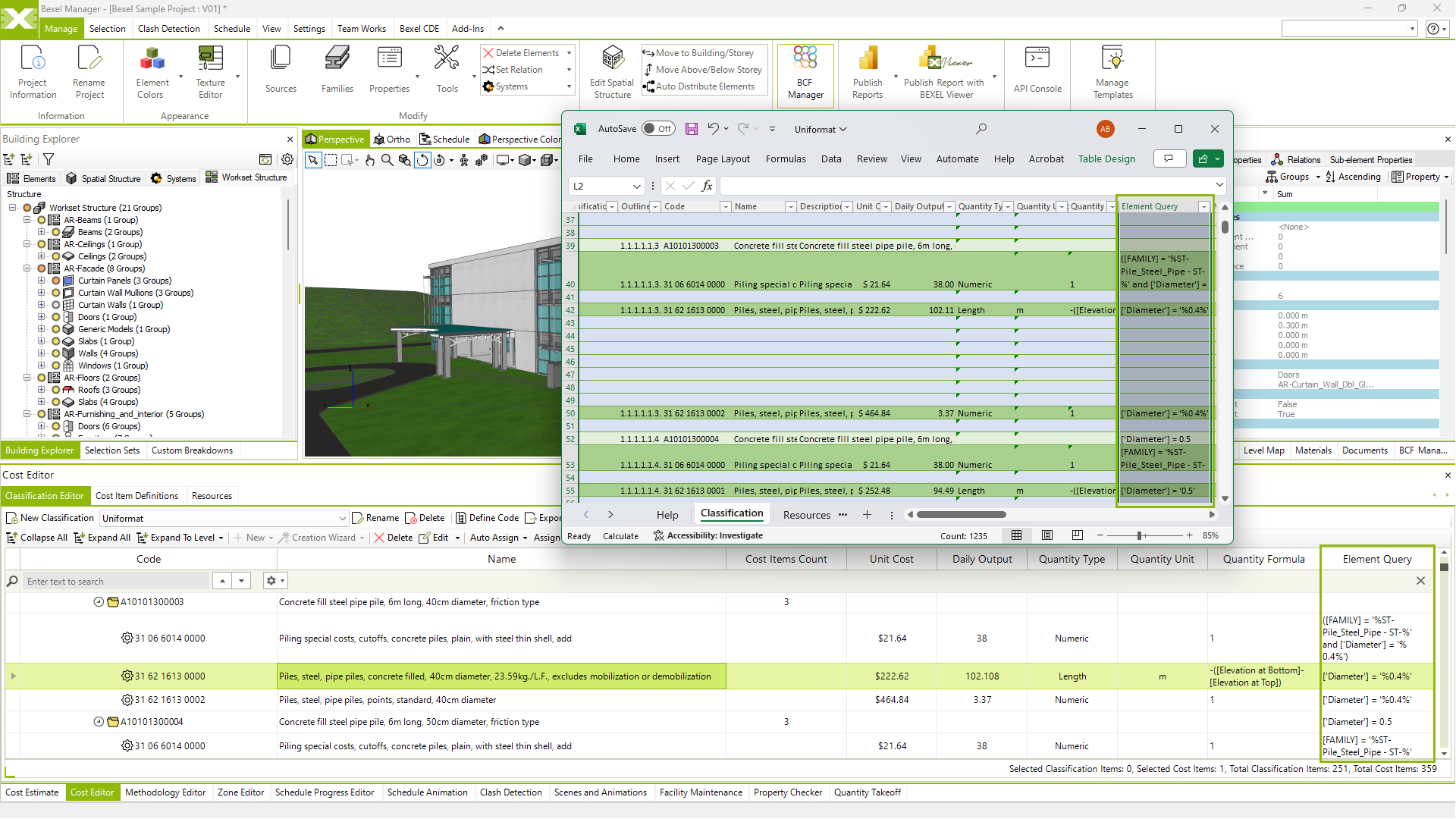
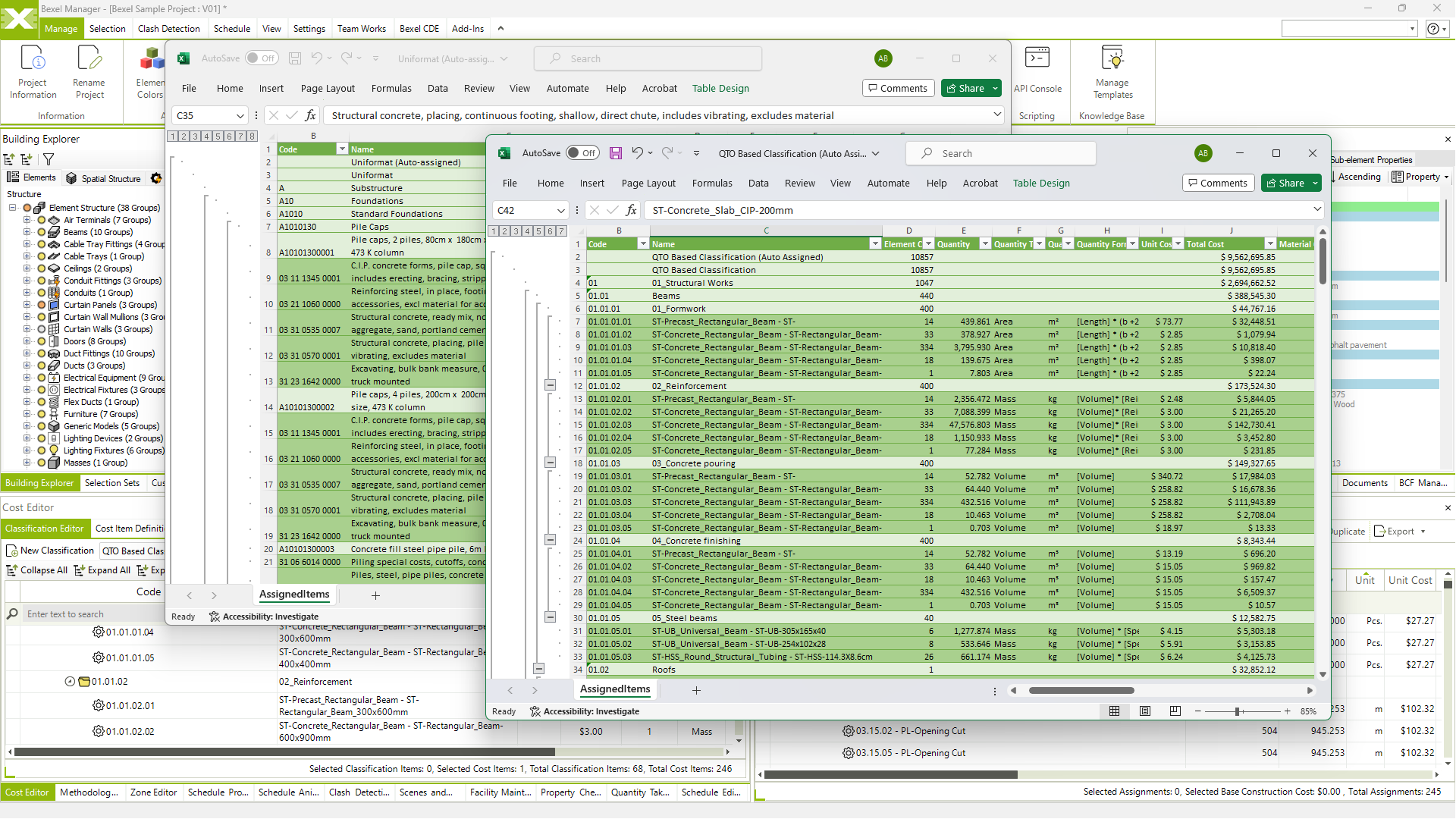
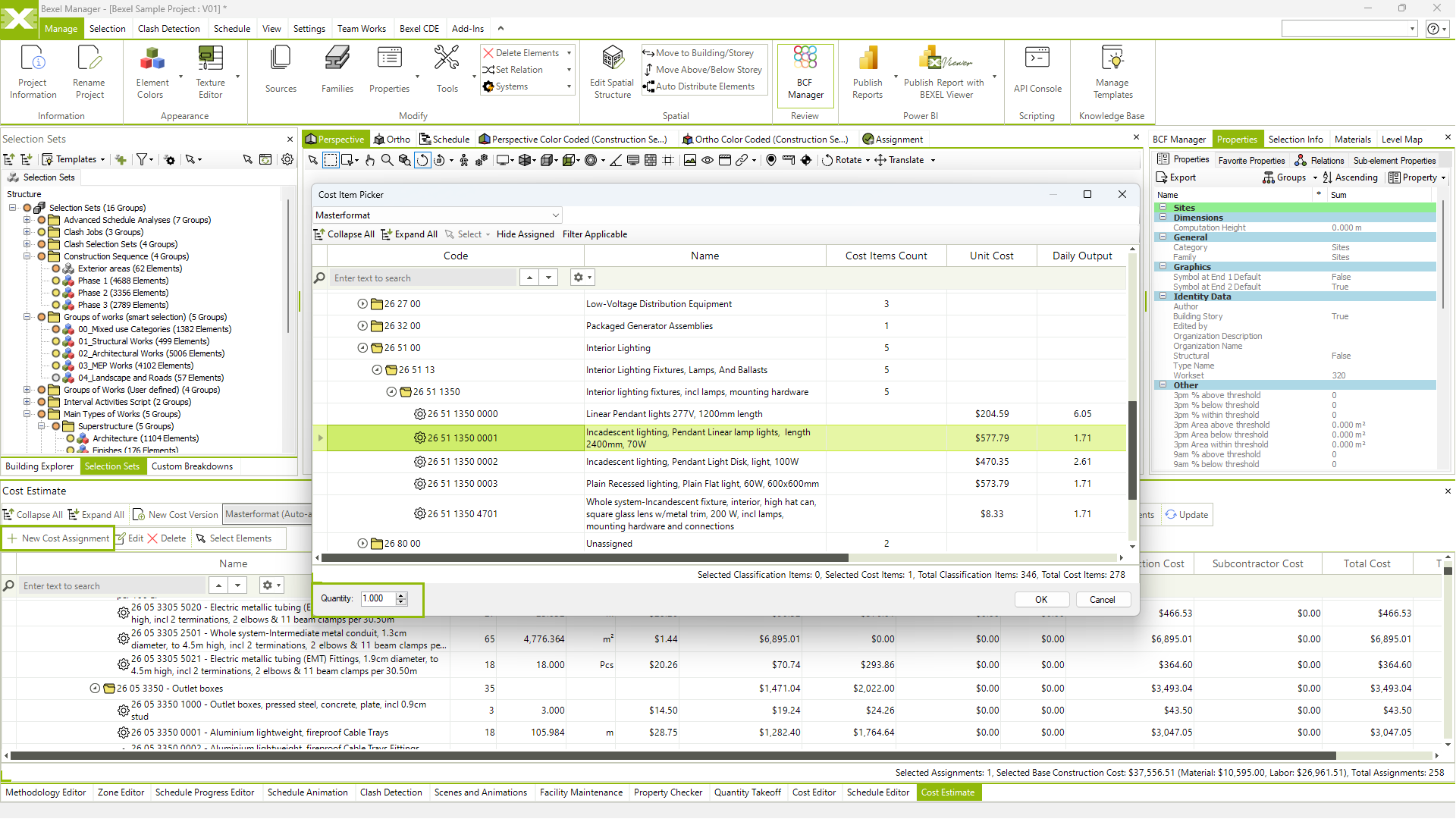
Automated cost database creation

Automated cost data mapping

Create and export detailed budgets

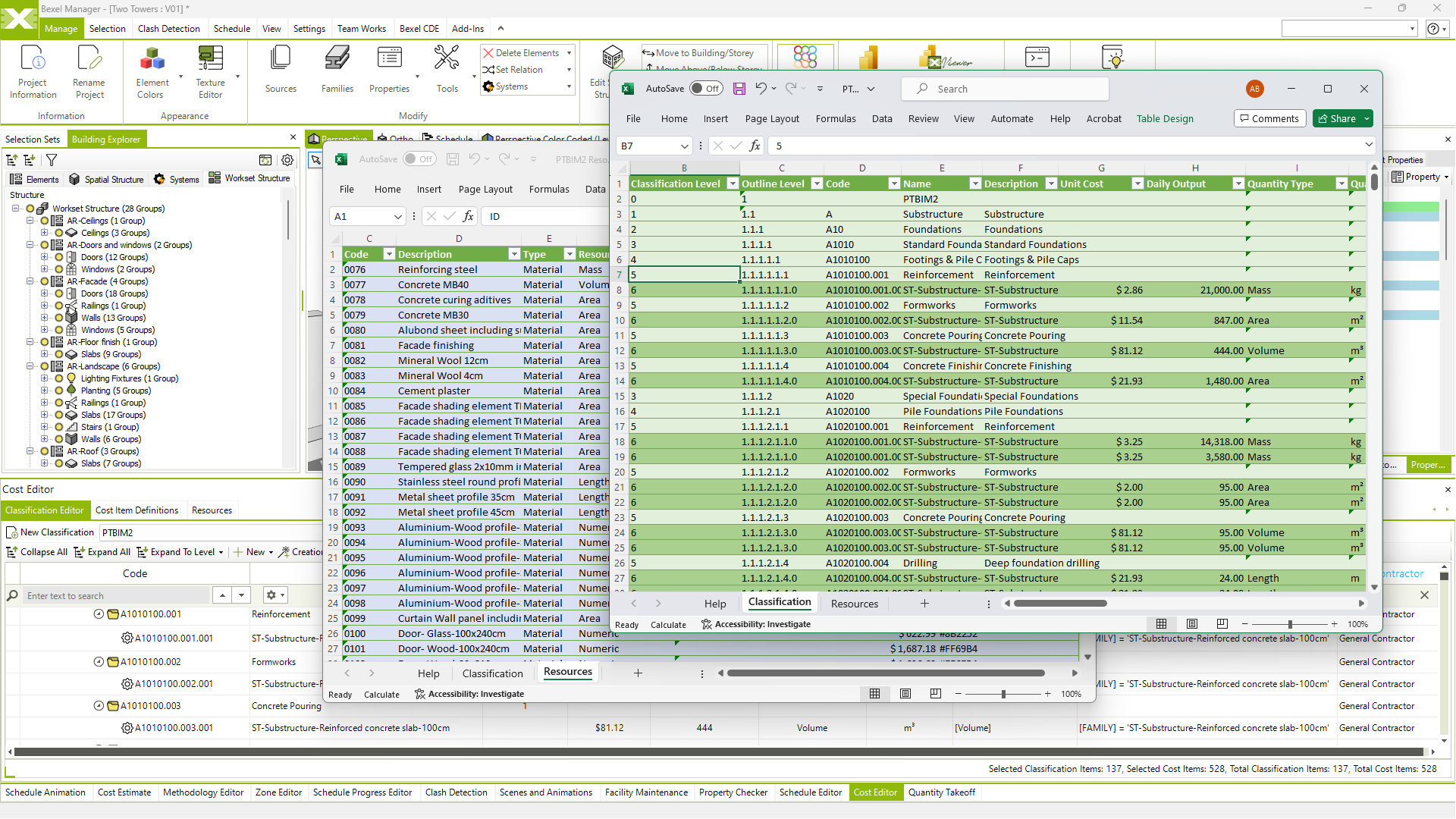
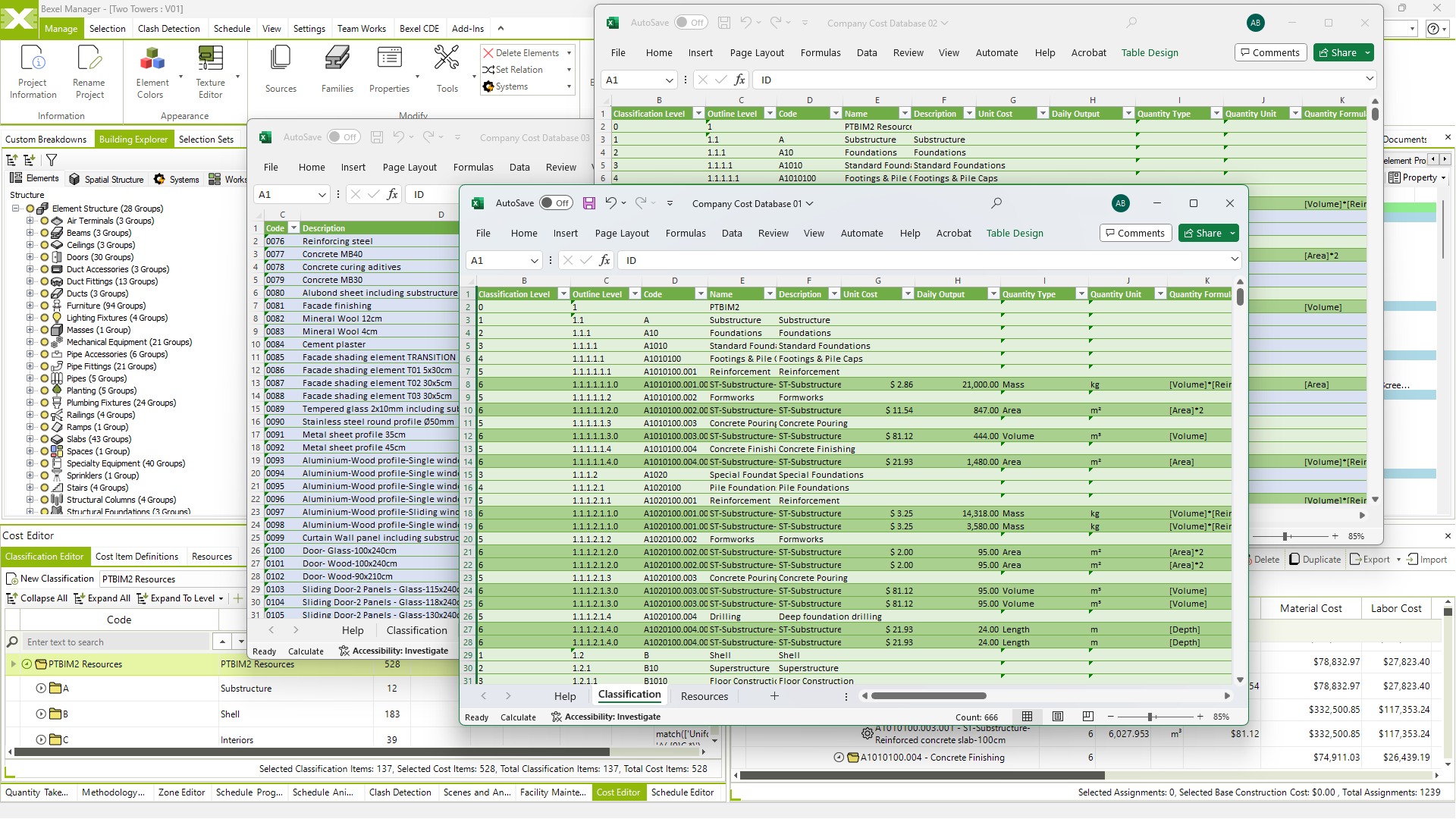
Create and export cost and resource database

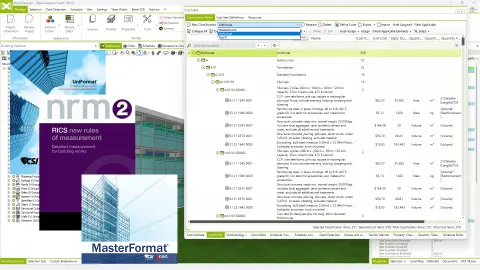
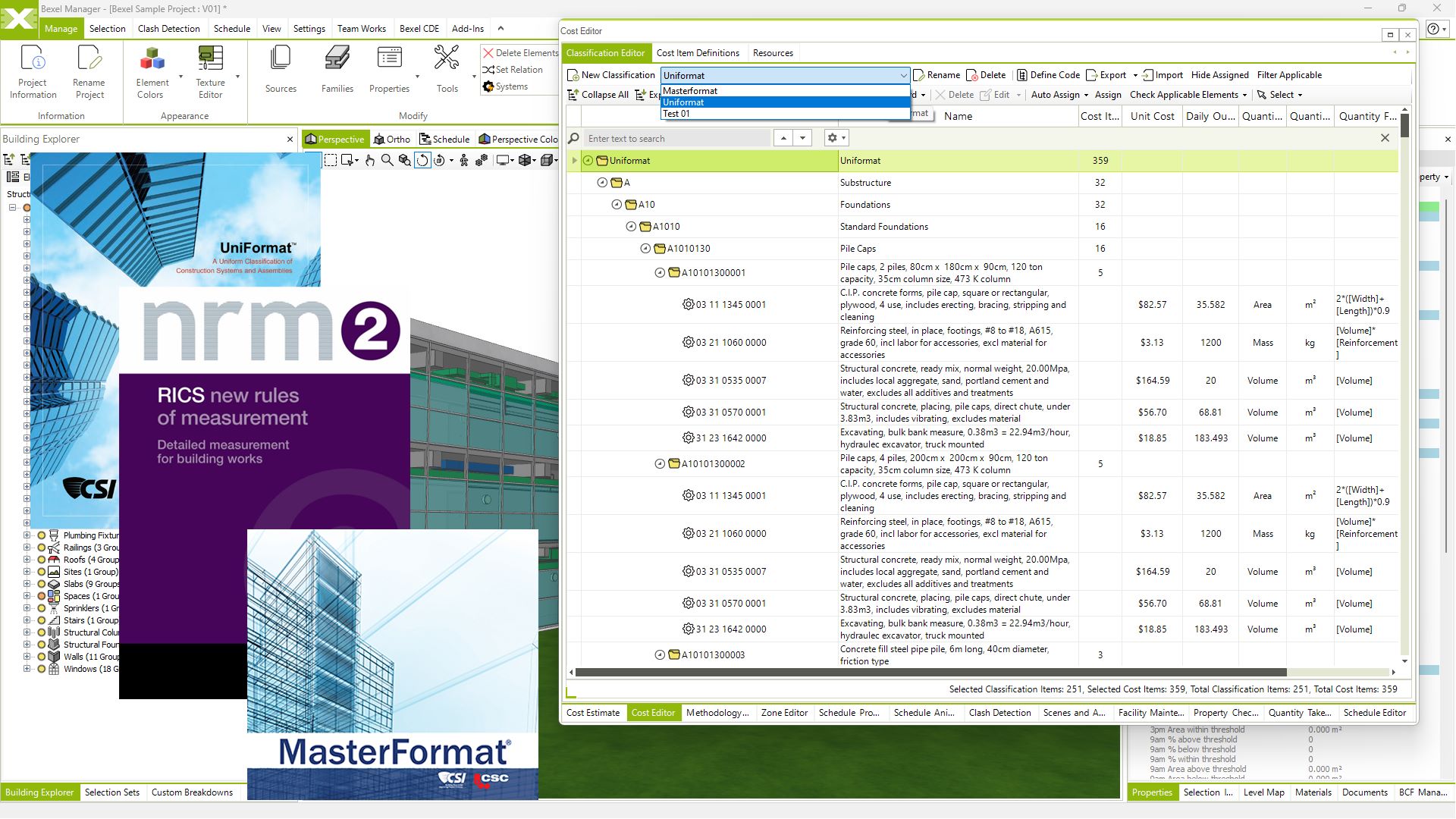
Integration of custom cost database (i.e. Uniformat, Masterformat, Uniclass, DIN 276…)

Company cost databases

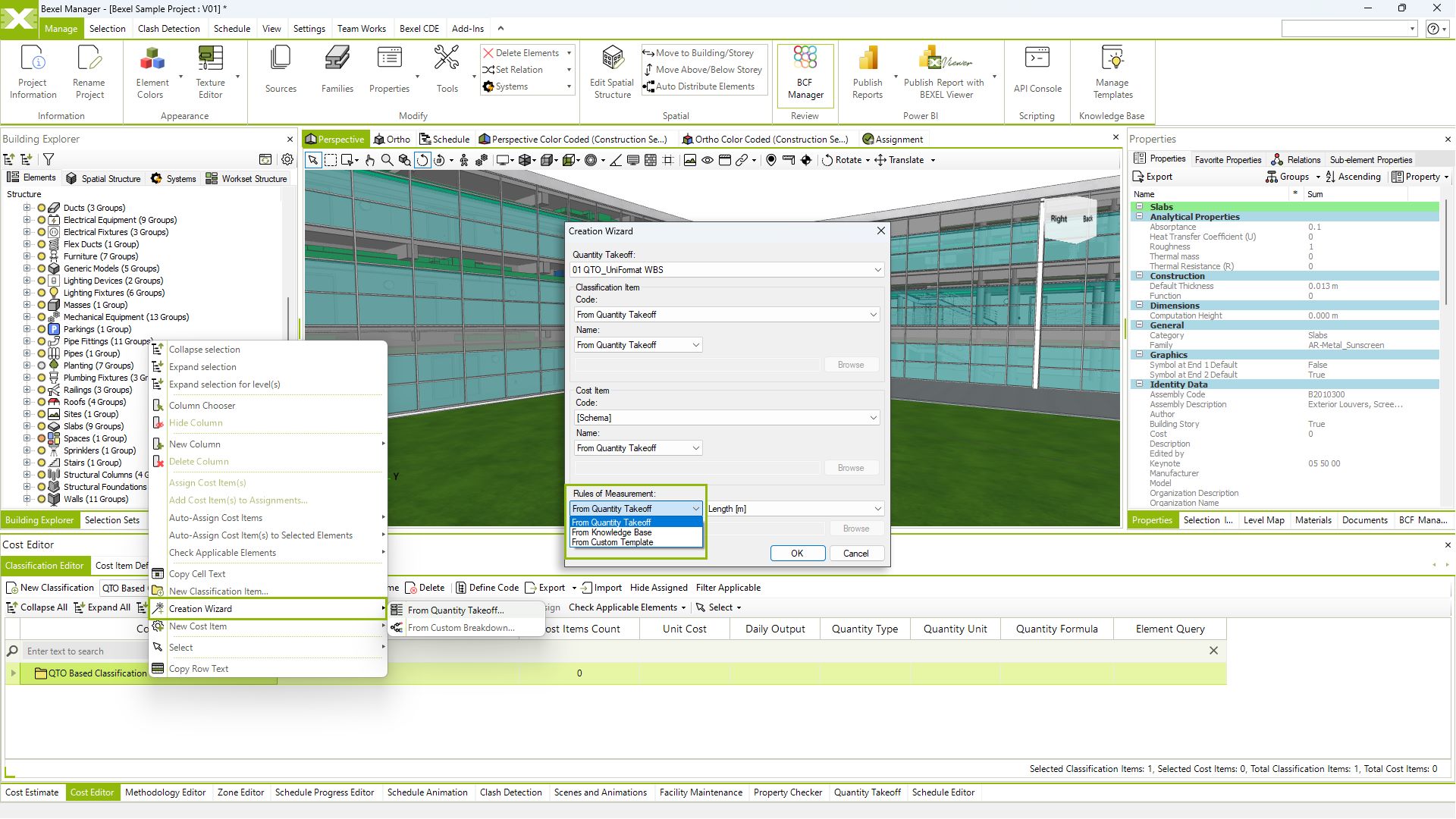
Smart rules of measurement enrichment

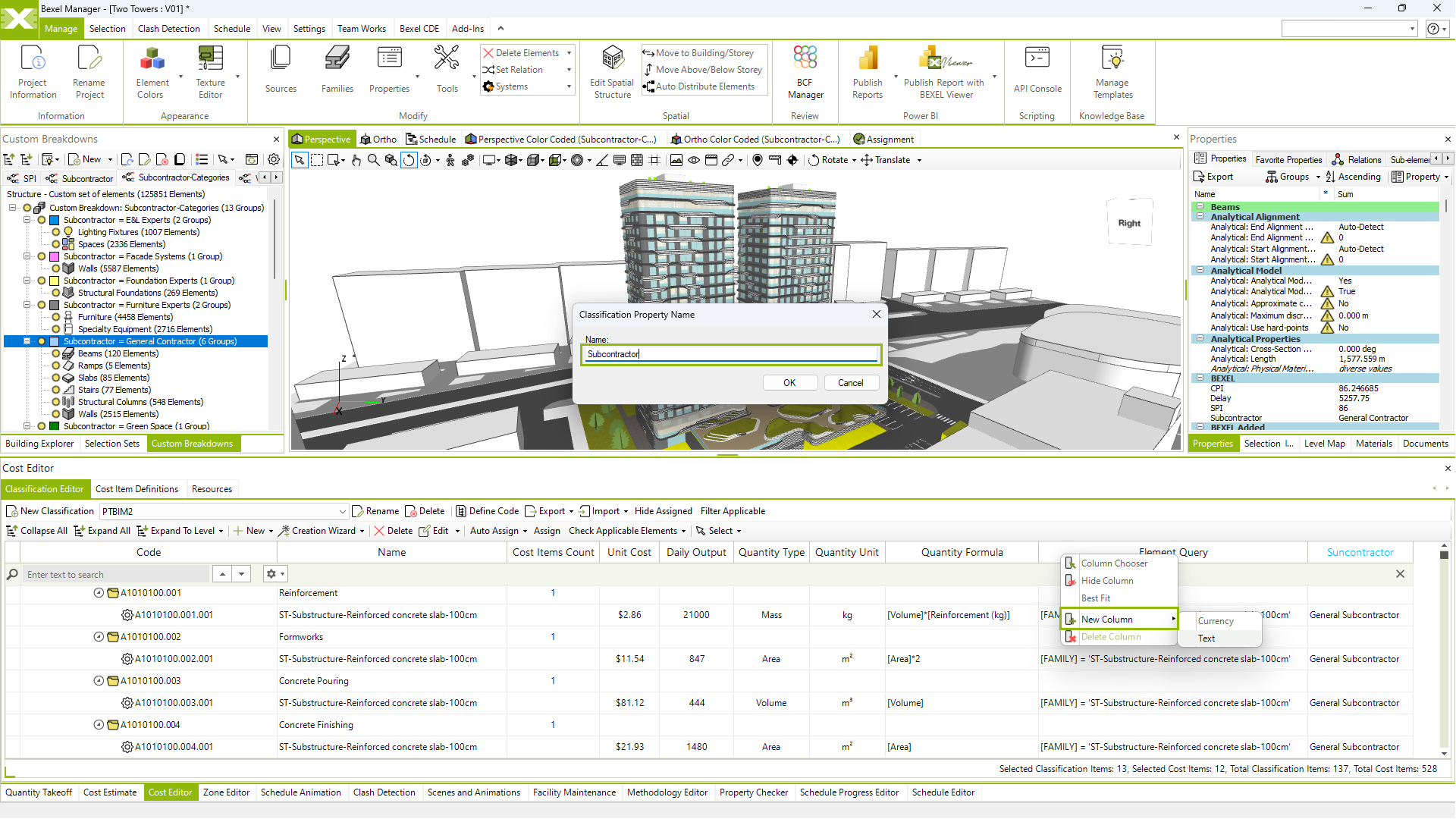
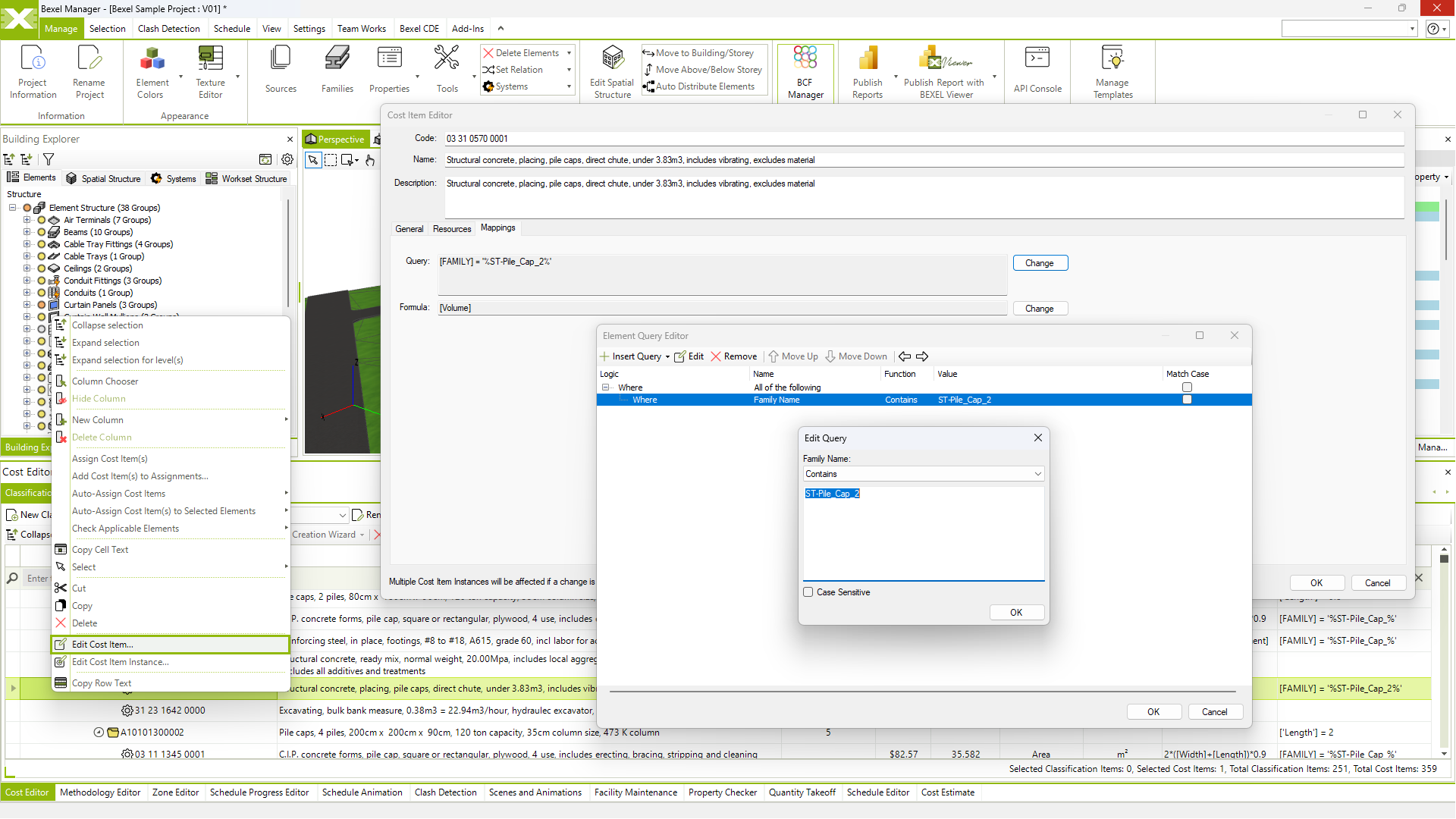
Custom cost properties

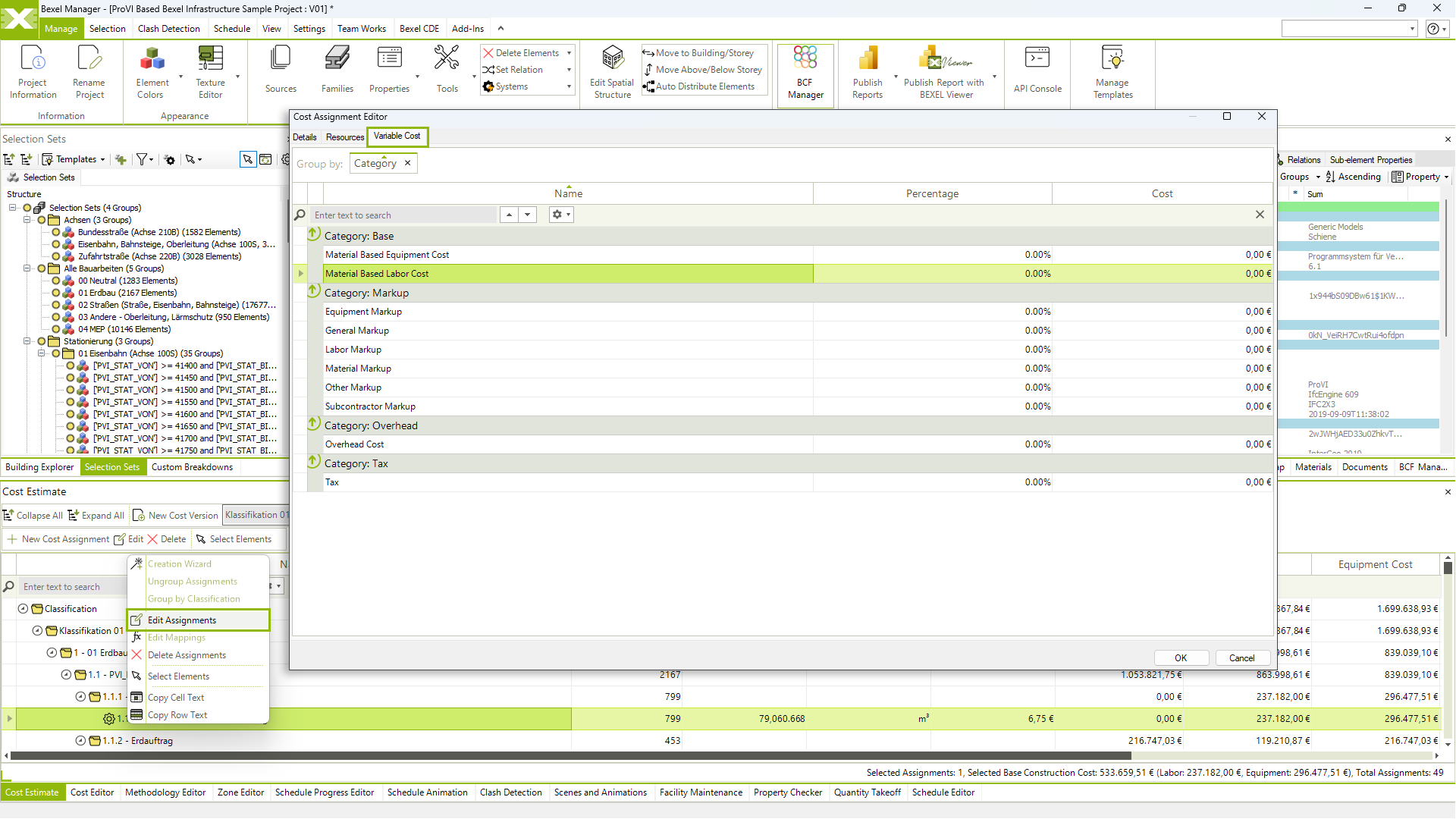
Variable costs properties

Group cost classification by various rules

Preparation of tendering packages

Non-BIM cost items integration

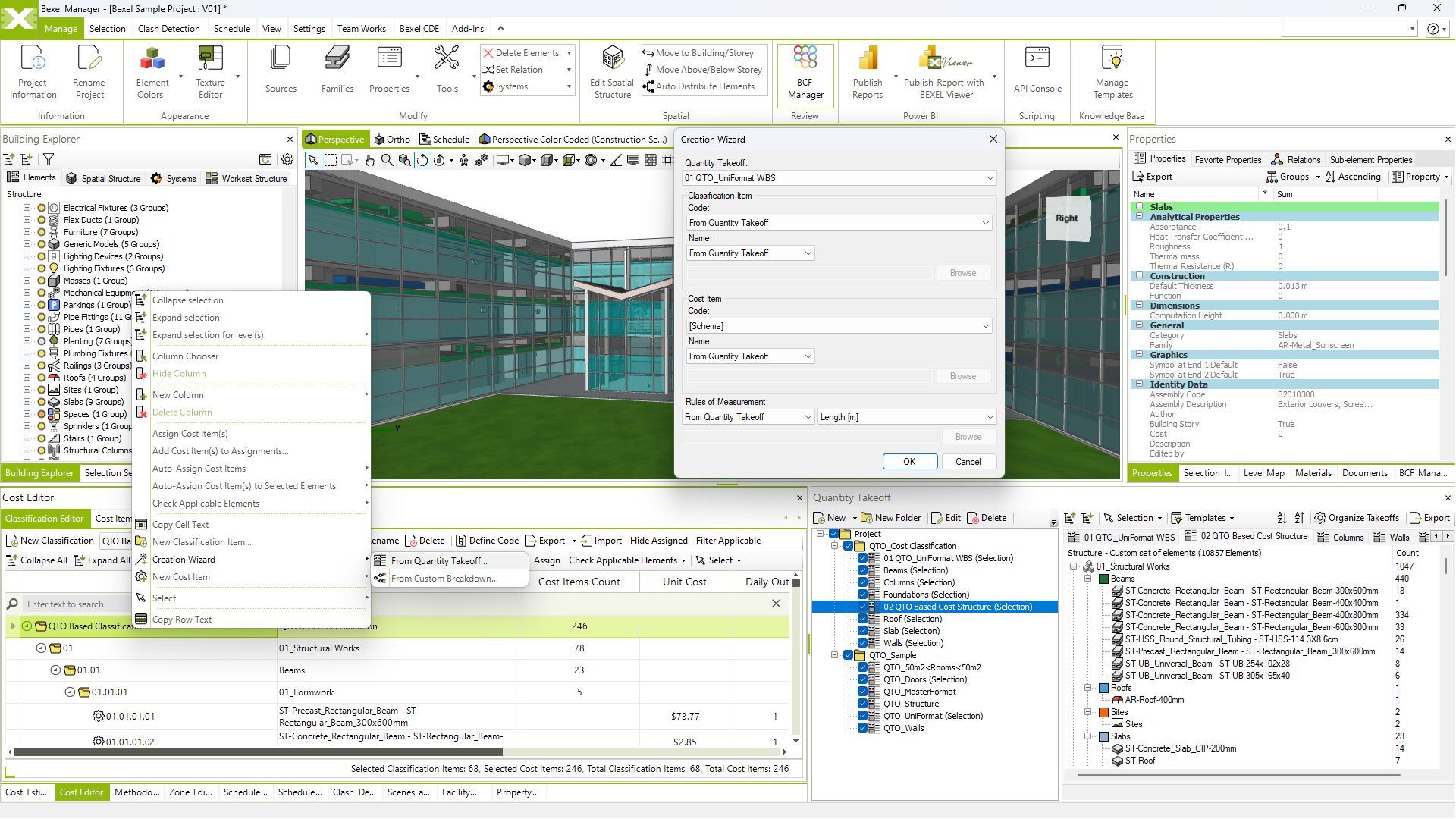
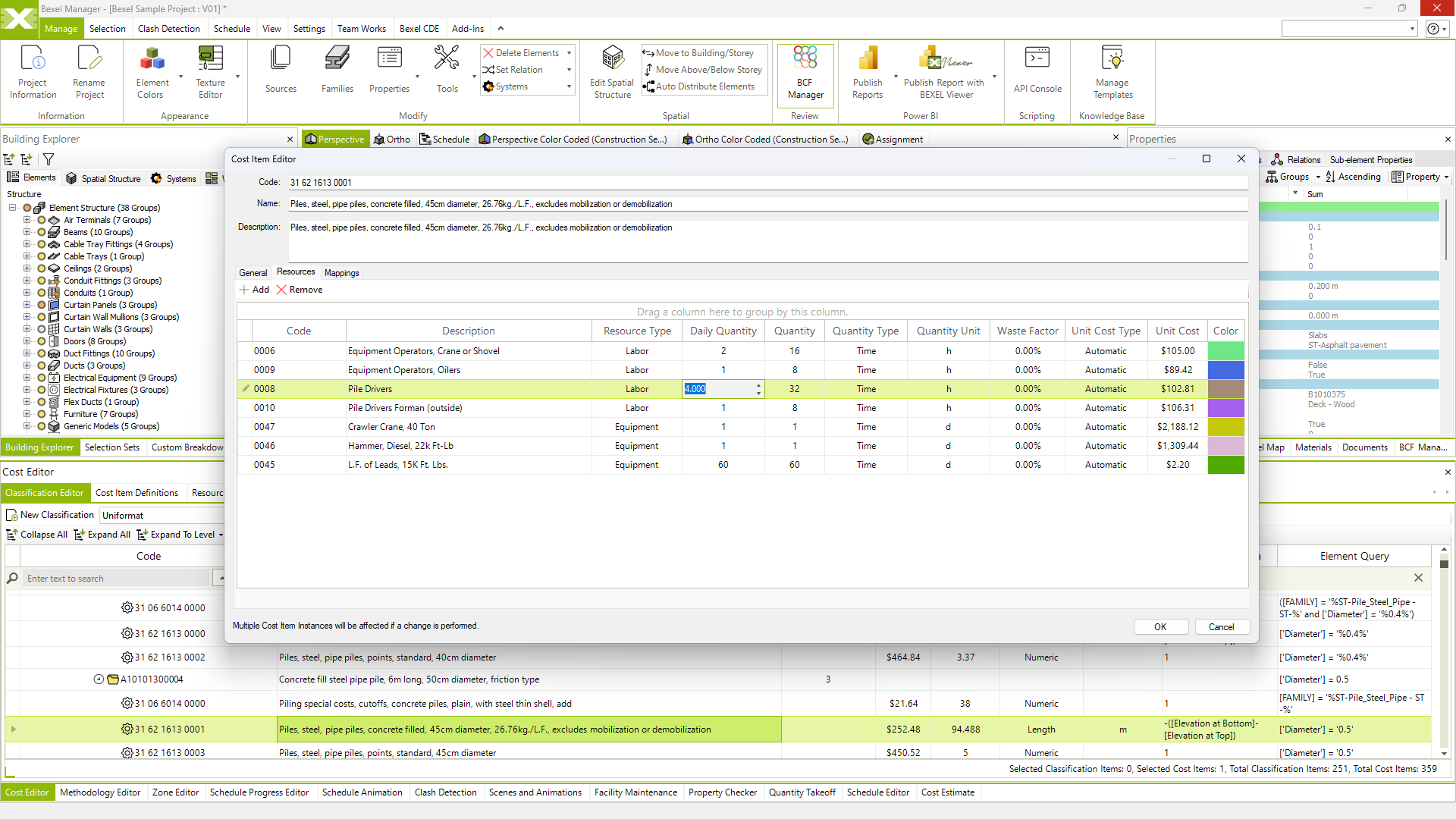
Smart linking of model elements to cost items

Element based cost analysis

Budgeting and bill of quantities

Smart automated 5D scheduling

Productivity rates and resource planning

Critical path method (CPM) and analysis (CPA)

Import/export schedules from various sources (e.g. Primavera, Microsoft Project)

Gantt export to .pdf and .xlsx

5D Schedule coloring by various rules

Schedule comparison

COST OPTIMIZATION
Reduce Costs Without Compromising Performance

Efficient cost optimization through strategic resource allocation and cash-flow analyses for enhanced project financial outcomes

Advanced analysis & optimization

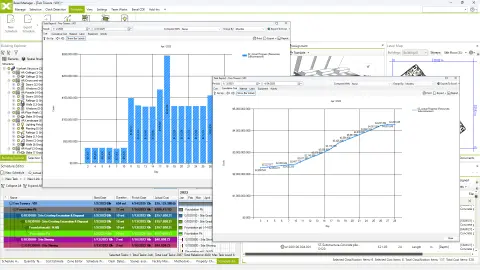
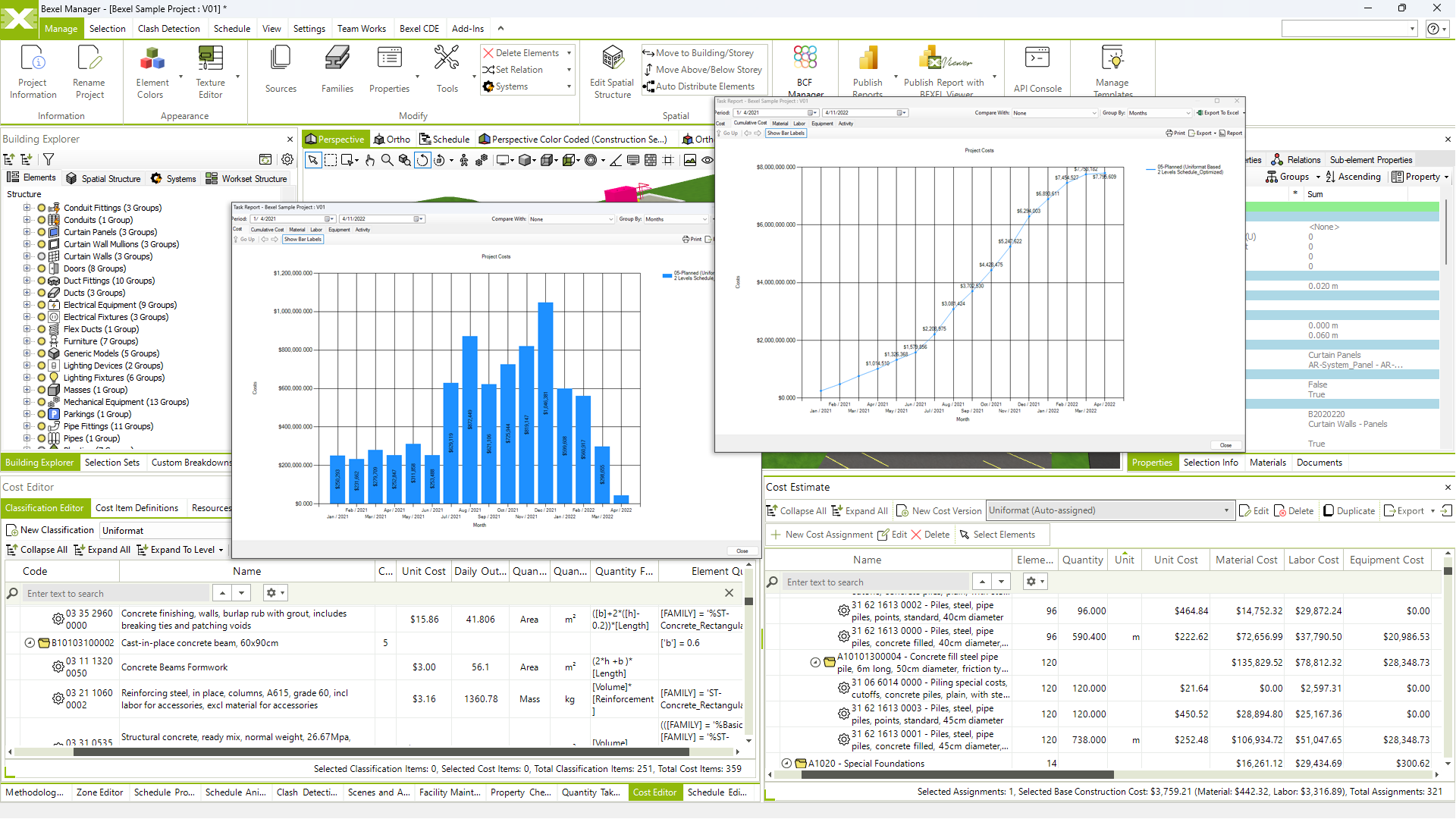
Cash flow analysis

Resource management, allocation and leveling

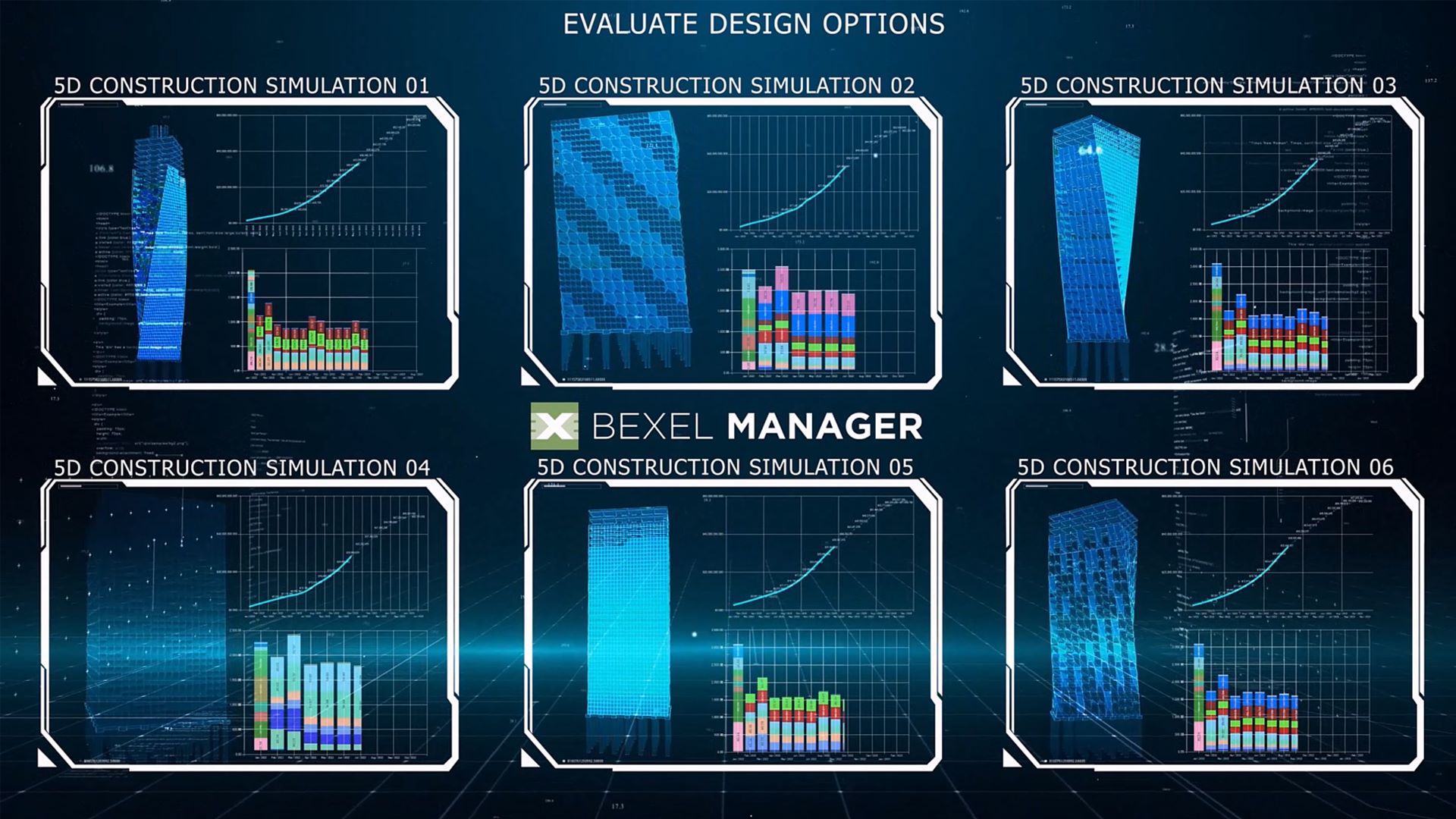
5D CONSTRUCTION SIMULATION
See Construction Before It Happens

A comprehensive visual view, including both time and cost data, clearly visualizes how design and schedule decisions impact the overall project cost

Create and export 5D simulation

Real-time construction simulation review

Custom color schemes for elements, tasks and resources

Animation management (e.g. camera path, time interval, frame rate)

5D Schedule task categorisation (demolition/temporarry/costruction/neutral)

PROGRESS MONITORING
Stay Connected to Every Project Milestone

A clear overview of the schedule, possible delays and cash flows during the project implementation ensures proactive decision-making and effective management

BCF progress entry

Selection sets progress entry

Traditional quantity based and element based progress entry

Import progress entry

Automated schedule update according to progress input

Look-ahead plans creation and analysis

Monitor construction progress

Resource monitoring

Customizable monthly payment certificate

REPORTING
Transform Project Data into Clear Decisions

Informed decision-making with data-driven analysis of project progress, resource allocation, and key performance indicators

Advanced reporting engine

Detailed cost and schedule reports

What-If analysis

Planned vs actual analysis

Executive reporting

KPI tracking

View video

Look-ahead analysis

Resource monitoring

Schedule comparison

Collaboration

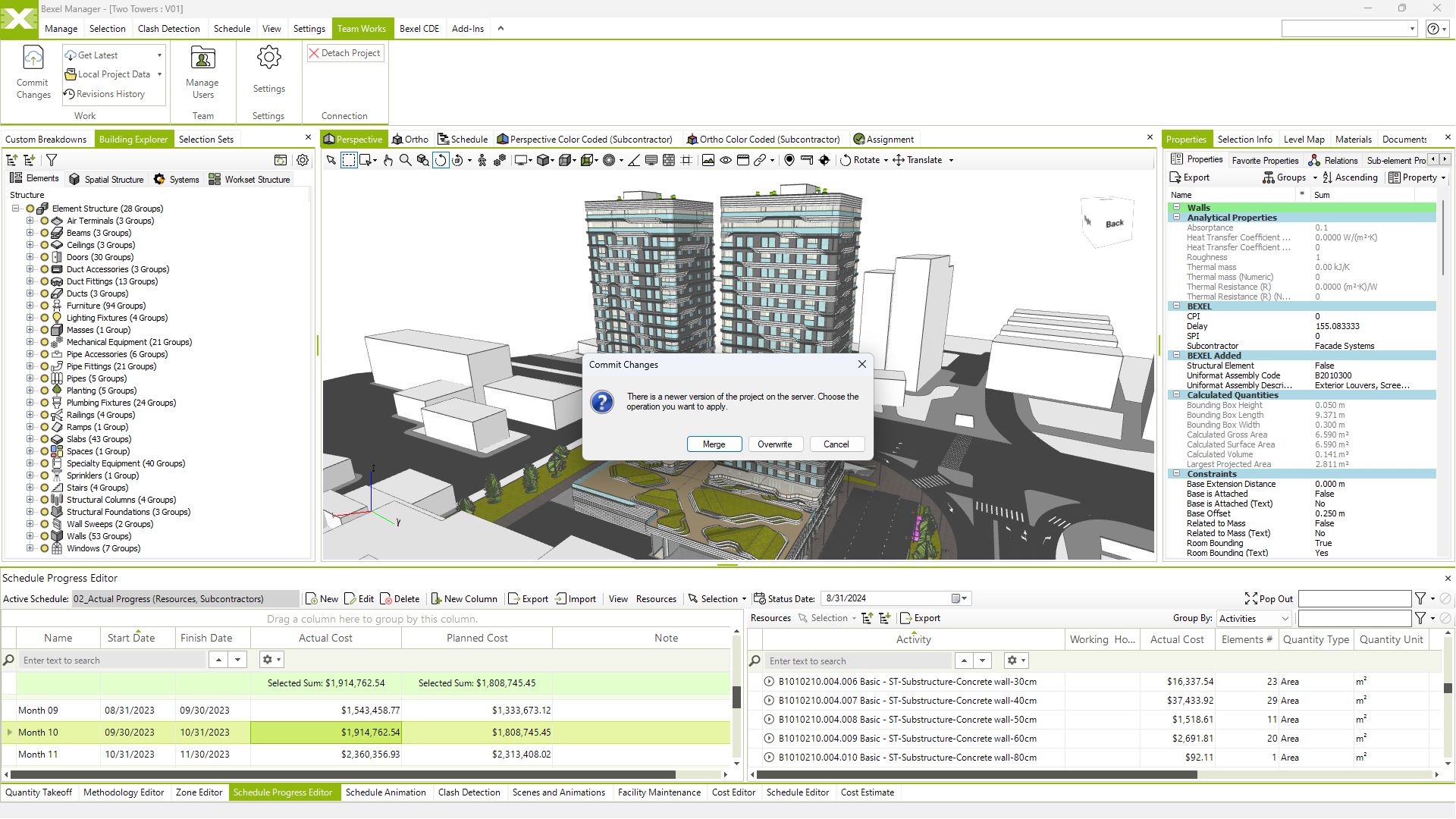
Synchronized analyses across multiple users, update notifications and history of all model versions enable real-time collaboration, allowing teams to work concurrently on a shared model. This fosters efficiency, reduces errors, and promotes a more integrated and collaborative approach to construction projects.

COLLABORATION
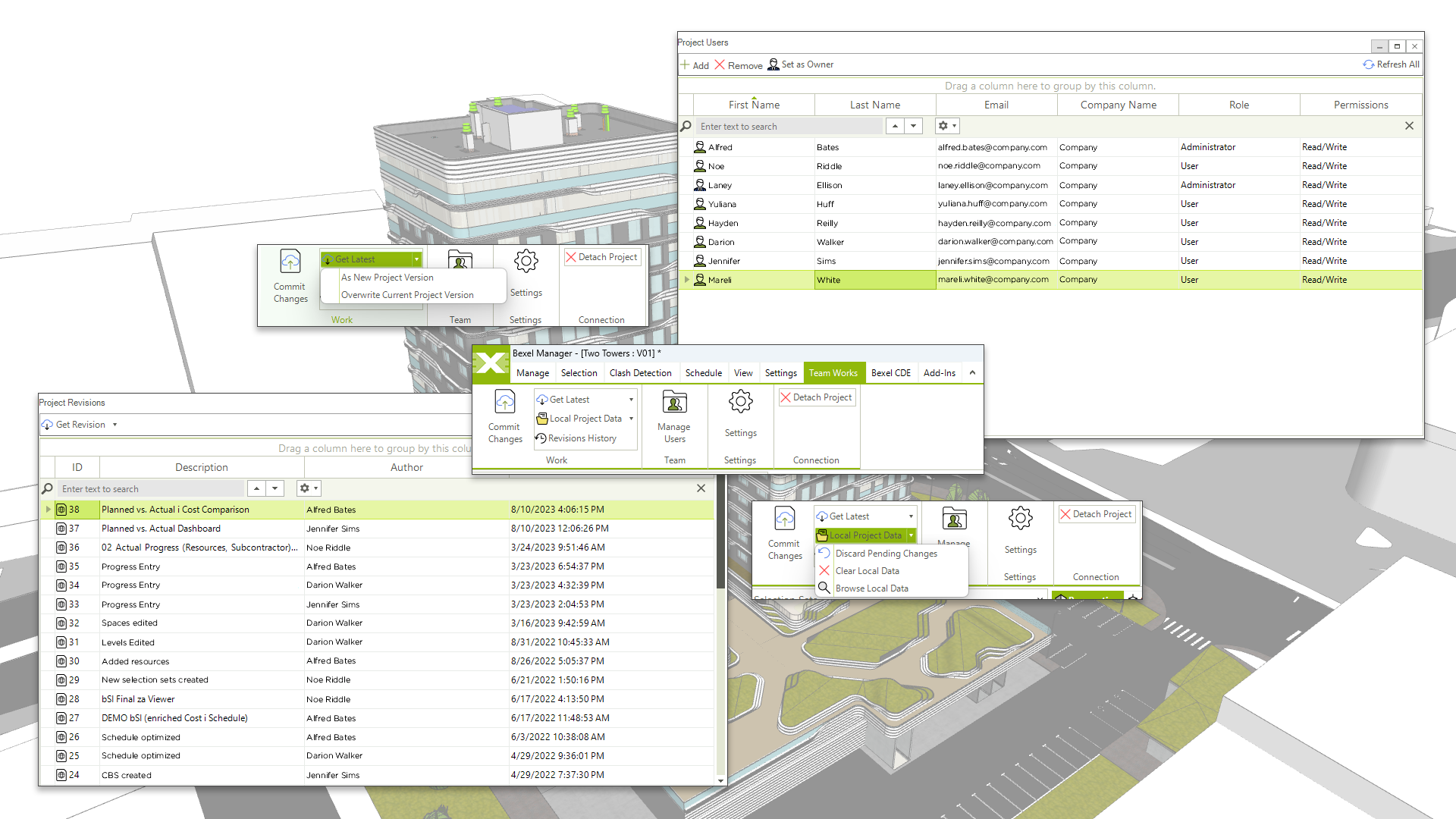
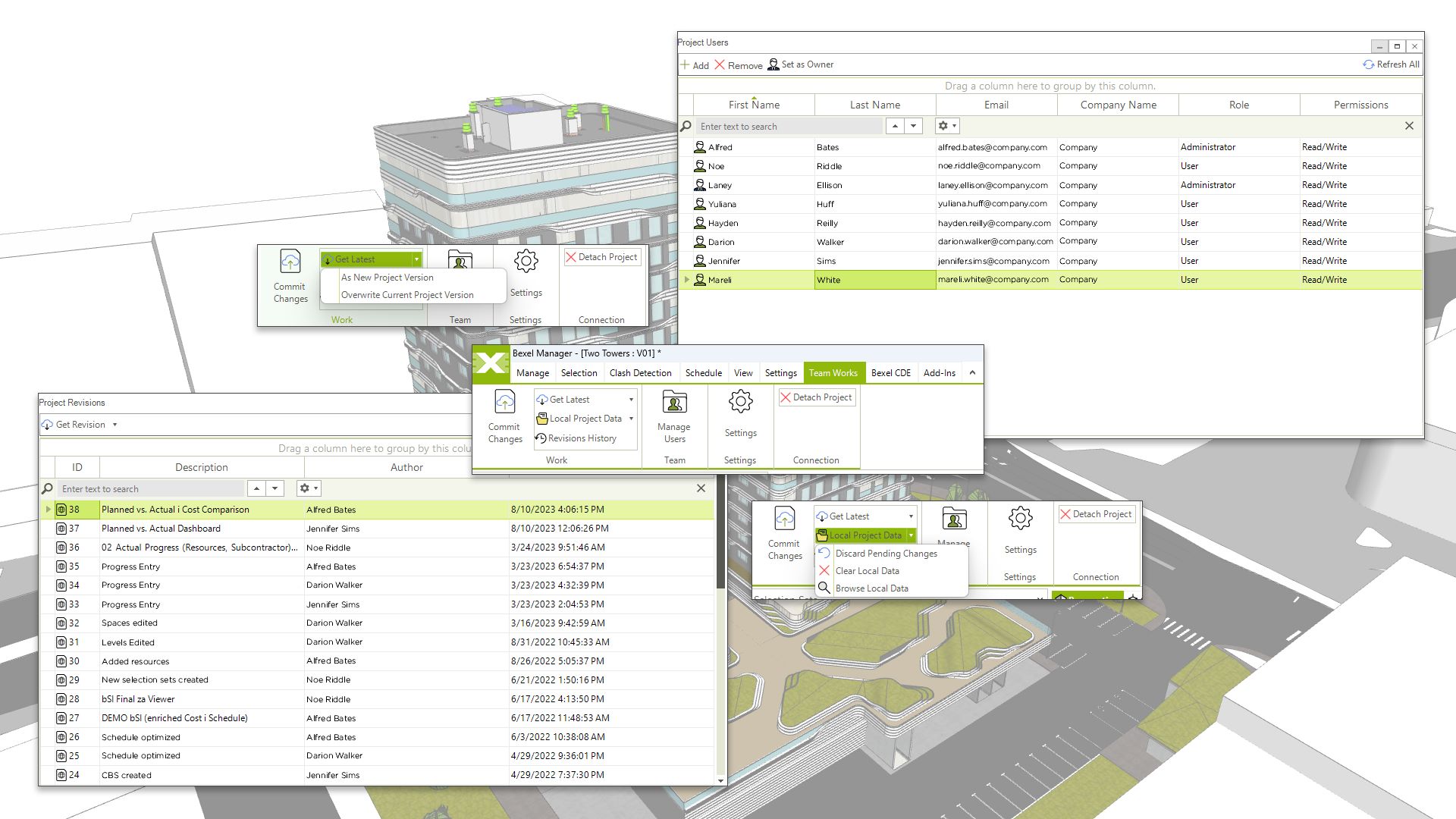
Bexel TeamWorks Collaboration

Real-time collaboration provides a virtual workspace where team members concurrently collaborate on projects and co-create analyses in real-time

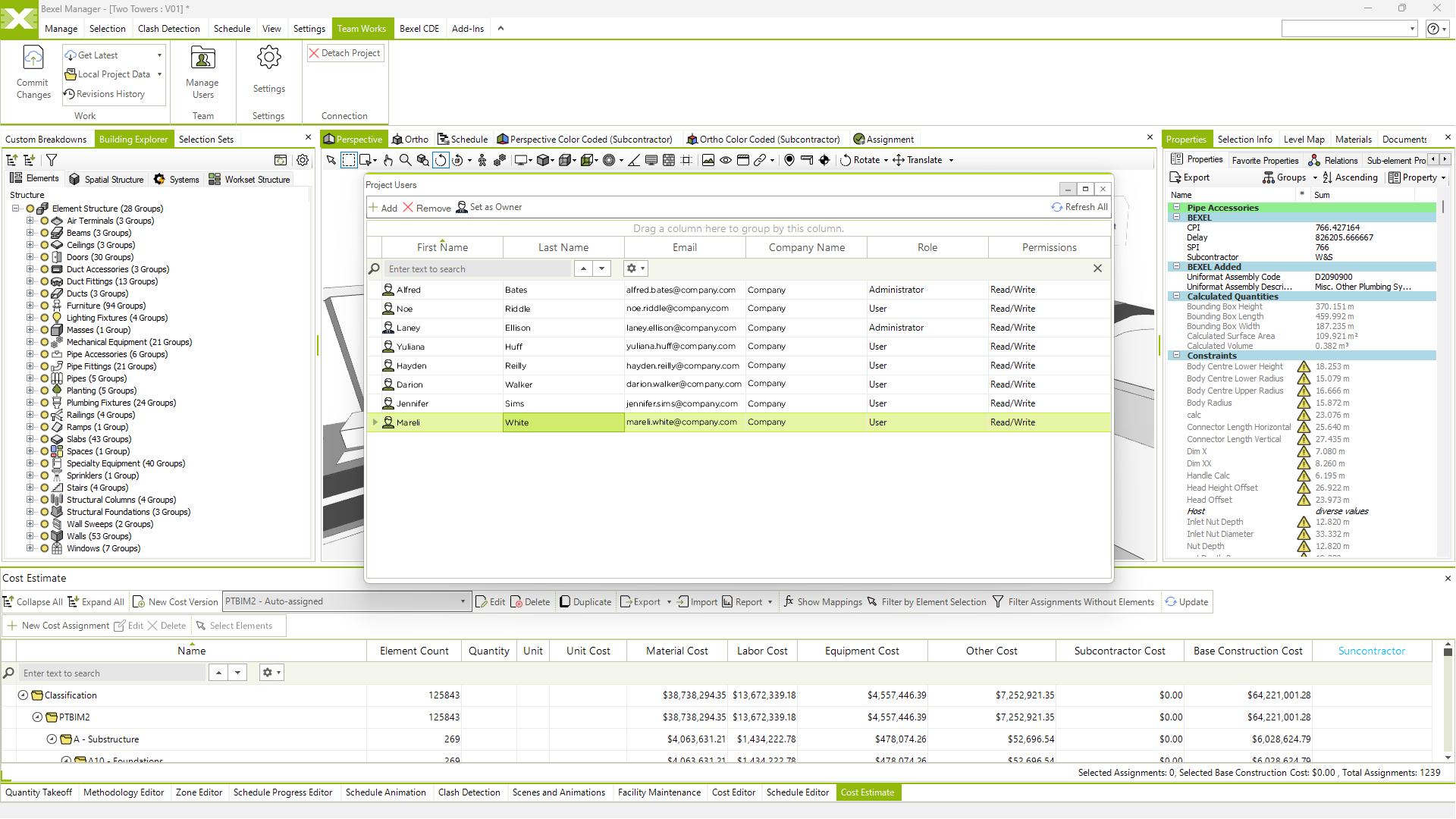
Define user roles and permissions

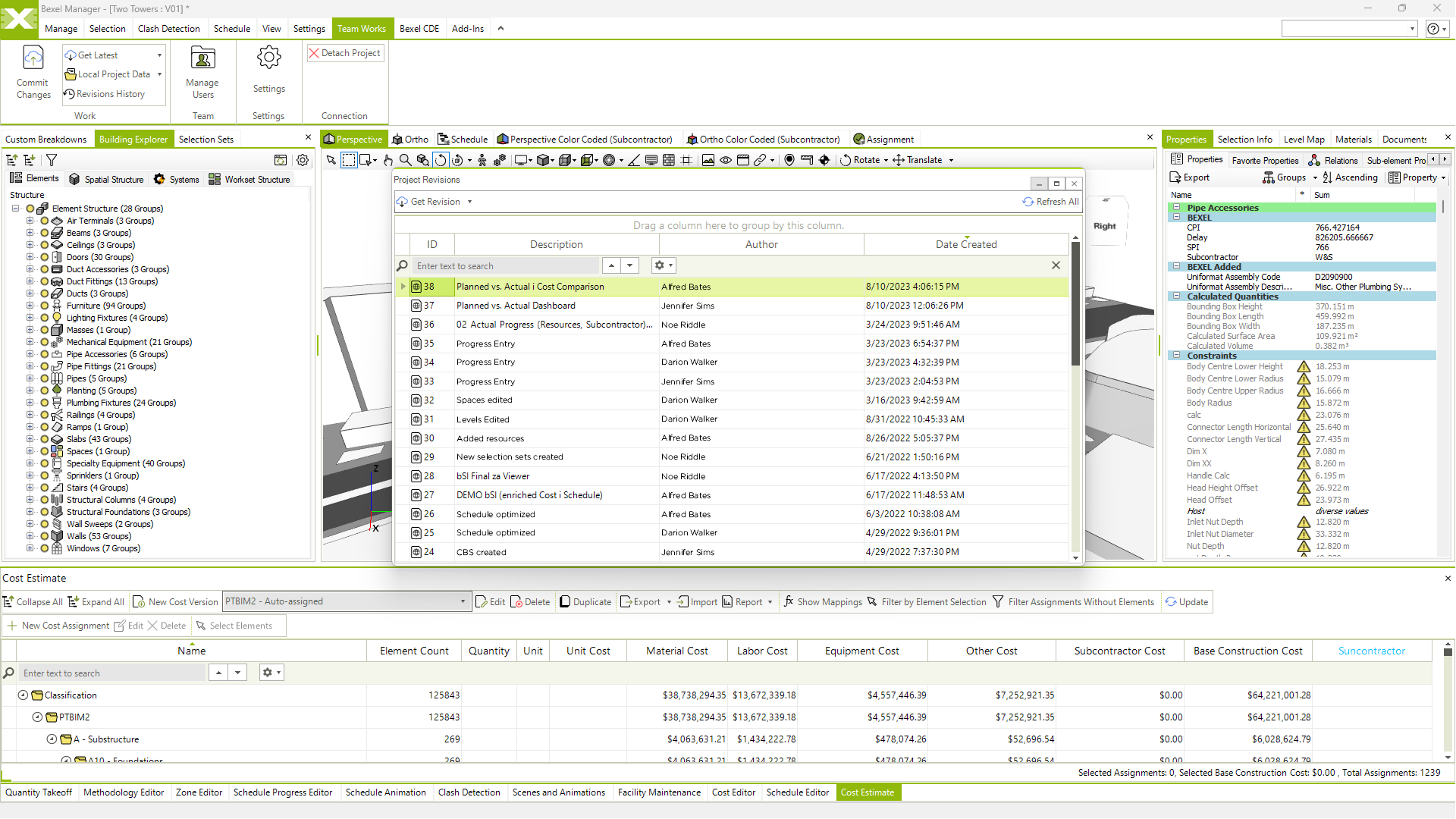
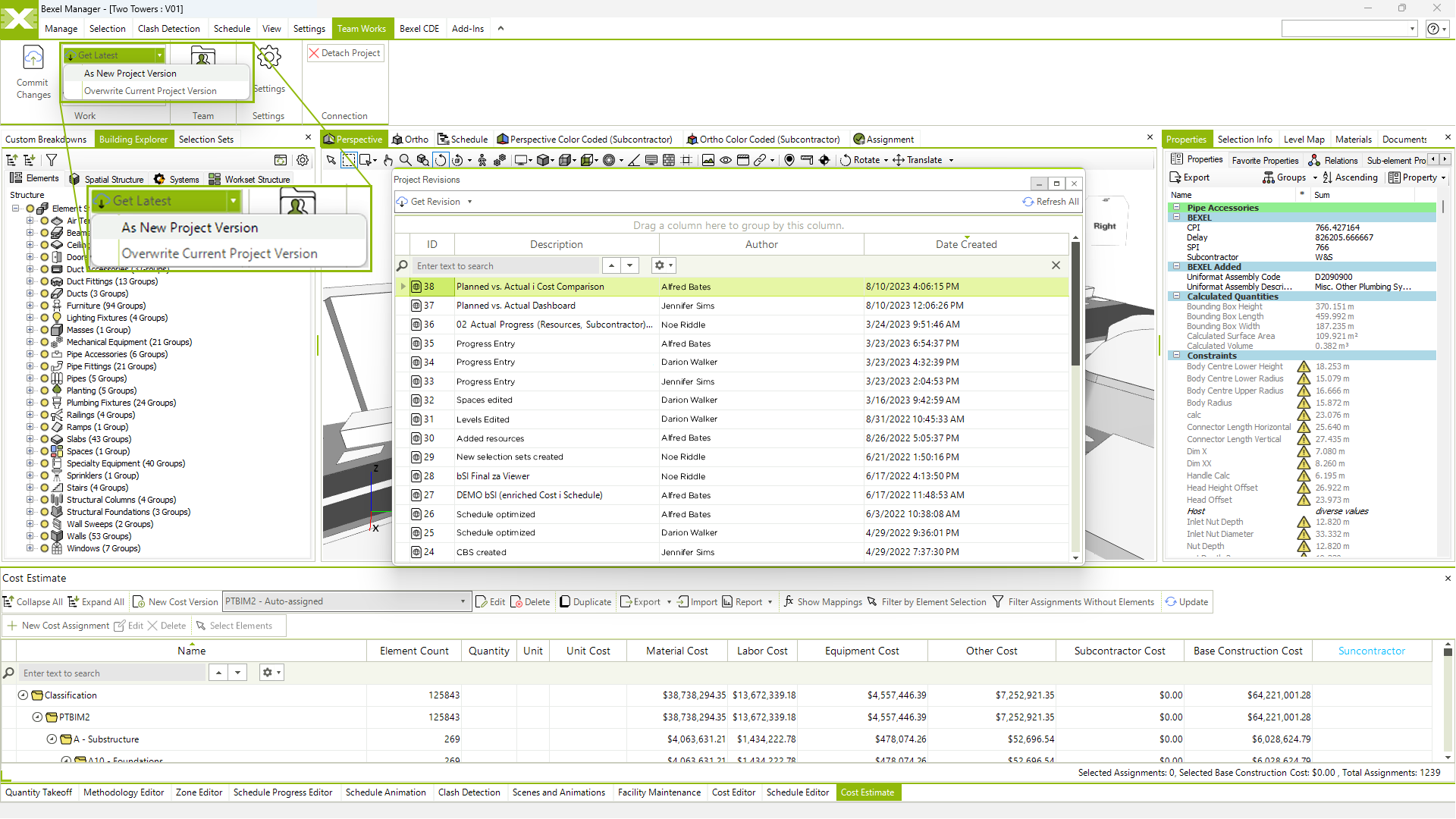
History of all model versions available to go back to

Optimized incremental project versioning

Archiving

Model & Analyses updates notifications

Collaboration and synchronization of analysis by multiple users

Publishing of sub-models changes to federated model

The ultimate resource hub of expert knowledge

2

Navigation

On the top you can see the main navigation

In the bottom right corner you can ask for support any time

If you want to close this guide, just click on the X